
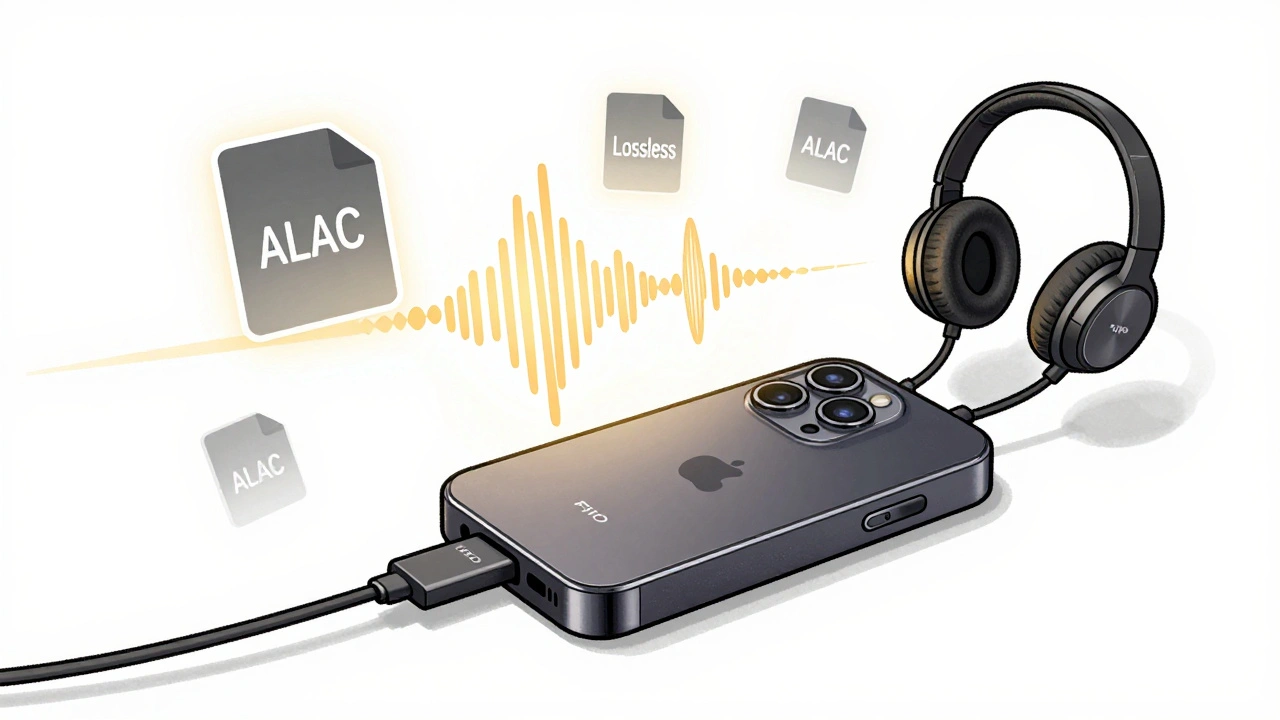
If you’ve switched to Apple Music Lossless, you know the difference it makes. The clarity, the depth, the way instruments breathe-it’s not just louder, it’s more real. But here’s the catch: not every device you own can play it. Apple uses ALAC (Apple Lossless Audio Codec), and if your gear doesn’t support it properly, you’re stuck with standard quality-even if you’re paying for the hi-fi tier.
What Is ALAC, and Why Does It Matter?
ALAC is Apple’s own lossless audio format. Unlike MP3 or AAC, which throw away audio data to shrink file size, ALAC keeps every single sample from the original recording. A 24-bit/192kHz ALAC file can be over 100MB per song. That’s why streaming it needs bandwidth, storage, and hardware that can handle it.
Apple started rolling out Lossless in June 2021. By 2023, all new Apple devices shipped with full ALAC decoding built-in. But older gear? That’s where things get messy. You might think your AirPods Pro or HomePod Mini can play Lossless. They can’t-not really. They downsample everything to 48kHz or lower, no matter what you select.
Which Apple Devices Play True Lossless Audio?
Here’s the hard truth: Apple’s own products are the only ones guaranteed to deliver full ALAC quality. But even among them, not everything works the same.
- iPhone 15 Pro and later: Full support for 24-bit/192kHz over USB-C. Pair with a compatible DAC and headphones for true studio-grade sound.
- iPhone 11 to iPhone 14: Support up to 24-bit/48kHz over Lightning or Bluetooth (but Bluetooth limits you to AAC, not ALAC).
- iPad Pro (M1 and later): Full 24-bit/192kHz support via USB-C. Works great with external DACs like the FiiO K3 or Chord Mojo.
- MacBook Air (M2) and MacBook Pro (M1/M2): Full ALAC decoding. Use the built-in headphone jack or connect to a USB-C DAC for best results.
- Apple TV 4K (2021 and later): Supports 24-bit/48kHz over HDMI to compatible AV receivers. You need a soundbar or receiver that handles ALAC natively.
- HomePod and HomePod Mini: Only play up to 48kHz. Even if you select Lossless, they convert it internally. No true ALAC here.
- AirPods Pro (1st and 2nd gen), AirPods Max: Bluetooth forces AAC compression. Lossless is not possible over wireless with any AirPods model.
Bottom line: if you want full ALAC, you need a wired connection to a device that can decode it. No exceptions.
What About Non-Apple Hardware?
Apple’s ecosystem is locked in, but that doesn’t mean you’re stuck with just iPhones and Macs. Many third-party devices support ALAC-but only if they’re designed for high-res audio.
- Fiio, iFi, Chord, and Astell&Kern portable players: All support ALAC natively. Just plug in your USB-C drive or connect via USB to your Mac or iPad, and play files directly.
- Denon, Marantz, and NAD AV receivers: If they list ALAC or FLAC support in their specs, they’ll handle Apple Music Lossless over AirPlay 2 or HDMI.
- USB DACs (Digital-to-Analog Converters): These are the secret weapon. A $100 DAC like the iFi Go Blu or AudioQuest DragonFly Cobalt can turn any smartphone or laptop into a lossless playback rig. Just plug it in, select Apple Music Lossless, and you’re good.
- Windows PCs and Android phones: Apple Music app on Windows supports ALAC. On Android, the official app streams up to 24-bit/48kHz over Wi-Fi or cellular, but only if you use a compatible DAC or wired headphones with built-in decoding.
Important: Bluetooth headphones-even ones labeled "hi-res"-don’t support ALAC. Bluetooth bandwidth caps out at AAC or SBC. You need a wired connection or a DAC with built-in Bluetooth receiver that supports LDAC or aptX HD. Even then, you’re not getting true ALAC, just a close approximation.

How to Check If You’re Actually Getting Lossless
Apple doesn’t make it obvious. There’s no big "LOSSLESS" tag on your screen. Here’s how to confirm you’re getting the real thing:
- Go to Settings > Music > Audio Quality on your iPhone or iPad.
- Make sure Lossless is turned on. Choose ALAC if you want the highest quality.
- Connect your device to a wired DAC or pair with a compatible receiver via USB or HDMI.
- Play a song and tap the Now Playing bar at the bottom of the screen.
- If you see Lossless or Hi-Res Lossless next to the song title, you’re good.
If you see "AAC" or nothing at all, you’re not getting lossless. That means your output path is limiting you-likely Bluetooth, an old headphone jack, or a device that can’t decode ALAC.
What About Streaming Over Wi-Fi?
Apple Music uses Wi-Fi and cellular data to stream ALAC. But here’s what most people miss: the quality depends on the end device, not the network. You can have a 1Gbps internet connection, but if your speaker only supports 16-bit/44.1kHz, you’re still hearing compressed audio.
For true lossless over Wi-Fi, you need:
- A compatible AirPlay 2 device (like an Apple TV 4K or supported AV receiver)
- A network with low latency and no interference
- No Bluetooth intermediaries
Many smart speakers-Sonos, Bose, JBL-don’t support ALAC. Even if they say they support Apple Music, they’re playing the standard AAC stream. You’ll need to check the manufacturer’s technical specs for ALAC or FLAC compatibility.
What You Can Do Right Now
You don’t need to buy a new iPhone to enjoy Lossless. Here’s how to get started today:
- If you have a Mac or iPad with USB-C: get a $50 USB DAC like the FiiO K3. Plug it in. Play. Listen.
- If you have older AirPods: swap them for wired headphones like the Sennheiser HD 660S2 or Sony WH-1000XM5 (wired mode).
- If you’re using a home stereo: connect your Apple TV 4K to your receiver via HDMI and enable Lossless in Apple Music settings.
- If you’re on Android: download the Apple Music app, plug in a USB-C DAC, and stream directly.
There’s no magic upgrade. Just better connections. Lossless isn’t about the app-it’s about the chain from source to speaker.
Common Mistakes That Kill Lossless Quality
Even if you have the right gear, these mistakes will ruin your experience:
- Using Bluetooth headphones and thinking you’re getting Lossless (you’re not).
- Plugging headphones into an iPhone’s Lightning port without a proper DAC (the built-in chip is capped at 48kHz).
- Assuming your HomePod Mini or Sonos speaker plays Lossless (they don’t).
- Not checking the audio quality setting in Apple Music (it defaults to High Quality, not Lossless).
- Streaming over cellular without selecting "Use Cellular Data" for Lossless (it’s off by default).
One user in Dublin told me he bought a $1,200 pair of headphones, only to realize his iPhone 12 couldn’t deliver full ALAC. He spent $80 on a USB-C DAC and finally heard the difference. That’s the reality.
What’s Next for Lossless Audio?
Apple is slowly expanding support. The iPhone 15 Pro’s USB-C port opened the door to 192kHz playback. Future AirPods might support LDAC or even wired USB-C. But for now, wired is king.
Other services like Tidal and Qobuz offer similar formats, but ALAC is the only one fully integrated into Apple’s ecosystem. If you’re already paying for Apple Music, you might as well use it right.
The future of lossless isn’t about more bits-it’s about fewer compromises. Less Bluetooth. More wires. Better DACs. And knowing exactly what your gear can-and can’t-do.
Can AirPods play Apple Music Lossless?
No. All AirPods models, including AirPods Pro and AirPods Max, use Bluetooth, which compresses audio to AAC or SBC. Even if you select Lossless in Apple Music, the signal is downsampled before it reaches your ears. You need wired headphones or a compatible DAC to hear true ALAC.
Does Apple Music Lossless work on Android?
Yes, but with limits. The official Apple Music app for Android supports up to 24-bit/48kHz ALAC over Wi-Fi or cellular. However, you need a compatible DAC or wired headphones with built-in decoding to hear the full quality. Bluetooth still compresses the signal.
Do I need a special cable for Apple Music Lossless?
Not always, but you might need one. If you’re using an iPhone with Lightning, you’ll need a Lightning-to-USB-C adapter and a USB DAC. On iPhone 15 or newer with USB-C, you can plug a USB-C DAC directly in. For Macs and iPads, a USB-C to 3.5mm or USB-C to USB-C DAC works fine. The cable itself doesn’t matter-it’s the DAC that decodes the signal.
Is Hi-Res Lossless worth it over regular Lossless?
For most people, no. Regular Lossless (24-bit/48kHz) sounds excellent on any decent system. Hi-Res Lossless (24-bit/192kHz) requires expensive gear to even notice the difference. Unless you’re using high-end studio headphones or a $1,000 DAC, you won’t hear a meaningful improvement. Stick to standard Lossless unless you’re an audiophile with the gear to match.
Can I use Apple Music Lossless with my home stereo?
Yes, but only if your stereo supports ALAC or FLAC. Connect your Apple TV 4K (2021 or later) to your AV receiver via HDMI, enable Lossless in Apple Music settings, and select the receiver as the output. If your receiver only supports Bluetooth or AirPlay 1, you’ll get compressed audio, not true Lossless.