
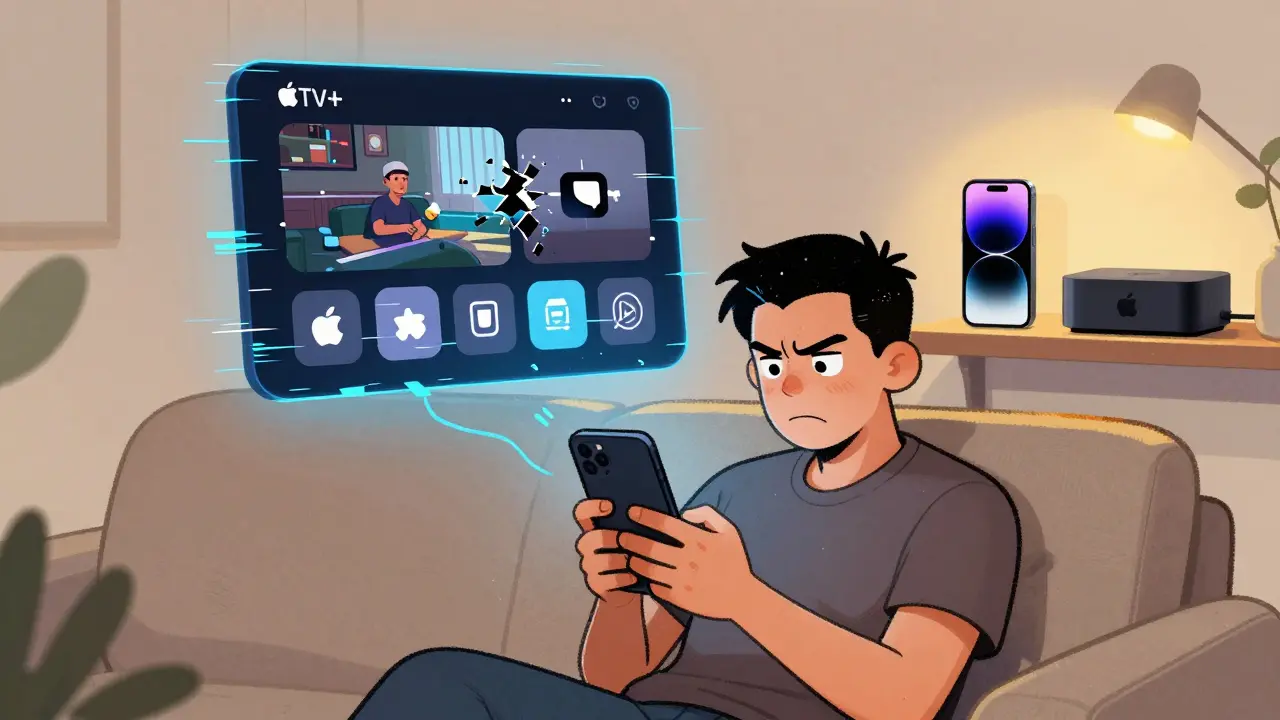
Apple TV+ works on Android and Windows, but it doesn’t feel like it was built for them. If you’re expecting the same smooth, polished experience you get on an iPhone or Apple TV box, you’re in for a surprise. The app runs. It plays shows. It even supports 4K HDR. But behind the scenes, it’s missing the little things that make streaming feel effortless.
It Works, But It’s Clunky
The Apple TV+ app is available on the Google Play Store for Android phones and tablets, and as a downloadable installer for Windows 10 and 11. You can sign in with your Apple ID, browse the catalog, and start watching. No subscription hassles. No region locks (if your account is set up properly). But the moment you open the app, you notice the difference.
On Android, the interface feels like it was copied from iOS and shrunk down without rethinking the layout. Buttons are too small. Scrolling through rows of shows stutters on mid-range phones. The search bar doesn’t auto-suggest titles as quickly as it does on Apple devices. And if you switch apps while playing a show, the video often pauses - even if you’re just checking a text message.
On Windows, the app is even more awkward. It’s a UWP app, not a native desktop program. That means it doesn’t integrate with Windows’ taskbar properly. You can’t pin it to the Start menu as a live tile. It doesn’t respond well to keyboard shortcuts. And if you try to use it on a 4K monitor with high DPI scaling, the text gets blurry or overlaps. It’s not broken - it’s just not finished.
Missing Features You’d Expect
Apple TV+ on Android and Windows lacks features that are standard on Apple’s own hardware. No Picture-in-Picture mode on Android, even though Android 10+ supports it. No background audio playback - you can’t listen to your podcast while scrolling through TikTok. On Windows, you can’t cast to a Chromecast or AirPlay-enabled TV directly from the app. You have to use third-party tools like Chrome’s screen share, which drains battery and adds lag.
Parental controls are also missing. On Apple TV, you can set up profiles with content restrictions. On Android and Windows, every user gets full access. If you’re sharing a tablet with your kids, there’s no way to lock out adult shows. You have to rely on Google’s Family Link or Windows Family Safety - and those don’t sync with Apple’s content ratings.
And don’t expect offline downloads to work the same. Yes, you can download episodes. But the download folder isn’t accessible through the file manager. You can’t move files to an SD card. And if you clear cache or uninstall the app, all downloads vanish. No backup. No cloud sync. Just gone.
Performance Isn’t Consistent
Apple TV+ claims to support 4K HDR on compatible devices. And technically, it does - if your phone or PC meets the minimum specs. But in practice, it’s hit or miss.
On a Samsung Galaxy S23 Ultra, the app runs smoothly and plays Dolby Vision without issue. On a $200 Motorola Moto G Power, the same app stutters, drops frames, and sometimes switches to 720p even when you’re on a 100 Mbps Wi-Fi connection. There’s no setting to force higher quality. The app decides for you - and it often picks the lowest option.
On Windows, performance depends on your GPU. If you have an Intel integrated graphics chip, you’ll see heavy CPU usage and overheating. NVIDIA and AMD cards handle it better, but you still get inconsistent bitrate control. Some shows play at 15 Mbps. Others drop to 6 Mbps mid-episode. No user control. No diagnostic tools. Just frustration.
Why Does This Happen?
Apple doesn’t prioritize third-party platforms. Their goal isn’t to make Apple TV+ the best streaming app on Android - it’s to get people to buy Apple hardware. The app exists on Android and Windows to keep users from leaving the ecosystem entirely. It’s a bridge, not a destination.
That’s why updates are slow. The Android app hasn’t had a major redesign since 2022. The Windows version still uses the same codebase as the 2021 release. New features like Spatial Audio, Multi-View, or Apple Fitness+ integration never make it to non-Apple devices. Even when Apple announces a new feature, it takes months - if it ever arrives at all.
Compare that to Netflix or Disney+. Both apps are constantly updated, optimized for every screen size, and packed with features tailored to Android and Windows users. Apple TV+ feels like an afterthought.
What Actually Works
It’s not all bad. The app does deliver one thing consistently: the quality of the content. Every Apple Original - from Severance to Mythic Quest - looks and sounds incredible. The interface, while clunky, is still clean. No ads. No clutter. Just your shows, neatly organized.
Apple TV+ also supports Dolby Atmos audio on compatible Android devices and Windows PCs with the right sound setup. If you have a good pair of headphones or a home theater system, you’ll hear the difference. The audio mixing on shows like The Morning Show is outstanding, and it’s not watered down on non-Apple devices.
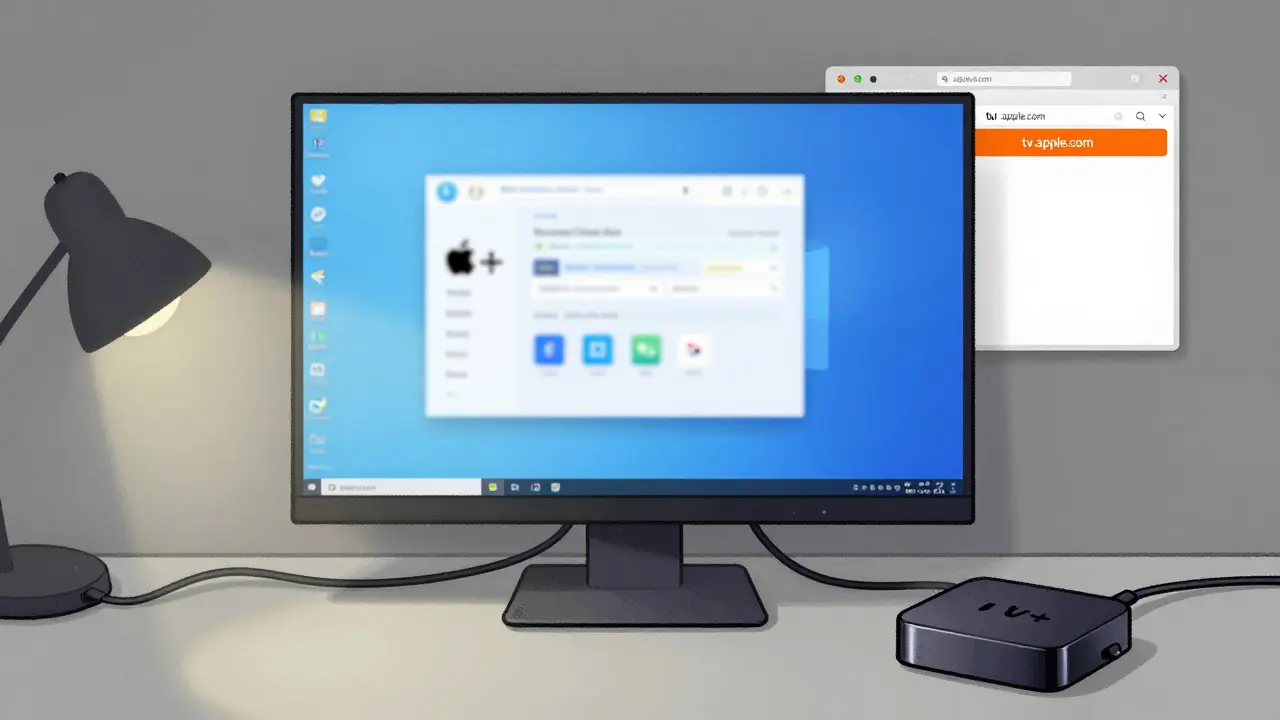
And if you’re okay with using a browser, the web version at tv.apple.com works surprisingly well on Chrome or Edge. It’s not as fast as the native app, but it’s more stable. You can use it on any Windows or Android device with a browser - even if the app crashes. It supports 4K, subtitles, and even lets you sign in with your Apple ID. It’s not perfect, but it’s reliable.
Who Should Use It?
Only two kinds of people should install Apple TV+ on Android or Windows:
- Those who already own Apple devices and want to keep watching their shows on a secondary screen.
- Those who are hooked on Apple Originals and don’t mind sacrificing convenience for access.
If you’re shopping for a streaming service and you’re on Android or Windows, Apple TV+ isn’t the best choice. You’ll get more value from Netflix, Hulu, or even Amazon Prime Video. They’re faster, more reliable, and built for your device.
But if you’ve already paid for Apple TV+ - maybe because you got it free with an iPhone or Mac - then yes, use it. Just don’t expect it to feel native. Use the web version if the app crashes. Use headphones for the best audio. And don’t bother trying to cast it to your TV unless you’re okay with lag.
Alternatives That Do It Better
If you’re looking for a streaming app that just works on Android and Windows, here are three that outperform Apple TV+:
- Netflix: Optimized for every device, supports 4K HDR, offline downloads, profiles, and parental controls - all without a glitch.
- Amazon Prime Video: Works flawlessly on Windows and Android, integrates with Alexa, and lets you download to SD cards.
- Disney+: Fast loading, smooth playback, great parental controls, and a clean interface that doesn’t feel like an afterthought.
None of these services have Apple’s exclusive content. But they don’t make you work harder to watch it.
Final Verdict
Apple TV+ on Android and Windows is functional. It plays shows. It doesn’t crash constantly. It has no ads. But it’s not designed for these platforms. It’s tolerated. It’s a compromise. If you’re willing to accept that, you can still enjoy the shows. But you’ll always feel like you’re using the second-best version.
Apple wants you to buy an Apple TV box or an iPhone. Until then, you’re stuck with a halfway solution.
Can I download Apple TV+ shows for offline viewing on Android and Windows?
Yes, you can download episodes for offline viewing on both Android and Windows. But the downloads are locked inside the app’s private storage. You can’t move them to an SD card, back them up, or access them through your file manager. If you uninstall the app or clear its data, all downloads are permanently deleted.
Does Apple TV+ support 4K and HDR on Android and Windows?
Yes, Apple TV+ supports 4K HDR and Dolby Vision on compatible devices. On Android, this requires a phone with a high-end display and HDR support, like the Samsung Galaxy S23 or Google Pixel 8 Pro. On Windows, you need a 4K monitor with HDR enabled in Windows settings and a GPU that supports HEVC decoding. But the app doesn’t let you choose quality - it auto-selects based on your device, and it often picks lower resolutions.
Why doesn’t Apple TV+ have Picture-in-Picture on Android?
Apple hasn’t enabled Picture-in-Picture mode in the Android app, even though Android has supported it since version 8.0. This is a deliberate choice - Apple prioritizes features for its own devices. On iPhone and iPad, you can minimize the video to a floating window. On Android, you can’t. It’s one of the clearest signs that Apple doesn’t treat Android as a first-class platform.
Can I cast Apple TV+ to my TV from Android or Windows?
No, the Apple TV+ app doesn’t support casting to Chromecast or other AirPlay-compatible devices. You can’t tap a cast button like you can on Netflix or Disney+. The only workaround is to use Chrome’s screen mirroring feature on Windows or Android, but that drains battery, adds lag, and doesn’t support audio passthrough. It’s a poor substitute.
Is the web version of Apple TV+ better than the app?
For many users, yes. The web version at tv.apple.com runs in Chrome or Edge and avoids the bugs and crashes of the native apps. It supports 4K, subtitles, and Apple ID login. It doesn’t have all the features of the mobile app, like offline downloads, but it’s more stable. If your app keeps freezing, try the browser - it’s often the most reliable option on non-Apple devices.
Will Apple fix the Android and Windows apps?
Unlikely. Apple has shown no interest in improving the Android or Windows apps beyond basic functionality. Updates are rare, and new features like Multi-View or Spatial Audio never arrive. Apple’s strategy is clear: they want you to use Apple hardware. The apps on other platforms exist to retain users, not to delight them.