
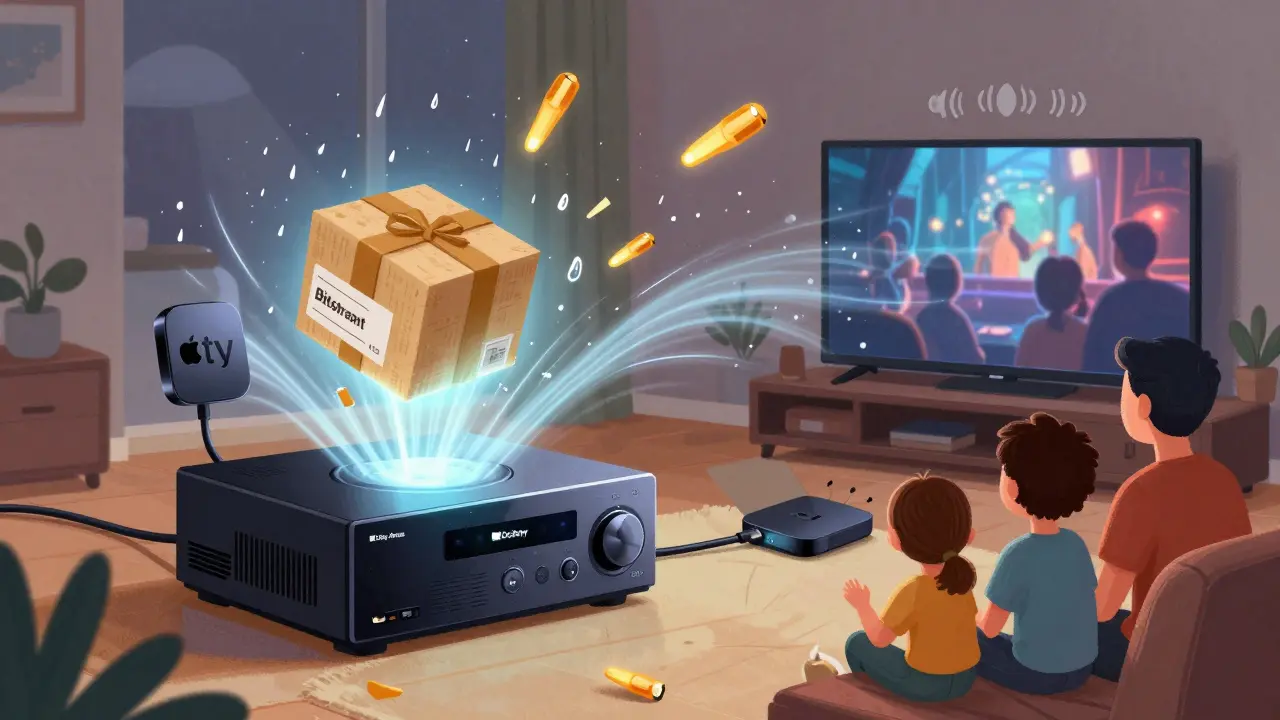
If you’ve ever turned on a movie on Netflix, Apple TV+, or Disney+ and wondered why the sound feels flat-like it’s coming from your TV speakers even though you’ve got a fancy home theater system-you’re probably not sending the audio the right way. The fix isn’t a new speaker or a bigger TV. It’s a simple setting on your AV receiver: bitstream.
What Bitstream Actually Does
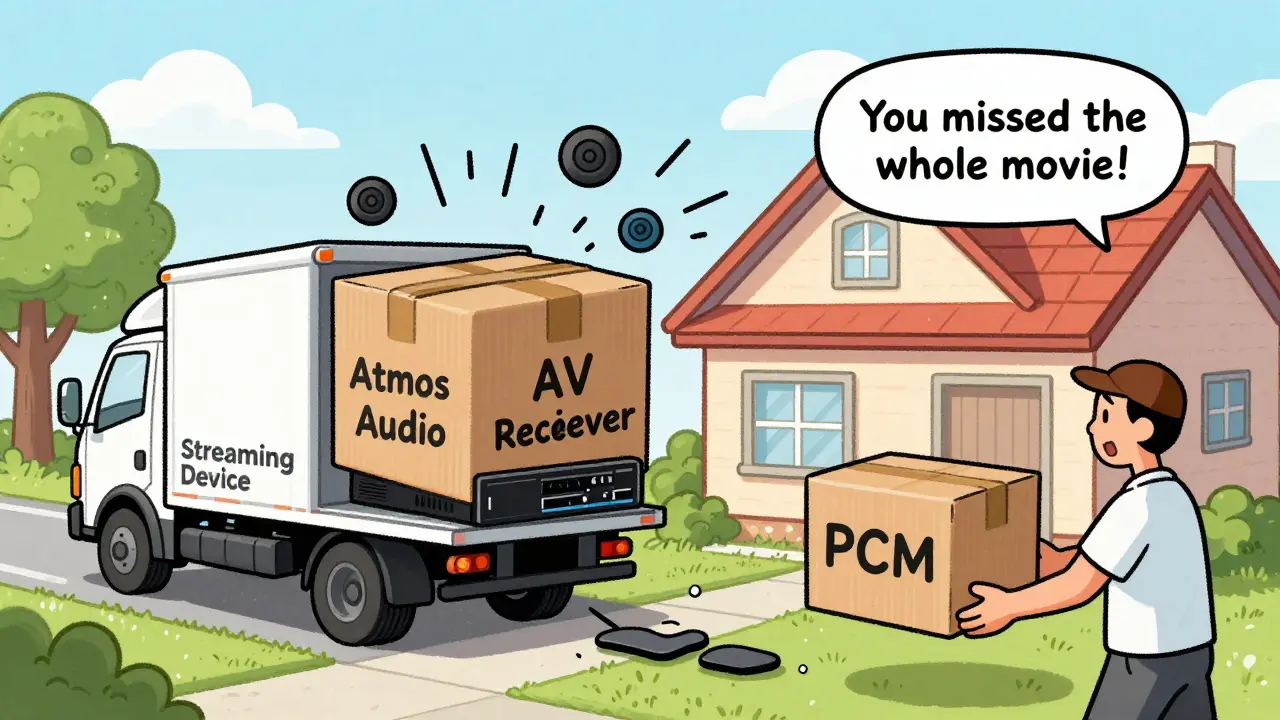
Bitstream mode tells your AV receiver to take the raw, encoded audio signal from your streaming device and decode it itself. This is different from PCM, where the streaming device (like your Apple TV or Roku) decodes the audio first and sends it as plain digital sound. If you’re watching something with Dolby Atmos or DTS:X-like Top Gun: Maverick or The Midnight Sky-and your receiver is set to PCM, you’re missing out. You’re getting a downmixed stereo or 5.1 track, not the full object-based surround experience.Think of it like this: your streaming box is a delivery driver. Bitstream says, "Hand over the original package. I’ll open it." PCM says, "Open it for me and just give me the contents." The original package has everything-the height channels, the precise positioning of sounds, the dynamic range. The contents? Just the basics.
How to Enable Bitstream on Your AV Receiver
You don’t need to be a tech expert. Here’s how to do it, step by step:- Turn on your AV receiver and TV.
- Press the Menu or Setup button on your receiver’s remote.
- Navigate to Audio Settings or Input Settings.
- Find the option labeled Audio Output, Audio Format, or Bitstream/PCM.
- Select Bitstream or Dolby Digital Plus (for Atmos) or DTS-HD (for DTS:X).
- Save the setting and exit.
Some receivers label this under the input source-so if you’re using HDMI 2 (your Apple TV), make sure you’re adjusting the settings for that specific input, not the global setting. That’s a common mistake. A setting changed for HDMI 1 won’t affect HDMI 2.
Why Your Streaming Device Matters
Your AV receiver can’t do magic if your streaming box doesn’t send the right signal. Make sure your device is set to output bitstream too.On Apple TV 4K:
- Go to Settings → Video and Audio → Audio Format
- Select Bitstream
- Make sure Dolby Atmos is turned on if available
On Roku:
- Go to Settings → Audio → HDMI Audio
- Choose Bitstream
On Fire TV Stick 4K Max:
- Go to Settings → Display & Sounds → Audio → Digital Audio Output
- Select Bitstream
If you’re using a gaming console like PlayStation 5 or Xbox Series X, those have similar settings. Don’t assume your TV’s audio settings are enough-your TV is just a middleman. The real control is between your streaming box and your receiver.
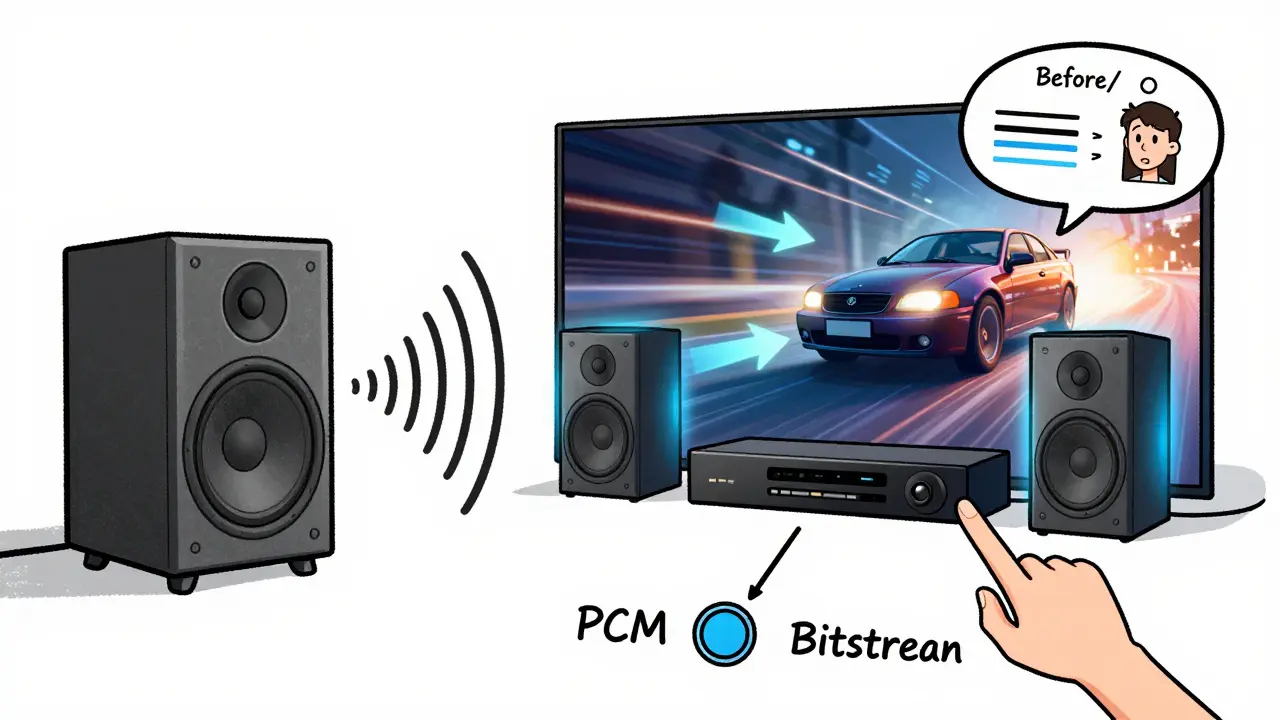
What Happens If You Don’t Use Bitstream
You’ll still hear sound. But you won’t hear what the filmmaker intended.For example, in Spider-Man: No Way Home, when the villains appear from different directions, Atmos creates a 3D sound field. Rain falls from above. A car zooms overhead. If you’re in PCM mode, all that spatial detail gets collapsed into a flat 5.1 or even stereo mix. You lose the height channels entirely. The soundstage feels like it’s stuck to your front speakers.
And yes, this matters even if you’re using soundbars with fake Atmos. Most soundbars that claim Atmos support still rely on bitstream input. If your source sends PCM, they can’t create the illusion properly. The effect is weaker, less precise, and often just louder-not better.
HDR and 4K Don’t Guarantee Good Audio
People obsess over HDR10+ and Dolby Vision on their 4K TVs. They’ll spend hundreds on a TV with perfect black levels. But they’ll leave their audio settings on default. That’s like buying a Ferrari and driving it in first gear.4K video and HDR are visual upgrades. Atmos and DTS:X are audio upgrades. They’re not connected. Your TV can show stunning HDR, but if your receiver is set to PCM, your ears are getting standard definition sound. The two systems work independently. You need both turned on.
And yes, some streaming services auto-detect your setup and switch formats. But they’re not always right. Netflix, for example, might default to 5.1 even if your system supports Atmos. You can’t rely on automation. You need to lock it in manually.
Testing Your Setup
Once you’ve changed the settings, test it. Play something you know has Atmos or DTS:X. Look at your receiver’s display. It should say Dolby Atmos, DTS:X, or Dolby Digital Plus-not PCM or Stereo.If you don’t see it, go back. Double-check:
- Is your streaming device set to bitstream?
- Is your AV receiver set to bitstream on the correct HDMI input?
- Is your HDMI cable HDMI 2.0 or higher? (Older cables can’t carry Atmos data)
- Are you playing a title that actually has Atmos? Not all Netflix shows do.
Try Extraction on Amazon Prime or 1917 on Apple TV+. Both have full Atmos tracks. If your receiver shows Atmos during those, you’re good.
Common Mistakes and Fixes
- Mistake: I changed the setting but still hear stereo. Fix: You’re probably playing a non-Atmos title. Switch to a known Atmos movie.
- Mistake: My receiver says "Dolby Digital" but not "Atmos." Fix: That’s normal. Dolby Digital Plus is the carrier format for Atmos. As long as it says "Dolby Digital Plus" or "Atmos," you’re good.
- Mistake: I have a 7.1.4 setup but only hear 5.1. Fix: Make sure your receiver’s speaker configuration matches your actual setup. Go into speaker setup and verify you’ve assigned height speakers.
When Bitstream Isn’t the Answer
There are rare cases where PCM might be better. If you’re using an older receiver that doesn’t decode Atmos or DTS:X properly, PCM might give you cleaner audio. But that’s a hardware limitation, not a setting issue.Or if you’re using a soundbar with built-in processing, some manufacturers recommend PCM to avoid double-decoding. But most modern soundbars with Atmos support still expect bitstream input. Check your manual.
And if you’re streaming music-like Tidal or Apple Music Lossless-PCM is often preferred. Music isn’t encoded in Atmos the way movies are. Stick with PCM for music unless your system specifically supports object-based audio for music.
Final Check: Your Setup Checklist
Before you call it done, run through this:- Streaming device → set to Bitstream
- AV receiver → set to Bitstream on the correct input
- HDMI cable → HDMI 2.0 or higher
- Speaker setup → height channels assigned
- Content → playing an Atmos or DTS:X title
- Receiver display → shows "Atmos" or "DTS:X"
If all six are checked, you’re getting the full experience. The rain won’t just fall around you-it’ll fall from above. The gunshots won’t just come from the sides-they’ll zip past your head. That’s not hype. That’s what bitstream does.
Do I need a special HDMI cable for Atmos?
Yes, but not a fancy one. Any HDMI cable labeled HDMI 2.0 or higher will work. You don’t need "premium" or "4K certified" cables-just make sure it’s not an old HDMI 1.4 cable. If your cable is more than five years old, replace it with a basic HDMI 2.0 cable. They cost under €10 and are widely available.
Can I use bitstream with Bluetooth speakers?
No. Bluetooth doesn’t support Atmos or DTS:X. These formats require high-bandwidth digital connections like HDMI. Bluetooth is designed for compressed audio like AAC or SBC, which can’t carry the data needed for object-based surround. If you want Atmos, you need wired speakers connected via HDMI to your AV receiver.
Why does my receiver sometimes switch back to PCM?
This usually happens when you switch inputs or restart your streaming device. Some receivers reset audio settings per input. Make sure you’ve set bitstream on the specific HDMI port your Apple TV or Fire Stick is plugged into. Also, check if your TV’s ARC/eARC setting is overriding the receiver. If you’re using ARC, switch to eARC and make sure it’s set to bitstream too.
Does Dolby Atmos work on all streaming services?
No. Only select titles on Netflix, Apple TV+, Disney+, Amazon Prime Video, and Max support Atmos. Look for the Atmos logo next to the title. Not every movie or show has it-even if it’s 4K. For example, most Netflix originals released before 2020 don’t have Atmos. Stick to newer releases or check online databases like Atmos Movies or Home Theater Forum for verified titles.
I have a 5.1 system. Do I still benefit from Atmos?
Yes. Even without height speakers, Atmos content includes metadata that tells your receiver to bounce sound off the ceiling using Dolby’s upmixing technology. It creates a more immersive soundfield than standard 5.1. You won’t get overhead effects, but you’ll get better separation, more precise panning, and a wider soundstage. It’s still a noticeable upgrade.
Getting Atmos and DTS:X right isn’t about spending more money. It’s about knowing where to look-and flipping the right switch. Once you do, you’ll wonder how you ever watched movies any other way.