
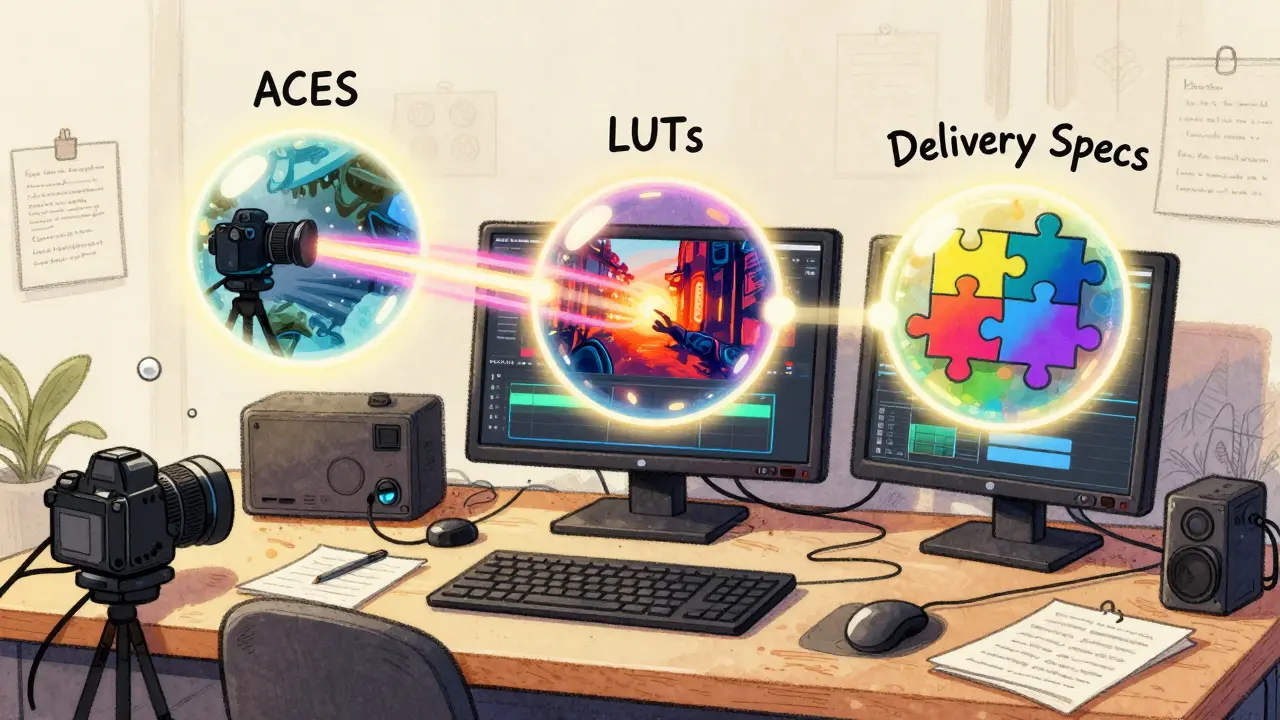
Ever wonder why a scene in a Netflix show looks totally different on your phone than on your 4K TV? Or why filmmakers spend weeks tweaking colors that most viewers never notice? It’s not magic. It’s the color pipeline - the invisible system that turns raw footage into the final image you see on screen. And at the heart of it all are three big players: ACES, LUTs, and delivery specifications.
What Is ACES and Why It Matters
ACES stands for Academy Color Encoding System a standardized, open color management system developed by the Academy of Motion Picture Arts and Sciences. It was created in 2012 to solve a simple but huge problem: every camera, monitor, and editing system interprets color differently. A red in one camera might look orange in another. By the time the film hits theaters, the colors could be all over the place.
ACES fixes that by acting like a universal language for color. Instead of working in the camera’s native color space - which varies wildly between Sony, RED, and ARRI cameras - you convert everything into ACEScg (a linear, scene-referred space). This means every shot, no matter where it came from, lives in the same color universe. From there, colorists can grade with confidence, knowing that what they see on their calibrated monitor is what every other system in the pipeline will eventually see.
It’s not just for big studios. Even indie filmmakers using DSLRs or smartphones now use ACES because it gives them room to fix mistakes later. If you overexpose a sky or underexpose a shadow, ACES preserves far more data than traditional workflows. That’s why shows like Stranger Things and The Last of Us use it - they need consistency across hundreds of shots, multiple cameras, and different locations.
LUTs: The Colorist’s Shortcut
If ACES is the language, then LUTs Look-Up Tables, mathematical files that map input colors to output colors are the translator. A LUT is basically a preset that tells your editing software how to change colors. Think of it like a filter on Instagram, but way more precise and powerful.
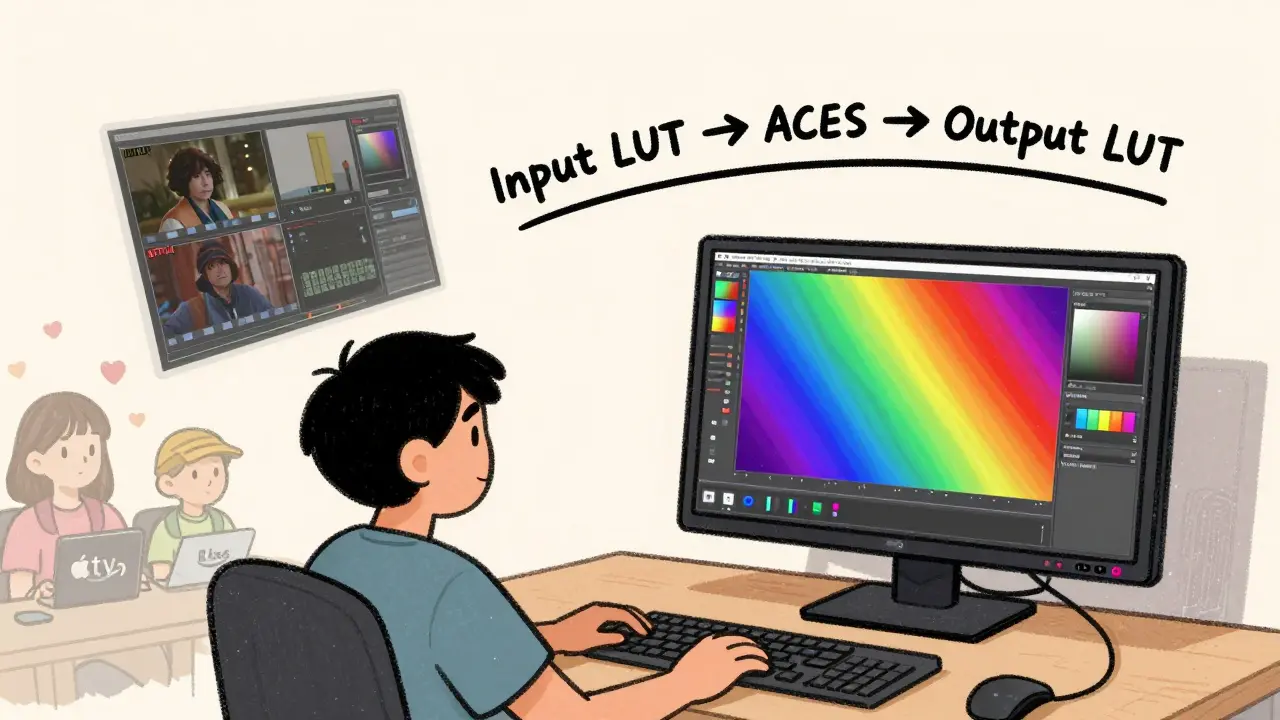
There are two main types of LUTs: input and output. Input LUTs convert camera footage into ACES or another working space. Output LUTs, on the other hand, apply a creative look - like turning a flat, desaturated image into a moody blue tone for a sci-fi scene. Many filmmakers use a "film emulation" LUT to mimic the look of Kodak 2383 or Fujifilm 800T without actually shooting on film.
But here’s the catch: LUTs aren’t magic. They don’t fix bad lighting. They don’t replace grading. They’re a starting point. I’ve seen editors apply a LUT and think they’re done. Then they wonder why the skin tones look weird. That’s because LUTs assume perfect exposure and white balance. If your footage is underexposed or has a green cast, the LUT will amplify those flaws.
The smart workflow? Use an input LUT to get your footage into ACES, then do your grading from scratch. Use output LUTs only to preview the final look - never as a final grade. Professional colorists often build custom LUTs for each project, tweaking them for specific actors’ skin tones or recurring set colors.
Delivery Specifications: What the Streaming Platforms Actually Want
Once the color is graded, the file doesn’t just go live. It has to pass through a gauntlet of technical specs called delivery specifications the technical requirements set by distributors like Netflix, Amazon, Apple TV+, and Disney+. These specs dictate everything: bit depth, frame rate, color space, audio levels, even how much black is allowed at the edges.
Netflix, for example, requires all content to be delivered in Rec. 2020 color space with 10-bit depth and HDR10 or Dolby Vision. Apple TV+ demands P3-D65 color space and specific luminance levels. If your file doesn’t match, it gets rejected. No exceptions. One studio I worked with lost two weeks because their master was 0.5% too bright in the highlights. The client didn’t even notice - but the platform did.
And it’s not just about color. Delivery specs also include metadata: timecode, aspect ratio, closed captions, audio track labeling. One mistake in any of these and your entire project gets held up. That’s why post-production houses now use automated validation tools that check files against each platform’s spec sheet before upload.
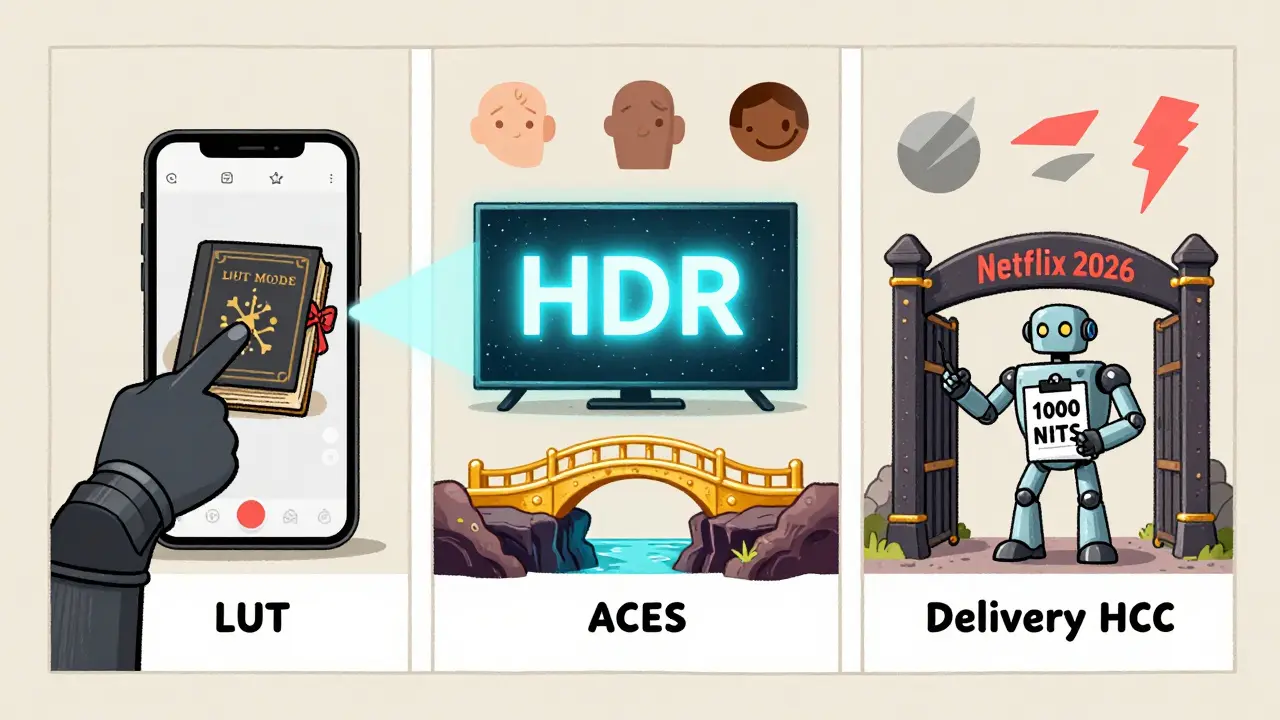
What’s wild is how these specs change every year. In 2025, Netflix updated its HDR requirements to require a minimum peak brightness of 1,000 nits - up from 800. If you’re grading for streaming in 2026, you need to know these numbers. You can’t just rely on what worked last season.
How It All Fits Together
Here’s the real workflow, step by step:
- Shoot footage with any camera - RAW or LOG format preferred.
- Import into your editor and apply an input LUT to convert to ACEScg.
- Grade the entire project in ACES space using professional monitors calibrated to DCI-P3 or Rec. 2020.
- Apply a creative output LUT only for previewing the final look - don’t bake it in.
- Export two masters: one for HDR (Rec. 2020, 10-bit, PQ or HLG), one for SDR (Rec. 709, 8-bit).
- Run both through a validation tool to check against delivery specs for each platform.
- Upload.
That’s it. No extra steps. No guesswork. Just science and discipline.
Common Mistakes and How to Avoid Them
Even pros mess this up. Here are the top three errors I see:
- Using LUTs as final grades - This kills flexibility. Always grade manually first, then use LUTs for reference.
- Ignoring monitor calibration - If your monitor isn’t calibrated to Rec. 709 or P3, you’re grading in the dark. A cheap monitor can make skin look green or blue. Spend $500 on a calibration tool - it saves thousands in reworks.
- Assuming one master fits all - SDR and HDR aren’t the same. Grading for Netflix HDR doesn’t mean your SDR version will look good. You need two separate grades.
And don’t forget: color grading isn’t just about making things "look good." It’s about emotion. A warm tone in a reunion scene feels different than a cold one in a thriller. The pipeline gives you control - but the art is still yours.
What’s Next for Color Pipelines
The industry is moving toward AI-assisted grading. Tools like DaVinci Resolve’s Magic Mask and Runway ML’s color matching are starting to auto-detect skin tones and match lighting across shots. But they’re assistants, not replacements. The human eye still catches what no algorithm can - the subtle shift in a character’s expression that only a change in shadow depth can convey.
For now, the best advice is simple: use ACES. Know your LUTs. Check your specs. And never skip the calibration.
What’s the difference between ACES and traditional color grading?
Traditional grading works within the camera’s native color space, which varies by model and settings. ACES uses a universal, linear color space that preserves data from any source. This means more flexibility in grading, better color consistency across shots, and fewer artifacts when adjusting exposure or contrast.
Do I need ACES if I’m shooting with a smartphone?
Yes, if you want professional results. Even iPhone footage shot in LOG mode benefits from ACES. It gives you room to recover highlights and shadows that would otherwise be lost. Most mobile editing apps now support ACES import, so it’s easier than ever to use.
Can I use one LUT for all my projects?
Not really. LUTs are project-specific. A LUT made for a gritty noir film won’t work for a bright comedy. Even within one project, you might need different LUTs for day vs. night scenes. The best practice is to create custom LUTs based on your lighting, actors, and mood.
Why do delivery specs keep changing?
Streaming platforms upgrade their tech every year to support better displays - 4K, HDR, wider color gamuts. What looked great in 2022 might look dull on a 2026 OLED TV. They update specs to ensure viewers get the best possible experience. If you’re delivering content, you need to check their latest requirements before each project.
Is color grading still important if most people watch on phones?
More than ever. Phones have high-resolution OLED screens that show every detail. Poor color grading looks amateurish on a phone - washed-out skin tones, crushed shadows, blown-out skies. A well-graded image holds up on any screen. And since most viewers start on mobile, your first impression is on a small display.