
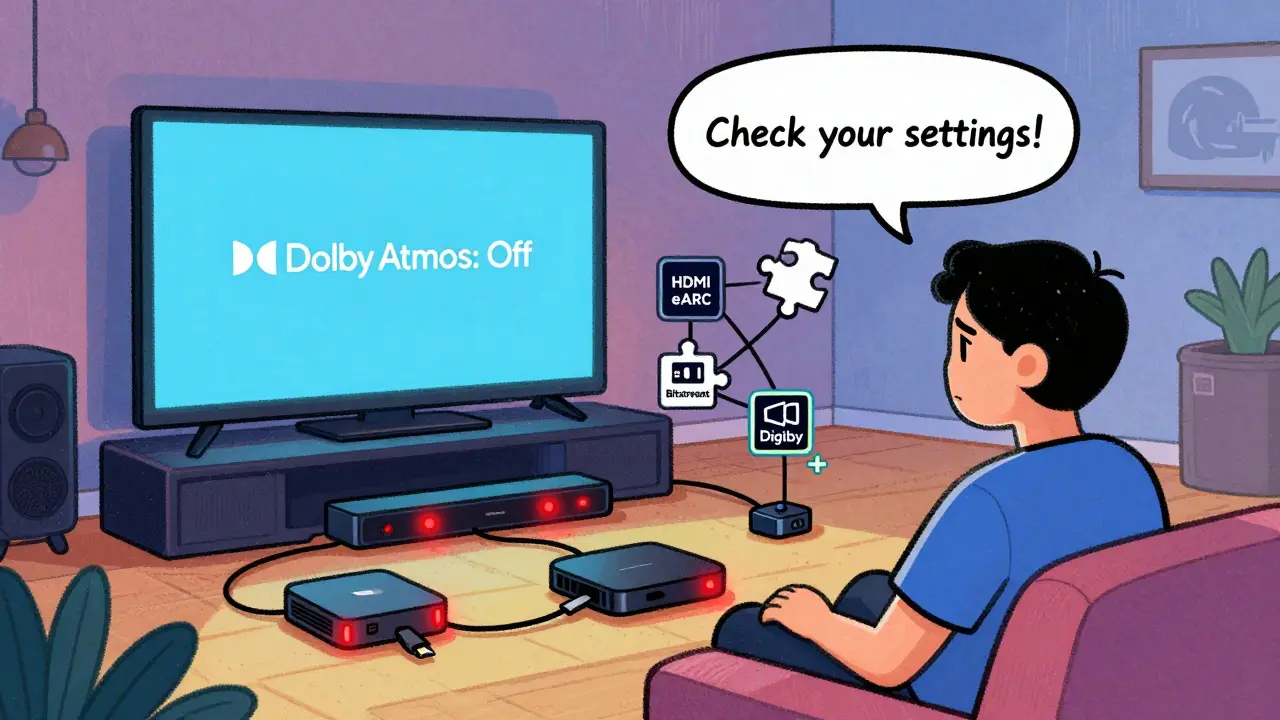
If you’ve turned on Dolby Atmos on your streaming service-whether it’s Netflix, Disney+, Apple TV+, or Amazon Prime Video-and you’re not hearing that immersive, overhead sound you expected, you’re not alone. Many people assume turning on Dolby Atmos in the app settings is enough. But it’s rarely that simple. The problem usually lies somewhere in the chain between your streaming app, your device, your sound system, and your TV or soundbar. Let’s walk through exactly what to check, step by step.
Is your device even capable of passing Dolby Atmos?
Not every device supports Dolby Atmos output. Even if your TV or soundbar says it’s Atmos-compatible, your source device might be holding things back. For example, older Apple TVs (like the 4th generation), some budget Roku models, or Android TV boxes without HDMI ARC/eARC support often can’t pass the Atmos signal through. Check the manufacturer’s specs for your streaming box or smart TV. Look for terms like Dolby Atmos passthrough, HDMI eARC, or Dolby Digital Plus. If your device only supports stereo or basic 5.1, Atmos won’t work-no matter how many times you toggle the setting.Check your audio output settings
This is where most people get stuck. On your TV or soundbar, go into the audio settings. Look for an option like Audio Output, HDMI Audio, or Sound Mode. If it’s set to PCM, Stereo, or Auto, you’re likely limiting the signal. Change it to Dolby Digital Plus or Dolby Atmos if available. Some devices call this Bitstream mode. That’s what you need. PCM will downmix everything to stereo. Bitstream lets the Atmos signal pass through untouched so your soundbar or receiver can decode it.Are you using the right HDMI cable?
A cheap or old HDMI cable can kill your Atmos signal. You need a cable that supports HDMI 2.0 or higher, preferably with eARC support if you’re connecting to a soundbar. Look for labels like HDMI High Speed or Ultra High Speed. If you’ve had the same cable for five years, it’s probably not cutting it. Try swapping it out with one you know works-like the one that came with your TV or soundbar. No need to spend $100. A $15 certified cable from a reputable brand will do the job.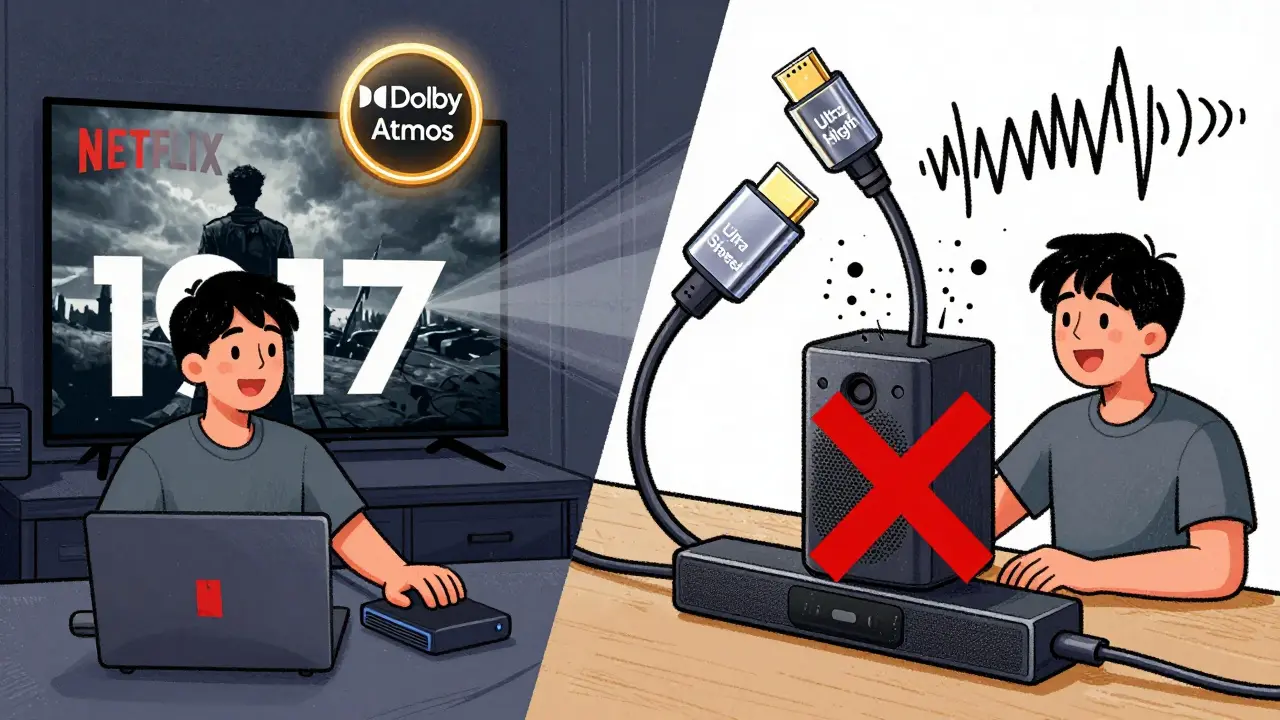
Streaming app settings: Did you actually turn it on?
This sounds obvious, but people often miss it. On Netflix, for example, Dolby Atmos doesn’t show up unless you’re watching a title that supports it. Go to the Audio & Subtitles menu during playback. If you don’t see Dolby Atmos listed as an option, the movie or show doesn’t have it. Not every title does. Disney+ and Apple TV+ are better about labeling Atmos titles, but even then, some older content is still stereo-only. And don’t forget: you need a Premium subscription on Netflix or Apple TV+ to unlock Atmos. Basic tiers don’t include it.Your sound system might be the bottleneck
Even if your TV and streaming device are doing everything right, your soundbar or AV receiver might be the problem. Older soundbars without eARC or built-in Atmos decoders can’t process the signal. Some models only handle Atmos via Bluetooth or optical cable-which doesn’t support Atmos at all. If your sound system says it’s Atmos-ready but you’re still not hearing height channels, check its firmware. Manufacturers often release updates that add Atmos support after launch. Go to the manufacturer’s website, find your model, and download the latest firmware if one exists.Are you sitting in the right spot?
Dolby Atmos isn’t just about hardware-it’s about placement. If you’re using a soundbar without upward-firing speakers, you’re relying on reflected sound off the ceiling. That only works well if your ceiling is low (under 9 feet), flat, and not covered in thick acoustic panels or drop ceilings. If your room has a vaulted ceiling, exposed beams, or heavy curtains, the effect will be weak or nonexistent. Try moving your seating closer to the soundbar. And if you’re using a full surround system with ceiling speakers, make sure they’re angled correctly toward the listening area. A misaligned speaker can make Atmos feel like just another layer of reverb.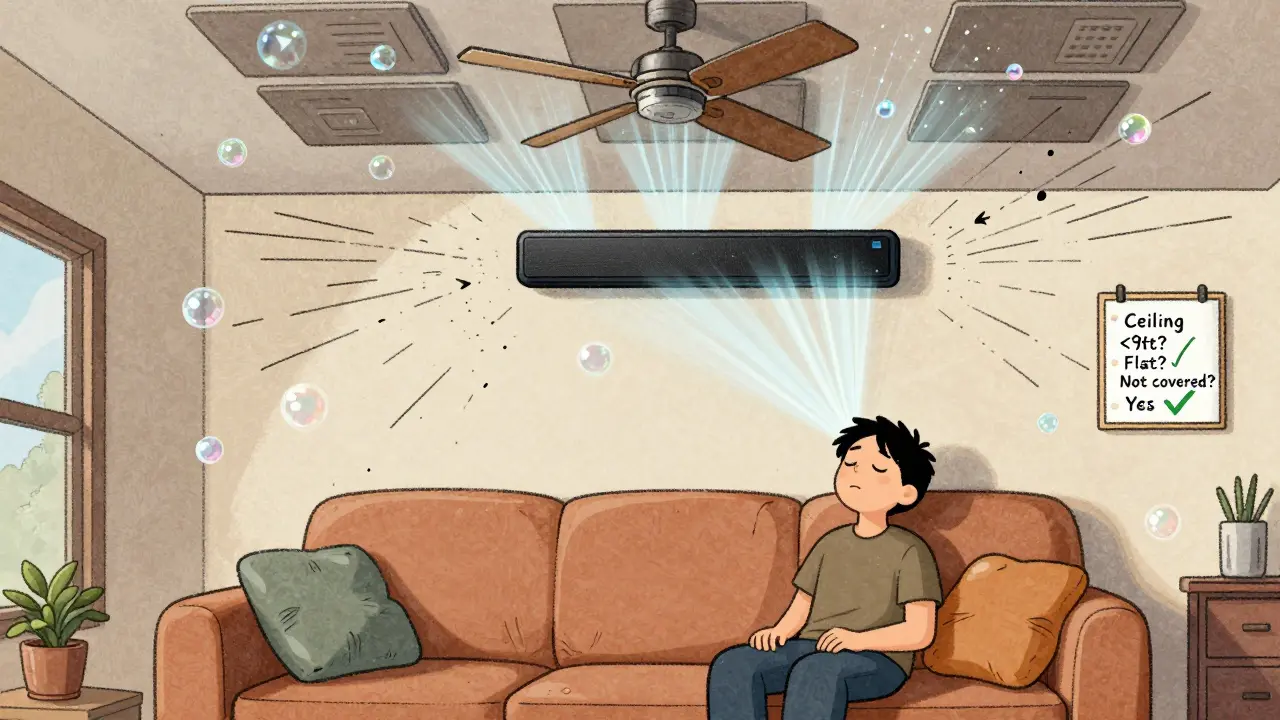
Test with known Atmos titles
Don’t guess. Test with something you know has Atmos. On Netflix, try The Midnight Sky, 1917, or Stranger Things (Season 4). On Disney+, Black Widow or Encanto are solid picks. On Apple TV+, Ted Lasso (Season 3) and For All Mankind have Atmos mixes. Play one of these, go into the audio menu, and confirm Dolby Atmos is selected. If you still don’t hear the difference, the issue is likely your setup-not the content.Reset your audio chain
Sometimes, a simple reset fixes everything. Power off your TV, soundbar, and streaming device. Unplug them from the wall. Wait 90 seconds. Plug everything back in, turn them on in order: TV first, then soundbar, then streaming device. Let each device fully boot before turning on the next. This clears any cached settings or handshake errors between devices. Many users report Atmos suddenly working after this.What if nothing works?
If you’ve checked every box and you’re still not getting Atmos, consider this: your streaming service might be throttling the audio. Some ISPs or public Wi-Fi networks limit bandwidth, and Atmos streams can use up to 7.1 Mbps. Try switching from Wi-Fi to a wired Ethernet connection. Or test the same title on your phone using the app’s mobile Atmos support-if you hear it there, the problem is definitely your home network or hardware.Atmos isn’t magic. It’s a chain of components, and one weak link breaks the whole thing. Most of the time, it’s not the app or the movie-it’s the cable, the setting, or the soundbar. Take it one step at a time. You’ll find it.
Why does Dolby Atmos work on some shows but not others on the same service?
Not every title is mastered in Dolby Atmos. Studios have to spend extra time and money to create an Atmos mix. Older shows, budget productions, or content licensed from third parties often only have stereo or 5.1 audio. Netflix, Disney+, and Apple TV+ label Atmos titles clearly, so look for the Atmos icon next to the title. If it’s not there, the audio mix doesn’t support it.
Can I get Dolby Atmos with Bluetooth speakers?
No. Bluetooth doesn’t support the bandwidth needed for Dolby Atmos. Even if your speaker claims to be Atmos-compatible, it’s likely using a fake or downmixed version. True Atmos requires a digital connection like HDMI eARC, optical (limited), or direct wired input. Bluetooth will always downmix to stereo or 5.1, even if the source is Atmos.
Do I need a new TV to get Dolby Atmos?
Not necessarily. Your TV doesn’t need to decode Atmos-it just needs to pass the signal through to your soundbar or receiver via HDMI eARC. Most TVs made after 2018 have eARC. If yours doesn’t, you can still get Atmos by connecting your streaming device directly to a soundbar that has eARC and then connecting the soundbar to the TV. The TV just becomes a display.
Why does my soundbar say "Dolby Atmos" but I don’t hear overhead effects?
Some soundbars use virtualization to simulate overhead sound without actual ceiling speakers. These are called "Atmos-enabled" soundbars. They rely on upward-firing drivers and ceiling reflection. If your ceiling is too high, too angled, or covered in material that absorbs sound (like acoustic tiles), the effect won’t work well. Try moving your seating closer, or test with a title known for strong Atmos effects like Mad Max: Fury Road. If you still don’t feel height, your soundbar might not have true upward-firing drivers.
Is Dolby Atmos worth it if I don’t have ceiling speakers?
Yes, if you have a good Atmos-enabled soundbar. Modern soundbars with upward-firing drivers can create convincing height effects without ceiling speakers. They use psychoacoustic processing to trick your brain into perceiving sound coming from above. While a full 7.1.4 home theater system with ceiling speakers sounds better, a quality soundbar with Atmos support still adds noticeable depth and immersion over standard stereo or 5.1 setups.