
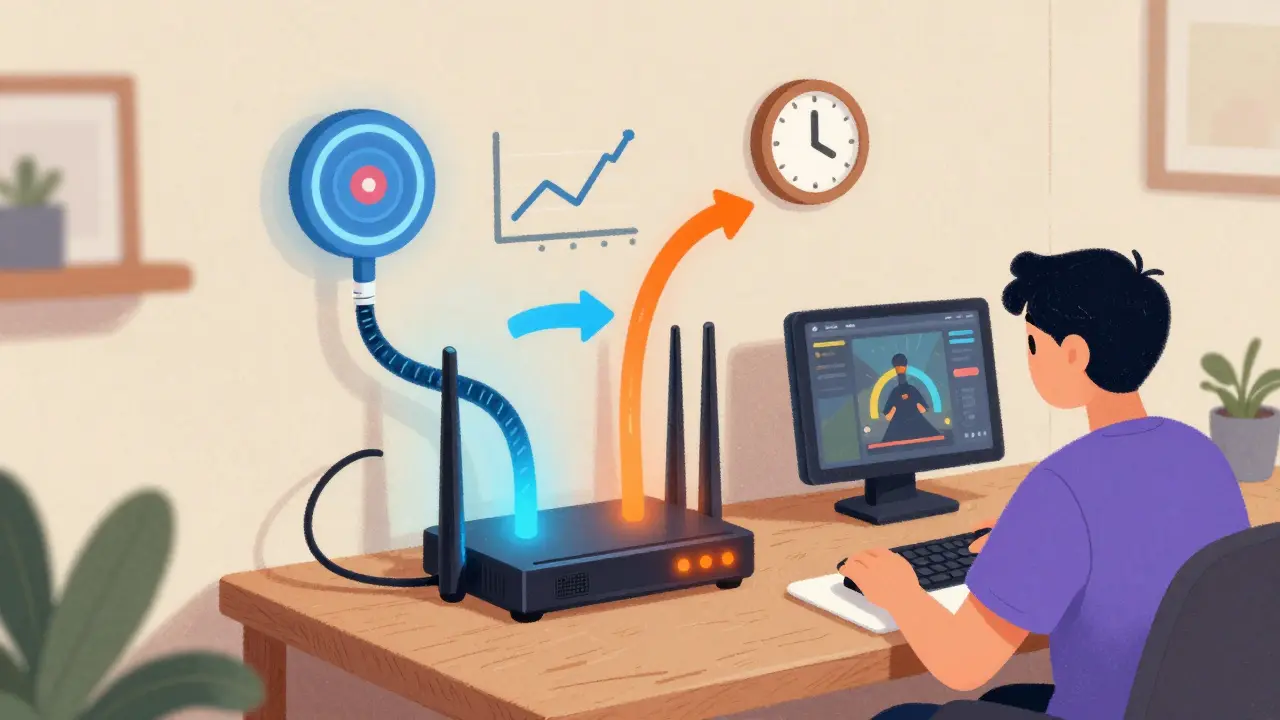
If you stream 4K movies, play online games, or run a live broadcast from home, one internet connection isn’t enough. When your ISP drops the signal during a big game or your Zoom call freezes mid-sentence, you don’t just lose time-you lose trust, money, or even a client. That’s where a dual-ISP setup comes in. It’s not about having two routers. It’s about having two separate internet lines from two different providers, so when one fails, the other picks up without you even noticing.
Why One Internet Connection Isn’t Enough Anymore
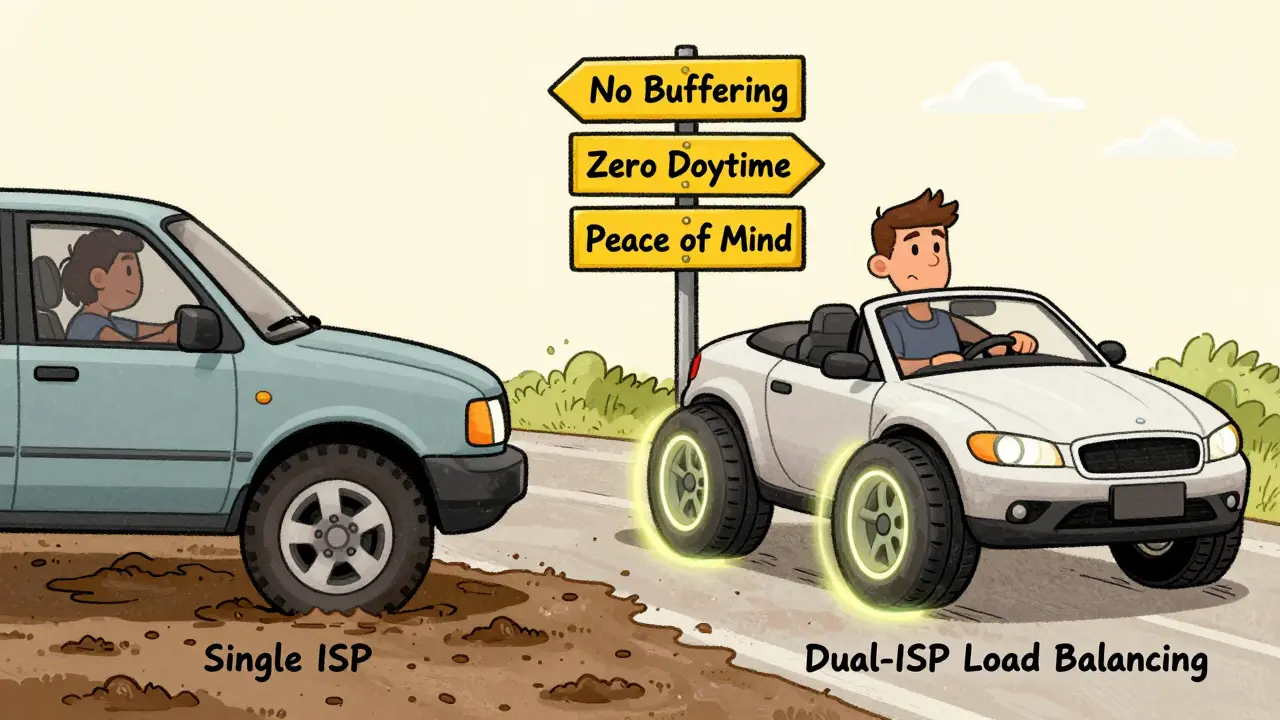
In 2025, most households still rely on a single broadband connection. That’s like driving a car with only one tire. You might get by for years-but the moment that tire blows, you’re stuck. For streamers, remote workers, or anyone who depends on real-time video, a single point of failure is a luxury you can’t afford.
Comcast, Virgin Media, Eir, or Vodafone might promise 99.9% uptime. But that 0.1% means something. If your ISP has a fiber cut near your street, or their core router overheats during peak hours, you’re offline. No warning. No backup. Just a spinning wheel.
Studies from the University of Dublin’s Network Research Lab show that 68% of home internet outages last under 30 minutes-but for live streamers, even 15 seconds of downtime means lost viewers and broken monetization. A dual-ISP setup cuts that risk to near zero.
How Dual-ISP Works: Failover vs. Load Balancing
There are two main ways to use two internet connections: failover and load balancing. They sound similar, but they do very different things.
Failover is like a backup generator. You’re using one connection as your main line. The second one sits idle, waiting. If the first one dies, your router automatically switches to the second. No manual restart. No unplugging cables. It happens in under 5 seconds.
Load balancing is smarter. It splits your traffic between both connections. Some devices use one line, others use the second. Video streams go over the faster line. Gaming traffic gets routed through the lowest-latency path. You’re not just surviving outages-you’re getting better performance.
Most people start with failover. It’s simpler. But if you’re serious about streaming quality, load balancing gives you smoother performance even when both lines are working.
What You Need to Set It Up
You don’t need to be a network engineer. But you do need a few key pieces:
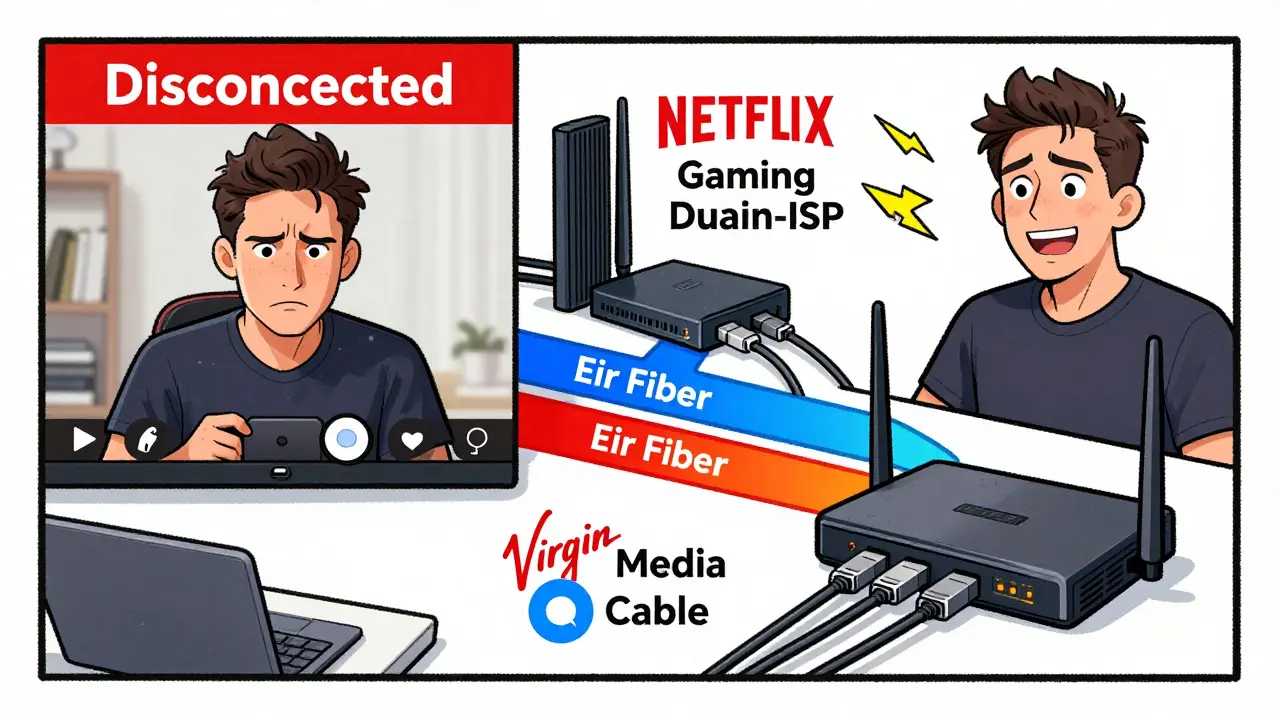
- Two internet subscriptions from different providers (e.g., Eir Fiber + Virgin Media Cable)
- A dual-WAN router-this is the brain of the system. Not every router supports it. Look for models like the Peplink Balance 20, Ubiquiti EdgeRouter X, or TP-Link ER605
- Two modems or ONTs (one for each ISP). Some ISPs provide these. Others don’t-you might need to buy your own
- Proper cabling-Cat6 Ethernet cables to connect each modem to the router
Don’t try to use two regular routers. That won’t work. You need a single device that can manage two WAN inputs. That’s what a dual-WAN router does.
Setting Up Failover (Beginner-Friendly)
Here’s how to get failover running in under an hour:
- Subscribe to two ISPs. Pick ones with different infrastructure-fiber and cable, not two fiber lines from the same company. This reduces the chance both go down at once.
- Install each connection. Let the providers set up their modems. Keep the default settings.
- Connect each modem to the dual-WAN router using Ethernet cables. Plug WAN1 into Eir, WAN2 into Virgin Media.
- Power on the router. Log into its web interface (usually 192.168.1.1 or 192.168.0.1).
- Find the “WAN” or “Internet” settings. Set WAN1 as primary, WAN2 as backup. Enable automatic failover.
- Test it. Unplug the main cable. Watch your streaming device. It should reconnect in 3-8 seconds. Plug it back in. It should switch back automatically.
That’s it. You now have a backup internet line that kicks in without you lifting a finger.
Setting Up Load Balancing (Advanced Performance)
If you want to make your streaming rock-solid and faster, go beyond failover. Load balancing uses both connections at the same time.
Most dual-WAN routers let you choose how traffic is split:
- Weighted balance-give more bandwidth to your faster line (e.g., 70% to Eir Fiber, 30% to Virgin Cable)
- Application-based routing-send Zoom calls over the most stable line, Netflix over the fastest
- Session persistence-keep a single stream on one connection so it doesn’t jump mid-playback
For streaming, use weighted balance with session persistence. That way, your 4K YouTube stream doesn’t suddenly switch from one ISP to another halfway through and buffer.
Test your setup with a speed test tool like Speedtest.net or Fast.com. Run it while streaming. You should see combined speeds higher than either line alone. In real-world tests, users report 25-40% faster buffering times and zero drops during peak hours.
Common Mistakes to Avoid
Even with the right gear, people mess this up.
- Using two lines from the same provider-if their network goes down, both connections fail. Always pick different ISPs.
- Skipping the dual-WAN router-you can’t just plug two routers into one switch. It won’t work. You need a router that understands both connections.
- Forgetting to test-set it up, then unplug the main cable. See if it switches. If not, check your settings.
- Using old firmware-update your router. Many dual-WAN models had bugs in 2023. The latest firmware fixes connection drops and slow failover.
- Assuming it’s “set and forget”-check your router’s status page every few weeks. One line might be slower than usual. You might need to swap priorities.
Real-World Example: A Dublin Streamer’s Setup
One user in Rathmines, Dublin, runs a Twitch channel with 5,000+ viewers. Before dual-ISP, he lost 3-4 streams a month to outages. He switched to Eir Fiber (main) and Vodafone Cable (backup), using a Peplink Balance 20.
He set up load balancing: 80% of traffic to Eir, 20% to Vodafone. He routed his OBS streaming software to Eir and his backup laptop to Vodafone. When Eir had a local outage last November, his stream kept going. Viewers didn’t notice. He didn’t have to pause.
His monthly cost went from €55 to €95. But he stopped losing €200+ in ad revenue per outage. It paid for itself in two months.
Cost vs. Benefit: Is It Worth It?
A dual-ISP setup isn’t cheap. You’re paying for two internet bills, plus a router that costs €150-€300. But compare that to the cost of downtime.
For a content creator: One missed stream = lost subscribers, broken sponsorships, negative reviews.
For a remote worker: A dropped Zoom call during a client pitch = lost contract.
For a family: No internet during a child’s online exam = academic risk.
The router is a one-time cost. The ISP fees are monthly. But the peace of mind? That’s priceless.
What If You Can’t Get Two ISPs?
Some areas in Ireland still only have one provider. If you’re stuck with one, here’s what you can do:
- Use a 4G/5G mobile hotspot as backup. A good SIM with unlimited data (like Three or Meteor) can act as your failover. Plug it into a router with USB cellular support.
- Install a battery-powered router that auto-switches to mobile data. Some models like the Netgear Nighthawk M5 do this automatically.
- Use a cloud-based streaming service that buffers ahead. YouTube Live and Twitch can buffer up to 10 seconds. That gives you a small window to recover if your connection stutters.
It’s not as good as dual fixed-line ISPs-but it’s better than nothing.
Final Thoughts: Reliable Streaming Isn’t Luck
Streaming quality isn’t about having the fastest internet. It’s about having the most reliable internet. A dual-ISP setup doesn’t make your Netflix load faster. It makes sure it never stops.
It’s not flashy. It’s not trendy. But if you’ve ever lost a stream because your ISP had a glitch, you already know the value.
Start small. Get a dual-WAN router. Add one backup line. Test it. Then never worry about internet drops again.
Do I need two different ISPs for a dual-ISP setup?
Yes. If both connections come from the same provider, they likely share the same network infrastructure. If there’s a fiber cut, power outage, or core router failure, both lines will go down at the same time. To get true redundancy, you need two providers with separate physical networks-like Eir Fiber and Virgin Media Cable.
Can I use Wi-Fi instead of Ethernet for the second ISP?
No. Dual-WAN routers need wired connections to each modem. Wi-Fi is too unstable for failover or load balancing. The router needs a direct, low-latency connection to each ISP’s modem. Using Wi-Fi could cause delays, packet loss, or failed switches during outages.
Will a dual-ISP setup improve my streaming speed?
Only if you use load balancing. With failover alone, you’re only using one connection at a time. But with load balancing, you can combine bandwidth from both lines. For example, if you have 150 Mbps from Eir and 80 Mbps from Virgin, you could get up to 230 Mbps total-perfect for 4K streaming while others are gaming or video calling.
What’s the best dual-WAN router for streaming?
For most users, the Peplink Balance 20 is the best balance of price and performance. It supports both failover and load balancing, has excellent firmware updates, and handles 4K streaming without lag. For budget users, the TP-Link ER605 works well under €100. Avoid cheap routers that don’t support true dual-WAN-they often just switch between networks manually.
How long does failover take?
Typically 3 to 8 seconds. High-end routers like Peplink can switch in under 2 seconds. Cheaper models may take up to 15 seconds. That’s enough to cause a brief freeze in a live stream. To minimize disruption, test your router’s failover time after setup and choose a model that switches faster than 5 seconds.
Can I use this setup for work-from-home video calls?
Absolutely. Zoom, Teams, and Google Meet all suffer from lag and dropouts during outages. A dual-ISP setup ensures your call stays connected even if your primary ISP fails. For critical meetings, set your video conferencing app to use the primary line and keep a backup device (like a tablet with mobile data) ready to join if needed.