
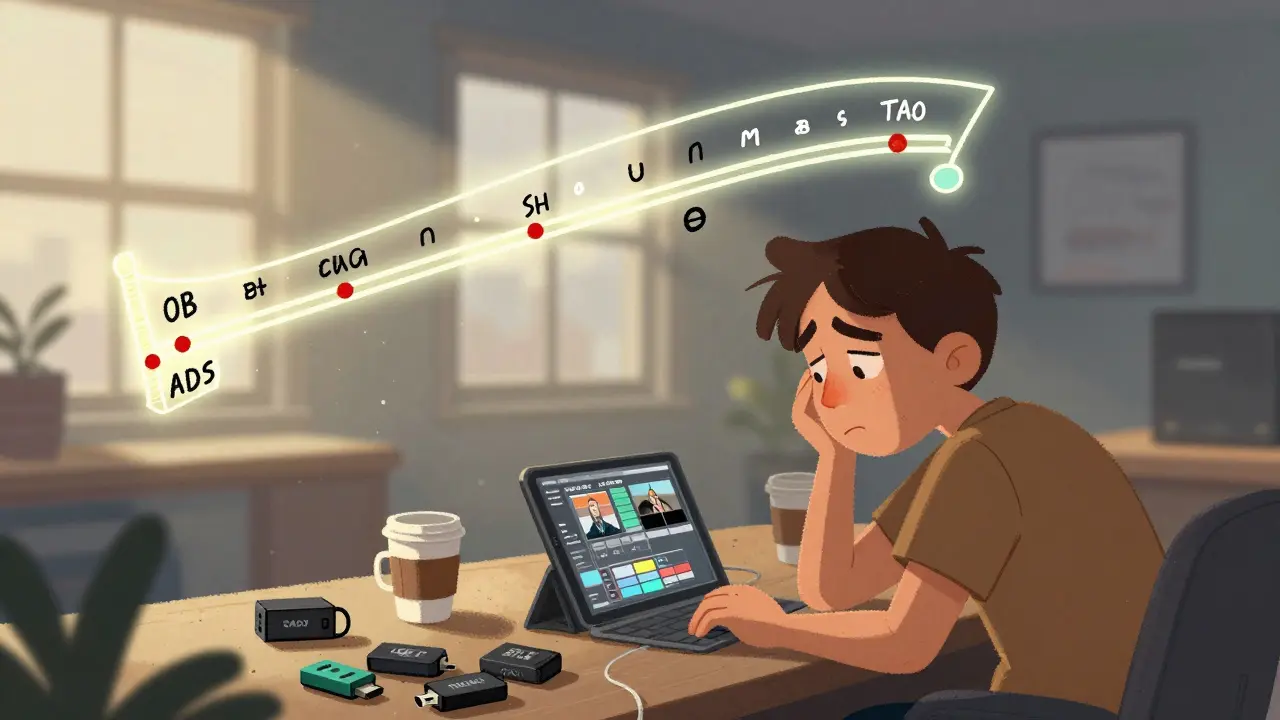
Behind every polished film or TV show is a messy, fast-moving machine. You see the final cut on screen, but what happens between the last take and the premiere? That’s where editorial workflows come in - the invisible backbone of post-production. If you’ve ever wondered how footage goes from raw clips to a finished episode, you’re not alone. Let’s break down the three core pieces: dailies, proxies, and turnovers.
What Are Dailies?
Dailies - sometimes called rushes - are the first look at the footage shot each day. They’re not fancy. No color grading. No sound mixing. Just the raw files, labeled by scene and take, strung together in rough order. On a big studio set, dailies are processed overnight. By morning, the director, editor, and producer are watching them over coffee.
Why do they matter? Because decisions get made here. That shaky handheld shot? Maybe it’s the one that captures the actor’s real emotion. The take where the mic dropped? Still worth a second look. Dailies help the team spot problems early - lighting errors, continuity glitches, or accidental outtakes. They also let editors start assembling scenes before the shoot even ends.
On a low-budget indie film, dailies might be just a USB drive handed to the editor. On a Netflix series, they’re uploaded to a secure server with metadata tags, timecode, and notes from the cinematographer. Either way, dailies are the first filter between chaos and control.
Proxies: Editing Without the Lag
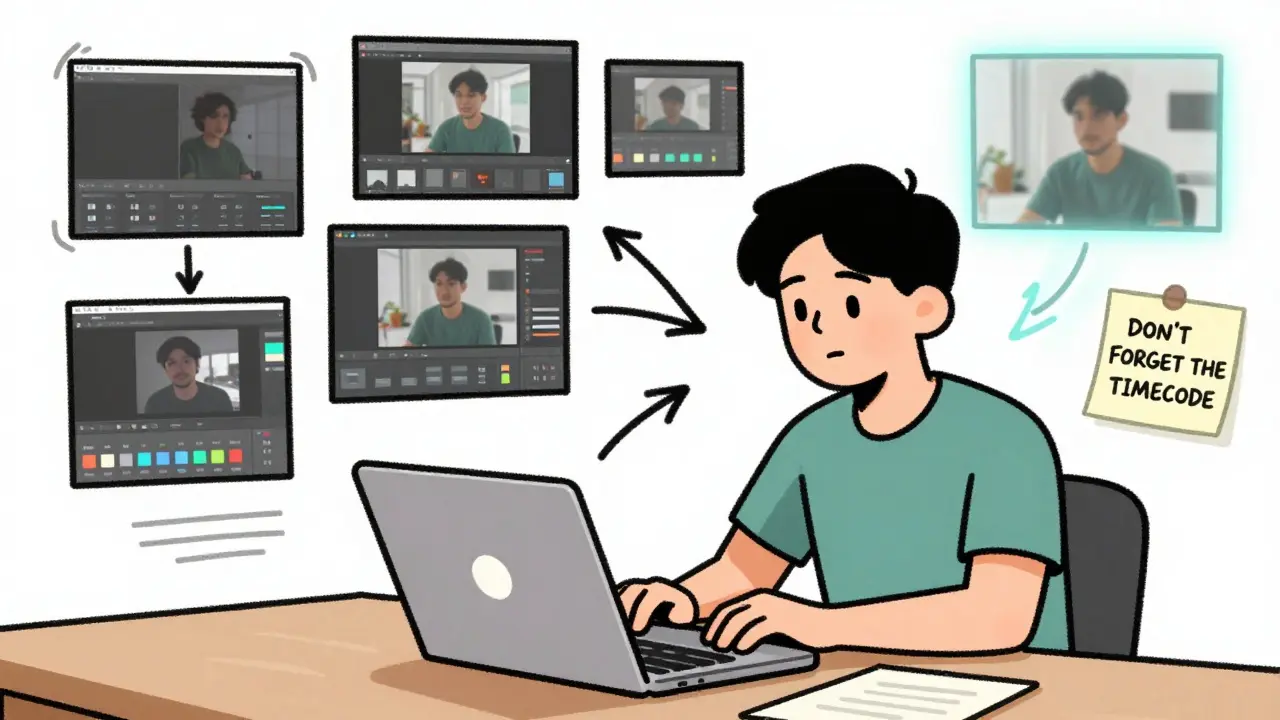
Modern cameras shoot in 8K, 10-bit, RAW. That’s stunning quality - but also massive files. A single minute of footage can be 15GB. Try editing that on a laptop, and you’ll be waiting for renders all day. Enter proxies.
Proxies are low-resolution copies of your original files. Think of them as rough sketches of the real thing. They’re usually 1080p, H.264, or ProRes LT - small enough to play smoothly on any machine. Editors work with proxies like they’re the real thing. Cut, trim, add effects. It all feels seamless.
Here’s the magic: when you’re done editing, the software automatically swaps the proxies back for the original high-res files. All your cuts, transitions, and timing stay perfect. No re-editing. No guesswork. This is why editorial teams can work remotely - a freelancer in Lisbon can edit a scene shot in Tokyo without downloading 200GB of footage.
Proxies aren’t optional anymore. They’re standard. Even small productions use them. Tools like Adobe Media Encoder, DaVinci Resolve, or ShotPut Pro automate the process. You set your proxy settings once, and the system handles the rest. The editor never sees the original files - and doesn’t need to.
Turnovers: Handing Off the Baton
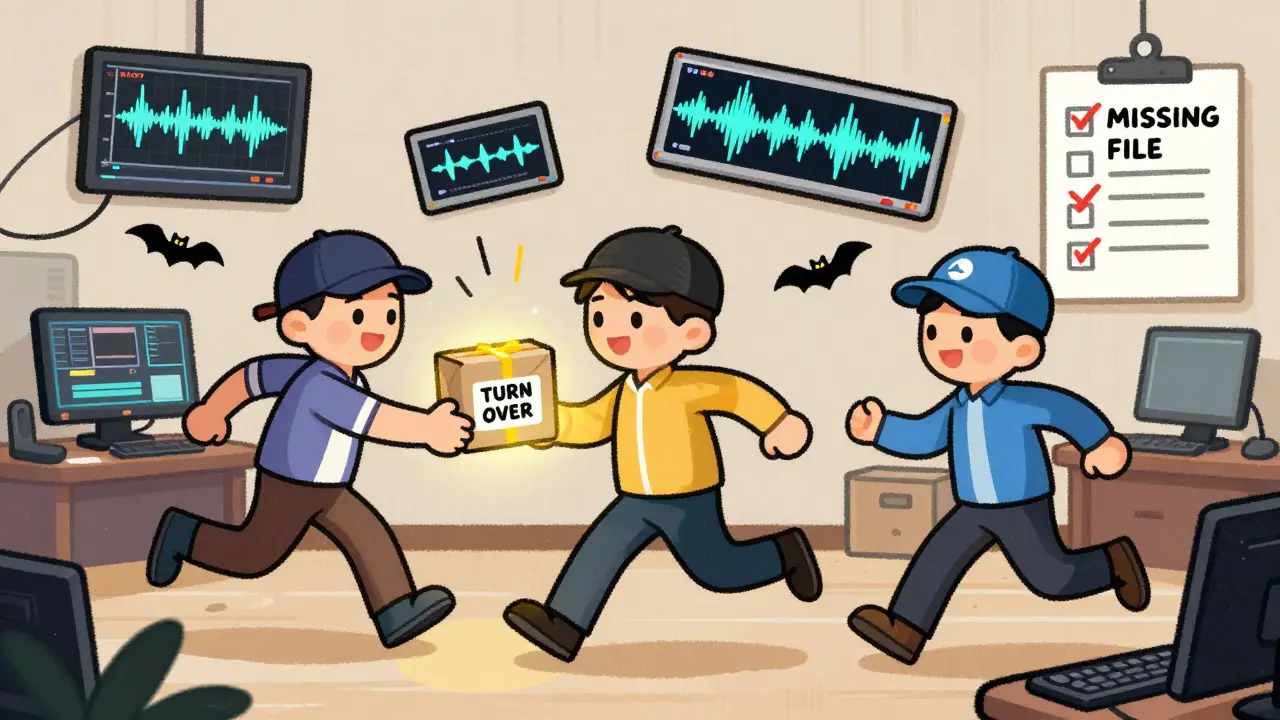
Once the edit is locked - meaning no more changes to the sequence - it’s time for turnover. This is the formal handoff from the editing room to the next department: sound, visual effects, color grading, or delivery.
A turnover isn’t just a file. It’s a package. It includes:
- The final timeline (in EDL, XML, or AAF format)
- All media files referenced in the edit
- Timecode markers for effects or sound cues
- Notes on cuts that need special attention (e.g., “This transition needs a VFX wipe”)
- Version numbers and change logs
Turnovers are tracked like legal documents. A single mistake - a missing audio file, an incorrect timecode - can delay the whole post schedule. On a major film, turnover packages are signed off by the editor, assistant editor, and post-production supervisor. Digital asset management systems like CatDV or Frame.io keep everything organized and auditable.
Turnovers happen multiple times. First, to sound design. Then to VFX. Then to color. Each handoff has its own checklist. And each team needs the files in their preferred format. Sound might need 24-bit WAVs. VFX might need 16-bit TIFF sequences. Color might need DPX files. The editorial team doesn’t make these files - they just make sure the right ones get delivered.
How It All Fits Together
Imagine a typical week on a TV drama:
- Monday: 8 hours of footage shot. Dailies processed by midnight.
- Tuesday: Editor starts cutting using proxies. Director reviews dailies and gives notes.
- Wednesday: Editor makes changes. Proxies updated. Sound team gets first turnover for ADR (dialogue replacement).
- Thursday: VFX team receives turnover for green screen cleanup. Colorist gets a rough cut to start grading.
- Friday: Final edit locked. Full-resolution turnover sent to delivery team.
That’s the rhythm. Dailies inform the edit. Proxies make it fast. Turnovers make it precise. Miss one step, and the whole pipeline slows down.
Why This Matters to You
You don’t need to be an editor to appreciate this workflow. If you’re a filmmaker, knowing how dailies work helps you shoot smarter. If you’re a producer, understanding turnovers prevents costly delays. If you’re a viewer, it explains why some shows look flawless and others feel rushed.
There’s no magic here - just systems. And those systems are built on trust. The editor trusts the camera team to label clips correctly. The VFX team trusts the turnover package is complete. The colorist trusts the edit is final. When that trust breaks - a missing file, a mislabeled take - everything stumbles.
Modern editorial workflows are less about talent and more about discipline. It’s not about having the best software. It’s about having the best processes. And those processes start with dailies, run on proxies, and end with turnovers.
Common Pitfalls to Avoid
- Skipping dailies - It’s tempting when you’re behind schedule. Don’t. You’ll miss critical errors until it’s too late.
- Using proxies without naming conventions - If your proxy files don’t match the originals, the swap will fail. Always use consistent naming.
- Assuming turnovers are automatic - They’re not. Always manually verify file counts and timecodes. Never trust the system to do it right.
- Not archiving dailies - You might need them later for reshoots or legal reasons. Store them like gold.
These aren’t just best practices. They’re survival rules.
What’s the difference between dailies and proxies?
Dailies are the raw, unedited footage from each day of shooting - meant for review and decision-making. Proxies are low-resolution copies of that footage, made specifically for editing. Dailies help you choose what to use; proxies help you edit it quickly.
Can you edit without proxies?
You can, but it’s not practical anymore. High-res files like 8K RAW are too large for most computers to handle smoothly. Editing without proxies means constant lag, crashes, and wasted time. Proxies aren’t a luxury - they’re a necessity for any professional workflow.
Who handles turnovers?
The editorial team prepares turnovers, but they’re usually coordinated by the assistant editor or post-production supervisor. The final package is reviewed and signed off before being sent to sound, VFX, or color. Each department then confirms receipt and reports any missing files.
Do indie filmmakers use the same workflow as big studios?
Yes, in principle. The core steps - dailies, proxies, turnovers - are the same. The difference is scale. Indies might use free tools like DaVinci Resolve instead of expensive systems like Avid Media Composer. They might email dailies instead of using cloud platforms. But the logic doesn’t change: review, edit efficiently, hand off cleanly.
What happens if a turnover file is missing?
It causes delays - sometimes days. A missing audio file means the sound team can’t start. A mismatched timecode means VFX shots won’t line up. That’s why turnovers include checksums and logs. If something’s missing, the editorial team has to go back, find the file, re-export, and resend. It’s expensive. That’s why double-checking is non-negotiable.