
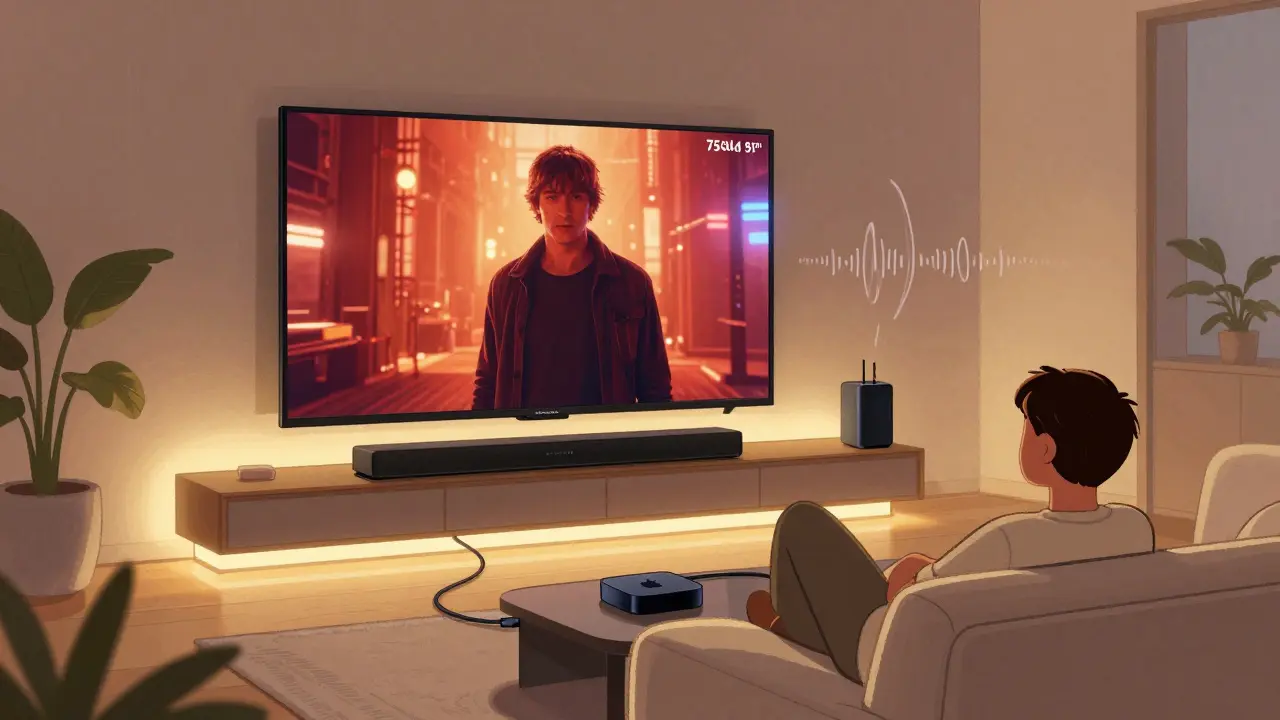
Imagine sitting on your couch, the lights dimmed, the screen glowing with a movie that feels like it’s unfolding right in front of you. No popcorn smell from the theater, no noisy strangers, just you, your favorite film, and sound that wraps around you like a blanket. That’s not a fantasy-it’s what a proper home theater streaming setup can do. And no, you don’t need a $20,000 system to get there. You just need the right pieces in the right places.
Start with the Screen
The screen is your canvas. Forget those tiny 50-inch TVs if you want real immersion. For a cinematic feel, aim for at least 65 inches, but 75 or even 85 inches works better if you’ve got the space. Look for OLED or QLED models with local dimming and 4K resolution. OLED gives you true blacks-critical for night scenes in horror or space epics-while QLED handles bright rooms better. Both support HDR10+ and Dolby Vision, which means richer colors and deeper contrast than standard HD.
Don’t just pick the biggest screen. Check the viewing distance. A simple rule: multiply the screen size in inches by 1.2 to get the ideal distance in feet. So for a 75-inch TV, sit about 90 inches (7.5 feet) away. Too close, and you’ll see pixels. Too far, and you lose the impact.
Choose the Right Streaming Device
Not all streaming boxes are created equal. Your TV might come with a built-in smart system, but those are often slow, cluttered, and outdated. Skip them. Instead, plug in a dedicated streaming device. The Apple TV 4K is the gold standard for most people. It handles 4K HDR flawlessly, integrates with Siri and HomeKit, and has a clean interface. If you’re deep into Google or Amazon ecosystems, the Fire TV Stick 4K Max or NVIDIA Shield TV Pro are solid alternatives.
What matters most? Speed, app support, and audio passthrough. Make sure the device supports HDMI 2.1 and eARC (enhanced Audio Return Channel). This lets you send high-quality audio-like Dolby Atmos-from your TV to your sound system without compression. Avoid anything that only does HDMI 2.0. You’ll be stuck with 5.1 audio at best, and you’ll miss out on object-based sound.
Sound Is Where the Magic Happens
Most people focus on the picture and forget about the sound. That’s like watching a movie with the volume turned down. A good sound system doesn’t mean buying five speakers and a subwoofer from a big-box store. It means choosing one that matches your room and your budget.
Start with a soundbar. Not just any soundbar-get one with built-in subwoofer and Dolby Atmos support. Models like the Sonos Arc, LG SN11RG, or Samsung HW-Q990C use upward-firing drivers to bounce sound off the ceiling, creating height channels that make helicopters fly overhead and rain fall from above. These bars connect wirelessly to your TV via HDMI eARC and often support Bluetooth and Wi-Fi for streaming music too.
If you’ve got a bigger space or want true surround sound, add rear speakers. The Sonos system lets you pair two Sonos One SLs as rear channels. Or go with a 5.1.2 system: five speakers (front left, front right, center, rear left, rear right), one subwoofer, and two height speakers. Brands like Yamaha, Denon, and Polk offer affordable receiver-based setups. You’ll need to run speaker wires, but the immersion is worth it.
Connect Everything Properly
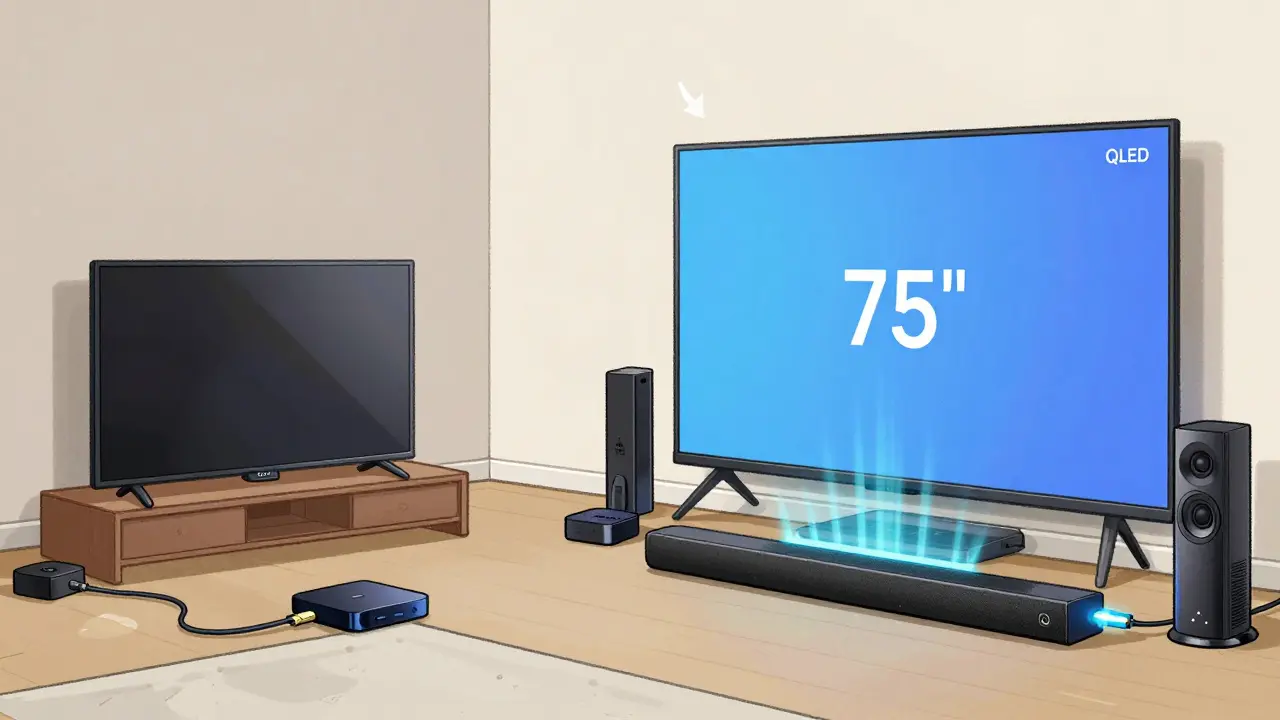
Here’s where most setups fail. You plug in your streaming box to the TV, your soundbar to the TV, and wonder why the sound doesn’t match the picture. The fix is simple: use HDMI eARC.
- Connect your streaming device (Apple TV, Fire Stick) directly to the TV’s HDMI port labeled ARC/eARC.
- Connect your soundbar or AV receiver to the TV’s HDMI eARC port using a high-speed HDMI cable (look for the Ultra High Speed label).
- Turn on eARC in your TV’s audio settings. It’s usually under Sound > Audio Output or HDMI Settings.
This setup lets your TV pass the full audio signal-Dolby Atmos, DTS:X-to your sound system. If you use optical audio or analog connections, you’re limiting yourself to stereo or compressed 5.1. You’re not getting the full cinematic experience.
Lighting and Seating Matter More Than You Think
A dark room isn’t just for movies-it’s for your eyes. Harsh overhead lights or a glowing smart speaker on the shelf? They’ll ruin contrast on your OLED screen. Install dimmable LED strips behind the TV or along the base of your entertainment unit. Warm white (2700K) is best. It reduces eye strain and adds a subtle glow that makes the screen feel even more immersive.
Seating? Skip the recliner your cousin gave you. Get a couch with good back support and enough depth to lean back without sliding. If you’re serious, add a few ottomans or bean bags for extra guests. No one wants to watch Oppenheimer with a crick in their neck.
Content Matters as Much as the Gear
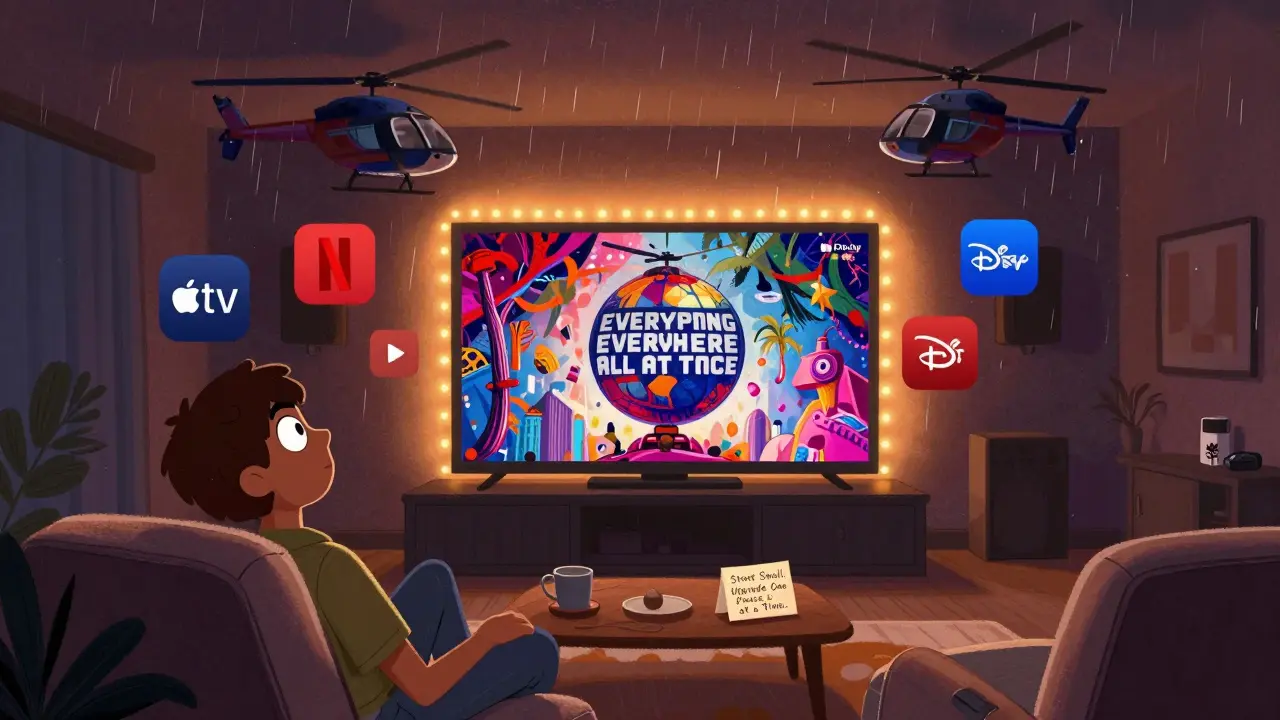
All this gear is useless if you’re streaming low-quality content. Netflix, Apple TV+, Disney+, and Amazon Prime Video all offer 4K HDR and Dolby Atmos titles-but not everything. Look for the Dolby Atmos and 4K badges in the app. Shows like The Crown, Severance, and Exandria Unlimited are mastered in Atmos. Movies like Mad Max: Fury Road and Everything Everywhere All at Once are sonic masterclasses.
Use a service like JustWatch to find where your favorite films are streaming. Filter by 4K and Atmos. You’ll be surprised how many are available. Avoid YouTube or free ad-supported services for serious viewing. They’re usually capped at 1080p and lack proper audio encoding.
Calibrate Your System
You’ve got the gear. Now make it sing. Most TVs come with “Vivid” or “Dynamic” mode turned on by default. That’s terrible for movies. Switch to “Cinema” or “Filmmaker Mode.” This turns off motion smoothing (that soap opera effect), disables oversharpening, and keeps the color grading as the director intended.
For sound, run the auto-calibration on your soundbar or receiver. Most have a mic that listens to your room and adjusts levels. If you don’t have one, manually set the center channel to be slightly louder-it carries dialogue. Keep the subwoofer volume low enough that you feel the bass, not hear it thumping.
Test with a scene you know well. Try the opening of Blade Runner 2049-the silence before the storm, the deep bass of the hovercars, the rain hitting the ground. If you feel it in your chest, you’ve done it right.
It’s Not About the Price Tag
You don’t need to spend thousands. A 75-inch QLED TV ($800), an Apple TV 4K ($129), and a Sonos Arc soundbar ($799) will give you a cinematic setup for under $1,800. Add a few LED strips and a comfy couch, and you’re done. The real cost isn’t the gear-it’s the time you’ll spend watching movies you’ve always wanted to see, in a space that’s yours.
Start small. Upgrade one piece at a time. Get the screen right first. Then the streaming box. Then the sound. You’ll notice the difference after each step. And before you know it, you won’t want to leave the house for a movie again.
Do I need a 4K TV for a cinematic streaming setup?
Yes, if you want true cinematic quality. 4K gives you four times the detail of 1080p, and most modern streaming services now offer 4K HDR content. A 1080p TV will work, but you’ll miss out on the sharpness, color depth, and brightness that make films feel alive. If you’re sitting closer than 8 feet from the screen, the difference is impossible to ignore.
Can I use a soundbar instead of a full surround system?
Absolutely. A high-end soundbar with Dolby Atmos and a built-in subwoofer can outperform a 5.1 system in smaller rooms. Soundbars like the Sonos Arc or LG SN11RG use beamforming and upward-firing drivers to simulate surround and height channels. You’ll get immersive sound without running wires across your floor. Only consider a full 5.1.2 system if you have a large room (over 400 sq ft) or want the most precise audio placement.
What streaming services offer Dolby Atmos and 4K?
Netflix, Apple TV+, Disney+, and Amazon Prime Video all have hundreds of titles in 4K HDR with Dolby Atmos. Apple TV+ leads in original content with Atmos on nearly every show. Netflix has a wide library, including films like The Irishman and Extraction. Disney+ has most of the Marvel and Star Wars films in Atmos. Always check the title details-look for the Atmos and 4K badges before you hit play.
Is HDMI eARC really necessary?
Yes, if you care about audio quality. eARC supports uncompressed audio formats like Dolby Atmos and DTS:X. Older HDMI ARC only supports compressed 5.1. Optical audio is even worse-it’s limited to stereo. Without eARC, your soundbar or receiver won’t receive the full audio signal from your TV. Make sure your TV, streaming device, and sound system all have HDMI eARC ports, and use a certified Ultra High Speed HDMI cable.
How do I reduce glare on my TV screen?
Position your TV away from windows and bright lamps. Use blackout curtains or shades if natural light is an issue. Install dimmable LED lighting behind the TV or along the base of your entertainment unit-warm white (2700K) reduces eye strain without washing out the picture. Anti-glare screen protectors exist, but they’re rarely needed on modern TVs. The real fix is controlling ambient light.