
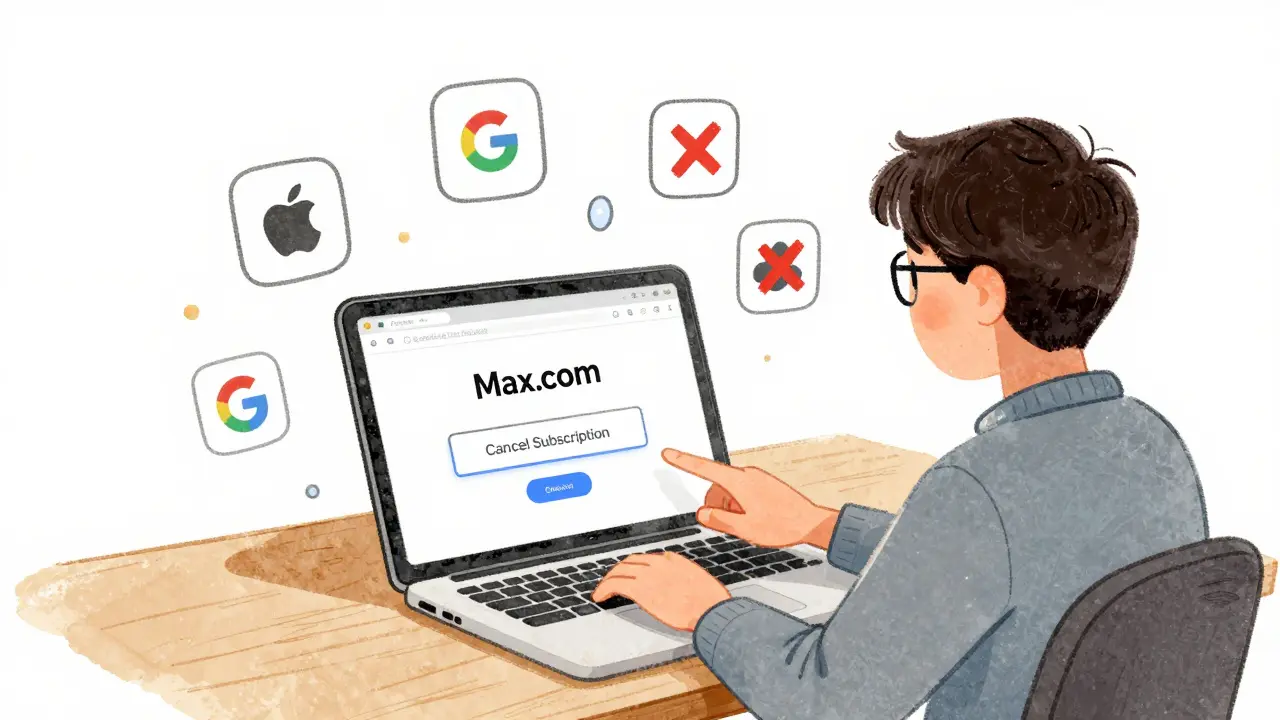
If you’re tired of paying for HBO Max and want to cancel, you’re not alone. Millions of people have cut the cord since the service merged into Max in 2023. But canceling isn’t always straightforward-especially if you signed up through Apple, Google, or your cable provider. This guide walks you through exactly how to cancel HBO Max on the web and in the app, no matter how you subscribed.
Cancel HBO Max on the Web
The easiest and most reliable way to cancel HBO Max is through the website. This method gives you full control and confirms your cancellation immediately.
- Open your browser and go to www.max.com.
- Sign in with your account email and password.
- Click your profile icon in the top-right corner.
- Select Account from the dropdown menu.
- Scroll down to the Subscription section.
- Click Cancel Subscription.
- Follow the prompts to confirm. You’ll see a message saying your access will continue until the end of your current billing cycle.
That’s it. You won’t be charged again after your current period ends. You’ll still be able to watch until that date-no surprises.
Cancel HBO Max in the App (iOS and Android)
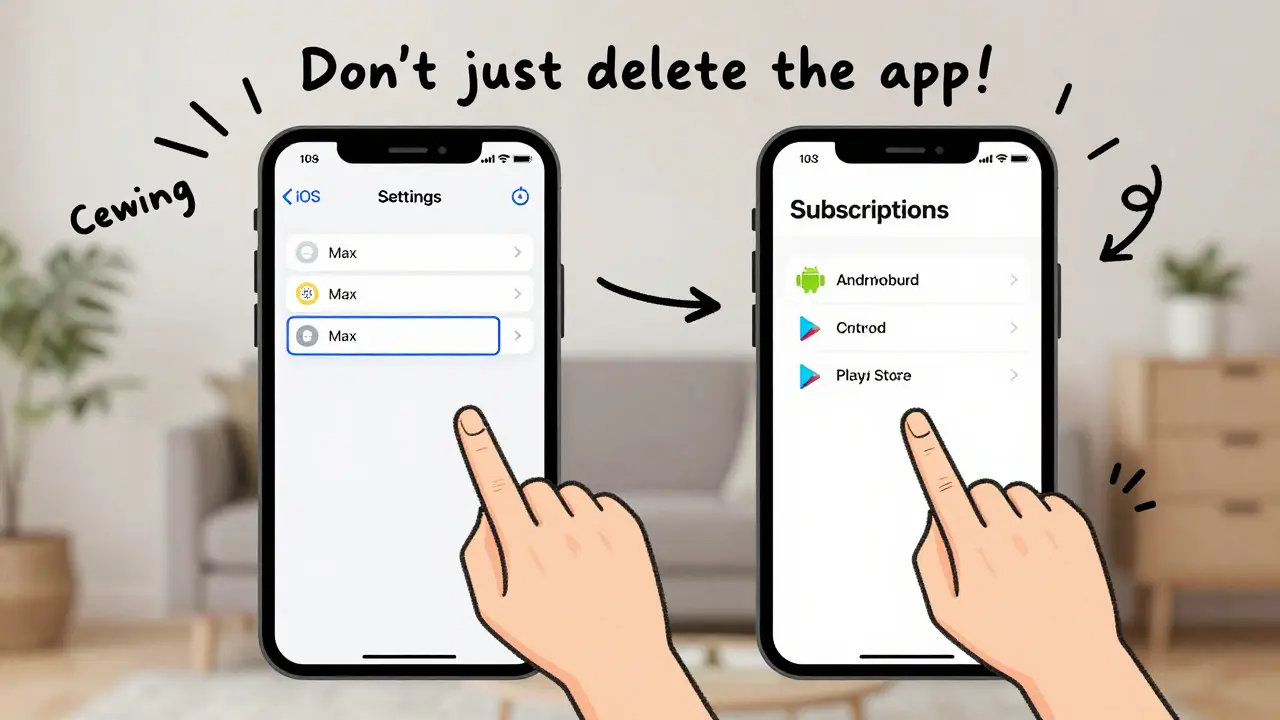
If you subscribed through the HBO Max app on your iPhone, iPad, or Android phone, you can’t cancel inside the app itself. Apple and Google handle billing, so you have to go through their systems.
Cancel on iPhone or iPad
- Open the Settings app on your device.
- Tap your name at the top.
- Select Subscriptions.
- Find Max (it may show as HBO Max or Warner Bros. Discovery).
- Tap Cancel Subscription.
- Confirm when asked. You’ll keep access until your next billing date.
Don’t worry if you don’t see Max listed right away. Sometimes it shows up under a different name like “Warner Bros. Discovery” or “AT&T.” Scroll through the list carefully.
Cancel on Android
- Open the Google Play Store app.
- Tap the three horizontal lines in the top-left corner.
- Select Subscriptions.
- Find Max in the list.
- Tap CANCEL SUBSCRIPTION.
- Follow the steps to confirm.
Android users often miss this step because the cancellation option is buried. If you don’t see Max under subscriptions, check your payment method in Google Pay-it might be listed there.
What If You Signed Up Through a Cable or Internet Provider?
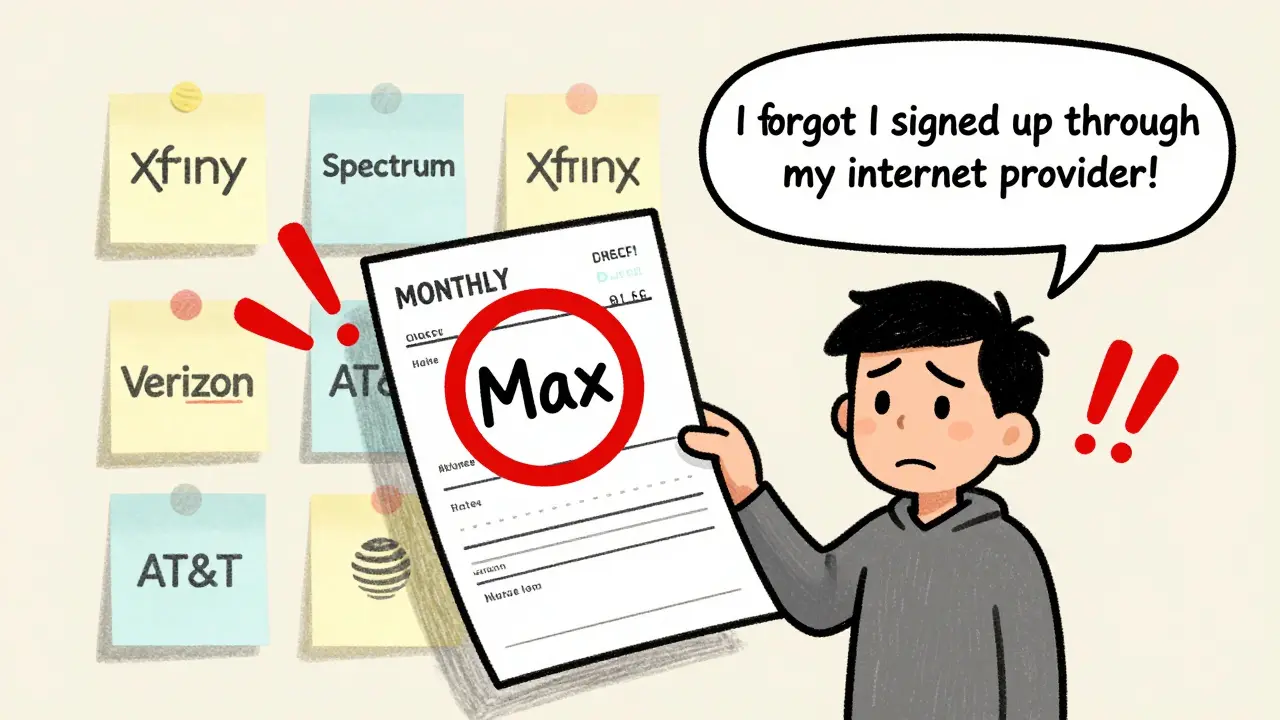
If you pay for Max as part of your Xfinity, Spectrum, Verizon, or AT&T bill, you can’t cancel through Max.com or your phone. You must contact your provider directly.
Here’s how to handle it:
- Xfinity: Call 1-800-XFINITY or log into your account online and go to “Manage TV & Internet” > “Add-ons” > “Cancel Max.”
- Spectrum: Log in to your Spectrum account, go to “My Services,” find Max, and select “Remove.”
- Verizon: Use the My Verizon app, go to “Add-Ons,” find Max, and tap “Cancel.”
- AT&T: Visit att.com/myaccount, go to “Manage Add-Ons,” and remove Max.
Some providers automatically renew Max with your plan. Even if you cancel on your device, you might still get billed if you didn’t cancel with your provider. Always double-check your monthly statement.
Will You Get a Refund?
No, you won’t get a refund for the current billing period. HBO Max doesn’t offer prorated refunds. But you’ll still have access until the end of the month you paid for. For example, if you cancel on January 5th and your billing date is the 15th, you’ll keep watching until January 15th.
This is standard across most streaming services. It’s not a loophole-it’s how subscription billing works. You’re paying for access to the service during that cycle, not for the right to cancel mid-cycle.
Common Mistakes People Make When Canceling
Many users think canceling the app or logging out is enough. It’s not. Here are the top mistakes:
- Just deleting the app. That doesn’t cancel your subscription. You’ll still be charged.
- Assuming you canceled because you didn’t see a confirmation email. Max doesn’t always send an email after cancellation. Check your account page instead.
- Canceling through the wrong platform. If you signed up via Apple, canceling on Max.com won’t work. You must cancel through Apple’s system.
- Forgetting about bundled subscriptions. If Max came with your internet plan, you have to cancel with your provider-not Max.
Always verify your cancellation by checking your subscription status on the platform where you originally paid. If you’re unsure where you signed up, look at your bank statement. The charge will say “MAX” or “HBO MAX” with the billing company listed.
What Happens After You Cancel?
After you cancel, here’s what you can expect:
- You’ll keep access until the end of your current billing cycle.
- You won’t be charged again.
- You won’t get a confirmation email from Max, but your account page will show “Subscription Cancelled.”
- Your watchlist and viewing history will stay saved for 10 months in case you re-subscribe.
- If you re-subscribe later, you’ll get back your profile and recommendations.
There’s no penalty for canceling. You can sign up again anytime. But if you wait too long-like more than a year-you might lose your personalized watchlist.
Still Can’t Cancel? Here’s What to Do
If you’ve tried everything and still can’t cancel, here’s what to check:
- Are you logged into the right account? Sometimes people have multiple emails tied to Max.
- Is your payment method expired? If so, the system might not let you cancel until you update it.
- Are you using a work or school account? Some corporate subscriptions can’t be canceled by users-contact your IT department.
- Did you sign up through a third-party promotion? Some free trials require you to cancel with the partner, not Max.
If none of this works, contact Max customer support. Go to help.max.com, click “Contact Us,” and select “Billing.” Be ready to provide your email, account ID, and proof of payment.
Most issues get resolved within 24 hours. Don’t wait until after you’re charged again-act early.
Alternatives to HBO Max
If you’re canceling because of price, consider switching to a cheaper service. Max costs $9.99/month with ads or $15.99/month without. Here are some alternatives:
- Netflix Basic: $6.99/month-good for one screen, HD quality.
- Paramount+ with Showtime: $5.99/month-includes CBS, MTV, and Showtime originals.
- Peanuts and Peacock: Free tier available with ads-great for families.
- Disney+: $7.99/month-if you like Marvel, Star Wars, or Pixar.
Many people cancel Max and use a mix of free and low-cost services. You can still watch Game of Thrones on Paramount+ and The Last of Us on Max if you only pay for one service at a time.