
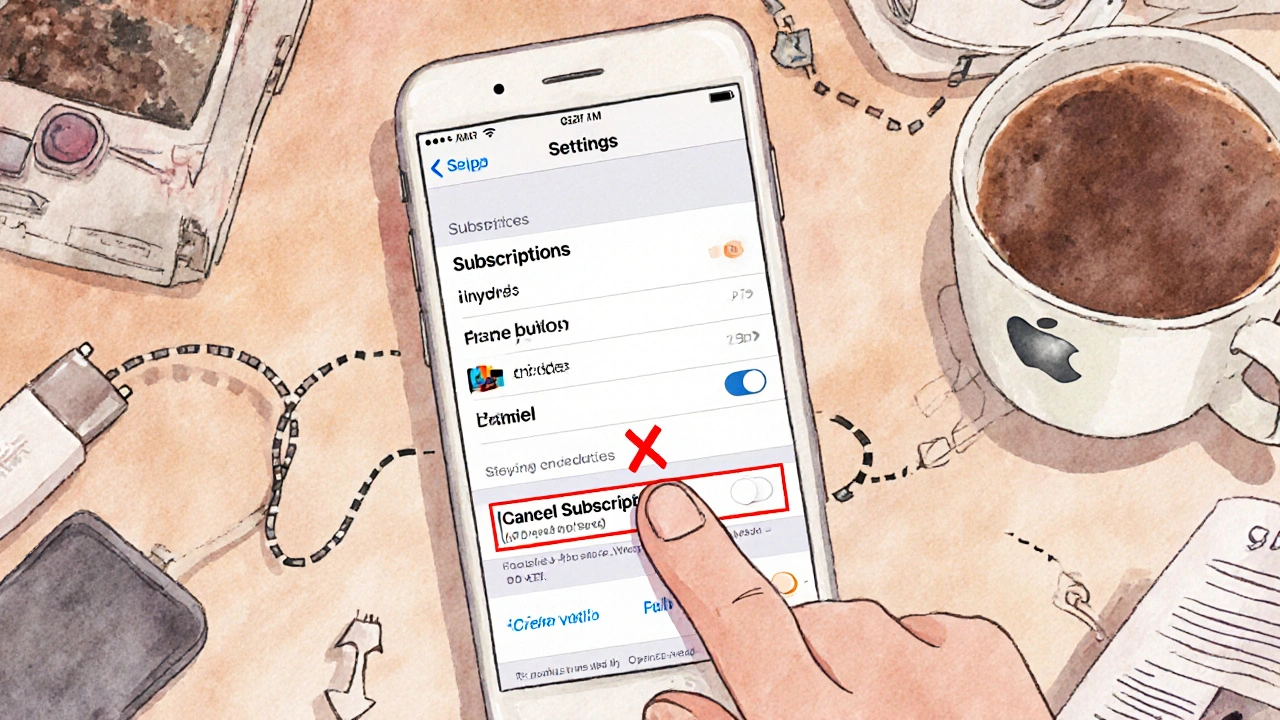
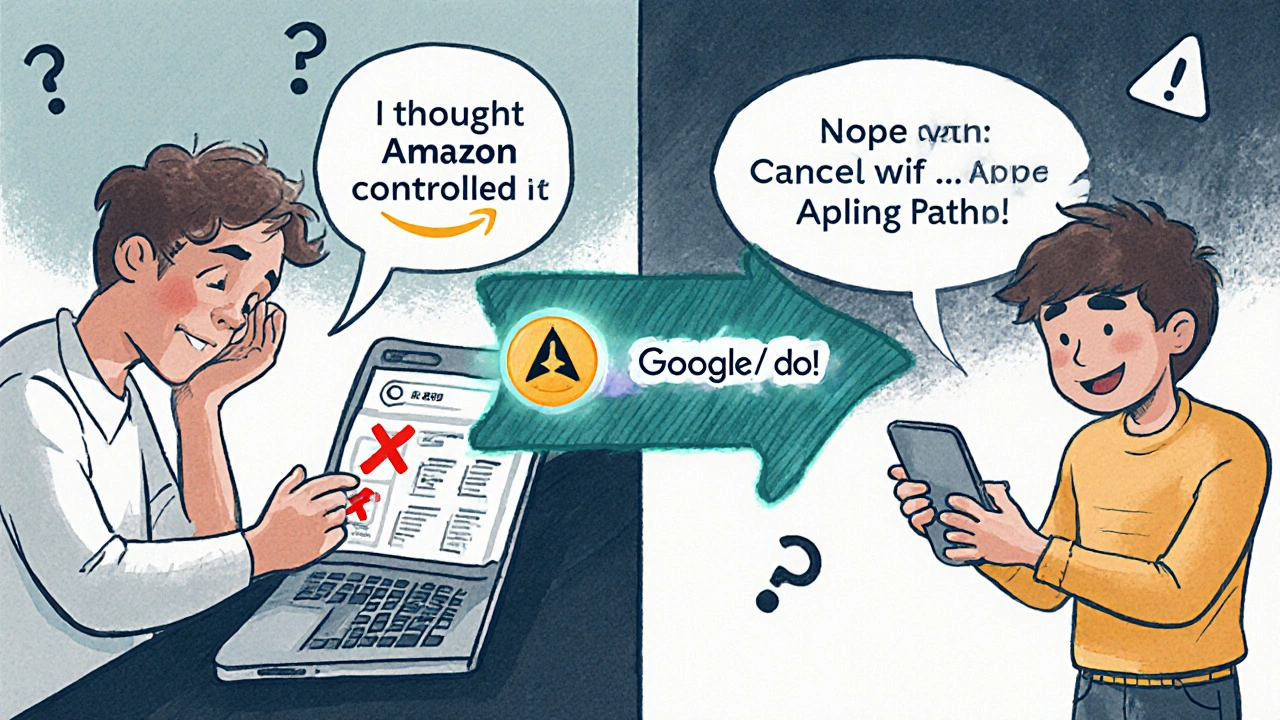
If you signed up for Prime Video through Apple or Google, you can’t cancel it inside the Prime Video app. That’s the most common mistake people make. You didn’t sign up with Amazon-you signed up through your iPhone, iPad, or Android phone. That means your subscription is billed through Apple’s App Store or Google Play, not Amazon’s website. And if you try to cancel on Amazon’s site, nothing happens. Your subscription keeps charging. You’re stuck paying for something you thought you canceled.
Here’s the truth: Amazon doesn’t control your billing if you used Apple or Google to subscribe. They only provide the content. Apple and Google handle the money. So if you want to stop the payments, you have to go where the money flows-Apple or Google’s account settings.
How to Cancel Prime Video on Apple Devices
If you’re using an iPhone, iPad, or Mac and subscribed through the Apple App Store, follow these steps exactly:
- Open the Settings app on your Apple device.
- Tap your name at the top of the screen.
- Select Subscriptions.
- Find Prime Video in the list. It might show as "Amazon Prime Video" or just "Prime Video".
- Tap it, then choose Cancel Subscription.
- Confirm you want to cancel. You’ll keep access until the end of your current billing period.
You’ll see a message that says your subscription will end on a specific date. That’s normal. You won’t be charged again after that date. No need to contact Amazon. No need to log into Prime Video. Apple handles it all.
Pro tip: If you don’t see Prime Video in your subscriptions list, check under "Amazon". Sometimes Apple groups it under the parent company. Look for "Amazon.com" or "Amazon Prime"-that’s the same thing.
How to Cancel Prime Video on Google Devices
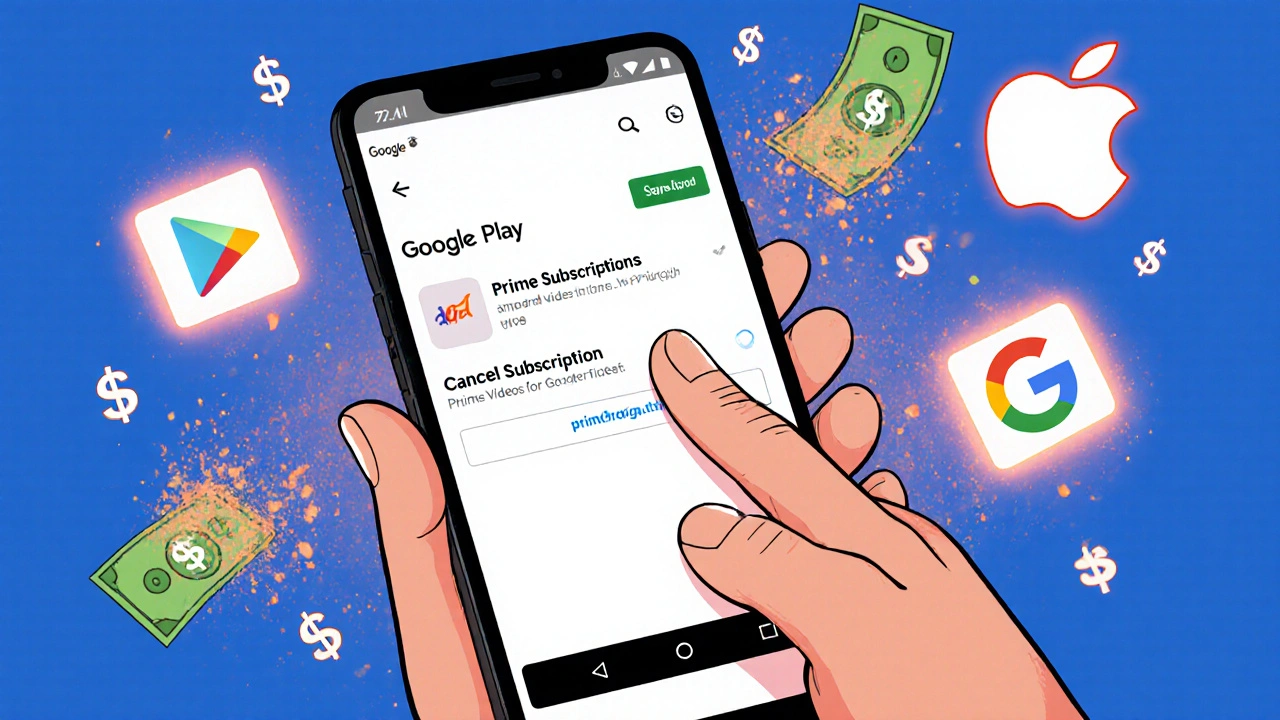
If you’re on Android or used the Google Play Store on your tablet or phone, here’s how to cancel:
- Open the Google Play Store app.
- Tap the three horizontal lines in the top-left corner.
- Select Subscriptions.
- Find Prime Video in the list.
- Tap it, then choose CANCEL SUBSCRIPTION.
- Follow the prompts to confirm. You’ll keep access until your next billing date.
That’s it. Google stops the payment. Amazon doesn’t get notified. You don’t need to log into your Amazon account. You don’t need to call anyone. The cancellation is automatic and final.
Warning: If you cancel through Google but still see charges on your Amazon account, that’s a red flag. Amazon should never bill you if you signed up through Google. Double-check your Apple or Google subscription list. If you see Prime Video listed there and it’s active, you’re still paying. If it’s canceled, the charge you see on Amazon is likely a past transaction that already went through.
Why You Can’t Cancel Prime Video Through Amazon
Amazon doesn’t want you to cancel this way. They make more money when you stay subscribed. But the reason you can’t cancel through Amazon isn’t about greed-it’s about how billing works.
When you sign up for Prime Video through Apple or Google, you’re agreeing to their terms, not Amazon’s. Apple and Google act as middlemen. They take a 15-30% cut (depending on your region and subscription length), then pass the rest to Amazon. That’s why Amazon doesn’t control the cancellation. They’re not the one taking your money.
Think of it like buying a movie ticket at a theater. You don’t call the movie studio to get a refund-you go back to the theater. Same here. Apple and Google are the theater. Amazon is the movie.
Some people think they’re getting a "deal" by signing up through Apple or Google. But you’re not. The price is the same as Amazon’s monthly Prime membership. And you lose control. You can’t change payment methods. You can’t pause it. You can’t see your full history. You’re locked into Apple or Google’s system.
What Happens After You Cancel
After you cancel through Apple or Google, you’ll still be able to watch Prime Video until your current billing cycle ends. For example, if you cancel on the 10th and your next payment is due on the 15th, you can keep watching until the 15th. Then, access stops.
You won’t get a refund for the current period. That’s standard with all third-party subscriptions. But you won’t be charged again.
Your Amazon account stays active. You can still log in. You can still browse shows. But you won’t be able to play anything. You’ll see a message saying your subscription has ended. That’s normal.
If you want to come back later, you’ll have to resubscribe. You can do that through Amazon’s website directly, or through Apple or Google again. But if you resubscribe through Amazon, you’ll have full control over your billing-no middleman, no surprises.
Common Mistakes and How to Avoid Them
Here are the most common errors people make when trying to cancel Prime Video through Apple or Google:
- Mistake: Logging into Amazon.com and trying to cancel there. Fix: That does nothing. Go to Apple or Google instead.
- Mistake: Deleting the Prime Video app. Fix: Deleting the app doesn’t cancel the subscription. You’re still paying.
- Mistake: Thinking you’re on a "free trial" and assuming it ends automatically. Fix: Most free trials auto-renew. You have to cancel before the trial ends.
- Mistake: Assuming you’re only paying for Prime Video. Fix: If you signed up through Apple or Google, you might be paying for the full Amazon Prime bundle-shipping, music, photos, and more. Canceling Prime Video doesn’t cancel the whole Prime membership. You need to cancel the full Prime subscription if you want to stop all charges.
If you’re unsure whether you’re paying for Prime Video alone or the full Amazon Prime bundle, check your Apple or Google subscription details. It will say "Amazon Prime" if it’s the full package. If it says "Prime Video", you’re only paying for video.
Alternatives to Third-Party Billing
If you want more control over your subscription, stop using Apple or Google to sign up. Go directly to Amazon.
Visit amazon.com (or your local Amazon site), sign in, and subscribe to Prime Video. You’ll pay the same price-$9.99/month in the U.S., €8.99/month in the EU-but now you control everything:
- You can cancel anytime from your Amazon account.
- You can pause your subscription for up to 12 months.
- You can change your payment method easily.
- You can see your full billing history.
And if you’re on a family plan, you can manage who has access. With Apple or Google, you can’t do any of that.
Switching from Apple/Google to Amazon doesn’t cost anything. Your watch history, recommendations, and watchlist stay the same. You just gain control.
Still Getting Charged After Cancellation?
If you canceled through Apple or Google but still see a charge on your bank statement:
- Check your Apple or Google subscription list again. Is Prime Video still listed as active? If yes, you didn’t cancel properly.
- If it shows as canceled, check the date. The charge might be for the period before you canceled. That’s normal.
- If you see a charge after your cancellation date, contact Apple or Google support. Amazon can’t help-you didn’t pay them.
Keep a screenshot of your cancellation confirmation from Apple or Google. That’s your proof if a charge appears later.
Most people who follow these steps stop getting charged within one billing cycle. If you’re still paying after 30 days, something’s wrong. Don’t ignore it. Reach out to Apple or Google directly. They’re the ones taking your money.
Can I cancel Prime Video through Amazon if I signed up via Apple or Google?
No. If you subscribed through Apple’s App Store or Google Play, you must cancel through those platforms. Amazon doesn’t manage the billing for third-party sign-ups. Trying to cancel on Amazon’s website won’t stop the charges.
Will I get a refund if I cancel Prime Video?
No. You won’t get a refund for the current billing period. But you won’t be charged again after your subscription ends. Your access continues until the end of the paid period.
What’s the difference between canceling Prime Video and canceling Amazon Prime?
Prime Video is a part of Amazon Prime. If you signed up for Prime Video through Apple or Google, you might be paying for the full Prime bundle-shipping, music, photos, and video. Canceling just Prime Video won’t stop those other charges. Check your Apple or Google subscription to see if it says "Amazon Prime" or just "Prime Video".
Why does Apple or Google charge me more than Amazon?
They don’t. The price is the same. But Apple and Google take a cut-up to 30%-for handling the payment. That’s why Amazon doesn’t control the subscription. They get paid after the middleman takes their fee.
Can I switch from Apple/Google billing to Amazon billing?
Yes. Cancel your subscription through Apple or Google. Then, go to Amazon.com and sign up for Prime Video directly. Your watch history and recommendations stay the same. You’ll just have full control over your account from now on.