
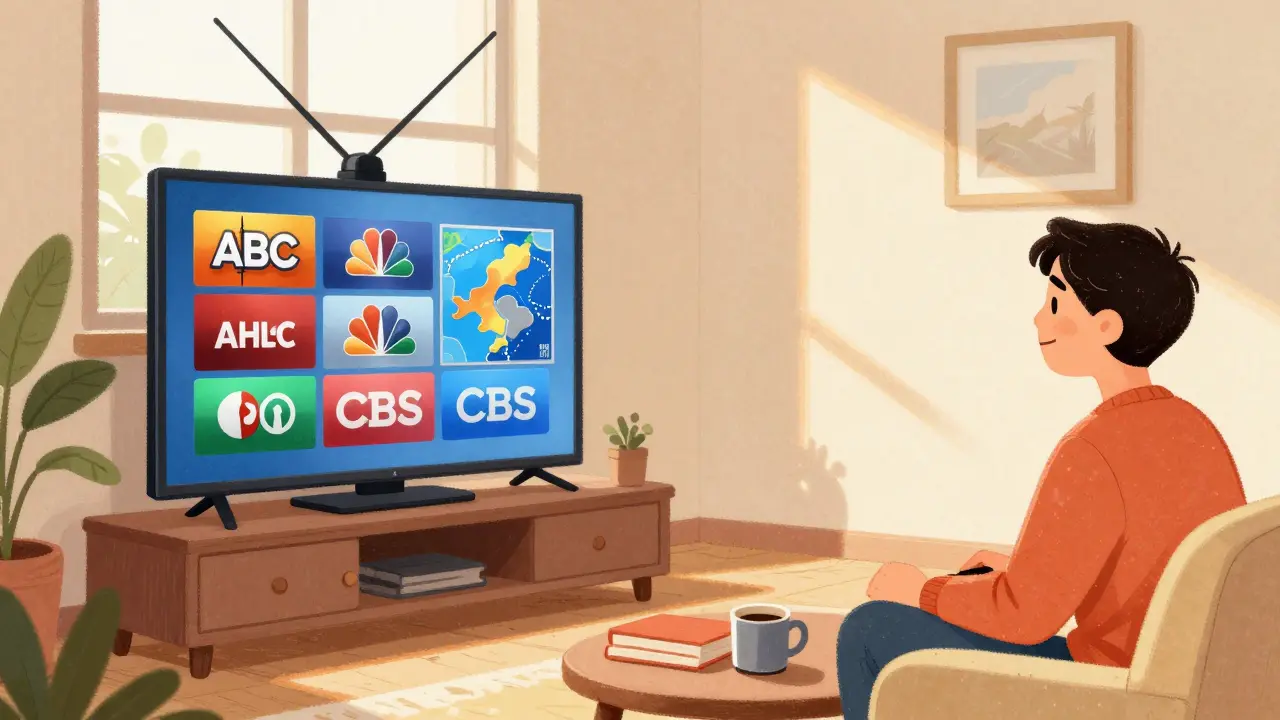
When you cancel your cable subscription, you don’t have to lose access to local news, weather, sports, or network shows like NBC, ABC, CBS, and Fox. Many people think cutting cable means giving up live TV entirely-but that’s not true. With a simple antenna and a few smart choices, you can get free local channels without paying a cent every month.
Why Free Local Channels Still Matter
Even in 2026, local TV stations broadcast high-definition content that’s often better than what streaming services offer. Local news at 6 p.m. gives you real-time updates on road closures, school delays, or severe weather. Sports fans get live coverage of high school games, college matchups, and even some professional teams that don’t appear on national feeds. And let’s not forget emergency alerts-those pop up on local channels during storms, fires, or power outages, even when your internet goes down.
These channels aren’t just filler. They’re essential. And the best part? You don’t pay for them. Broadcast TV is funded by advertisers, not monthly fees. All you need is a way to receive the signal.
What You Need: An Antenna
The single most important tool for getting free local channels is an antenna. Not the old rabbit ears from the 90s-modern indoor or outdoor antennas are slim, powerful, and designed for digital signals. You don’t need a fancy one. Even a $20 indoor antenna can pull in 10-20 channels if you’re within 30 miles of a broadcast tower.
Antennas work because local TV stations transmit signals over the air using UHF and VHF frequencies. These signals are free, legal, and unencrypted. All you need is a tuner to decode them. Most TVs made after 2007 have a built-in digital tuner. If yours is older, you’ll need a cheap digital converter box-around $25 at any hardware store.
Here’s what to look for in an antenna:
- Indoor antennas work well in cities or suburbs with strong signals. Try models like the Mohu Leaf or Antennas Direct ClearStream Eclipse.
- Outdoor antennas are better if you live farther out, in valleys, or near tall buildings. The Winegard Elite 7550 is a popular choice.
- Directional vs. omnidirectional: Directional antennas pick up signals from one direction (great if towers are clustered). Omnidirectional grab signals from all around (better if towers are spread out).
Installation is simple. Plug the antenna into your TV’s coaxial port (usually labeled “ANT IN” or “CABLE IN”). Then run a channel scan. That’s it.
How to Find Out What Channels You Can Get
Not all antennas work the same everywhere. Signal strength depends on your location, terrain, and distance from broadcast towers. Before you buy anything, check FCC’s DTV Reception Maps or use a free tool like TV Fool (tvfool.com). Just enter your address, and it shows you exactly which channels are available, their signal strength, and the direction the antenna should face.
In Dublin, for example, you can typically pick up RTÉ One, RTÉ Two, Virgin Media One, TG4, and UTV from a single indoor antenna if you’re near the city center. If you’re in a rural area like County Kildare, you might need an outdoor model to get the same results.
TV Fool gives you a list like this:
- RTÉ One - 32.1 - 28 miles - 55 dB (Strong)
- Virgin Media One - 34.1 - 25 miles - 52 dB (Strong)
- TG4 - 36.1 - 30 miles - 48 dB (Medium)
If the signal is marked “Strong,” you’ll get a crisp picture. “Medium” means you might get pixelation during heavy rain. “Weak” means you’ll need a better antenna or to reposition it.
Where to Place Your Antenna
Where you put the antenna makes a huge difference. Try these tips:
- Place it near a window, preferably facing the direction of the broadcast towers (shown on TV Fool).
- Avoid metal objects, mirrors, or thick walls between the antenna and the window.
- Try placing it on a bookshelf or higher up-height helps.
- If you’re still getting weak signals, try rotating the antenna slowly while running a channel scan.
Some people swear by taping the antenna to a metal cookie sheet to boost reception. It’s not science, but it works for some. Others use a signal amplifier (a small box that boosts the signal) if they’re splitting the feed to multiple TVs. Don’t buy one unless you need it-most homes don’t.

What You’ll Actually Get
Don’t expect Netflix-level variety. But you’ll get more than you think. A typical urban household picks up:
- Main network channels: ABC, CBS, NBC, Fox, PBS, CW
- Local news stations
- Weather channels
- Public broadcasting (like RTÉ or TG4 in Ireland)
- Independent channels: This includes niche stations like Court TV, MeTV, or Antenna TV that show classic shows, movies, or local programming
In the U.S., you might get subchannels like 4.2, 4.3, etc.-these are extra streams from the same station. For example, 4.1 might be NBC, 4.2 might be MeTV (showing old sitcoms), and 4.3 might be a weather radar channel. In Ireland, you’ll get similar multiplexes on RTÉ and Virgin Media.
Some channels even broadcast in 1080p. Local news broadcasts often look sharper than streaming services because they’re not compressed as heavily.
What You Can’t Get
Free over-the-air TV has limits. You won’t get:
- Cable-exclusive channels like ESPN, Discovery, or HBO
- On-demand content-you can’t pause or rewind live TV without a DVR
- International channels unless they broadcast locally
That’s fine. Most people don’t need all those channels. If you want premium content, pair your antenna with a cheap streaming service. For example, use YouTube TV or Hulu + Live TV for sports and national news, and keep your antenna for local content. That way, you cut 80% of your cable bill and still get everything important.
Record Free TV With a DVR
Want to record your favorite shows? You can. A simple USB DVR like the HDHomeRun or Tablo connects to your antenna and lets you record shows to an external hard drive. You can then watch them on your TV, phone, or tablet.
Some smart TVs have built-in recording features. Check your TV’s manual. If yours doesn’t, a $60 USB tuner with recording software like Plex or Emby does the job. You’ll need a USB drive with at least 500GB of space.
One tip: Don’t buy a DVR that requires a monthly fee. Stick with hardware that works without subscriptions. You paid for the antenna-don’t pay again for the recording.
How Much You’ll Save
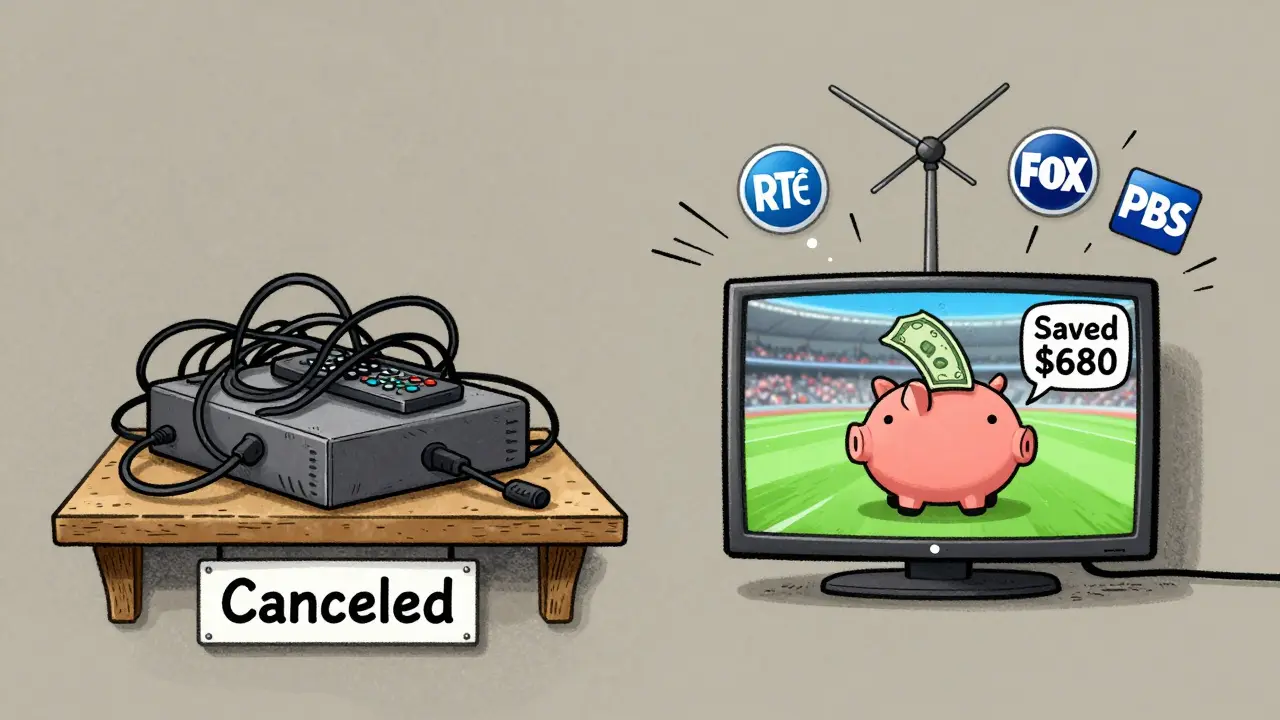
Let’s say your cable bill was €70 a month. That’s €840 a year. An antenna costs €25-€100 once. A DVR adds €60-€120. That’s €160 total for the year. You save €680 in the first year. After that, you’re paying nothing. And you still get local news, weather, and sports.
Plus, no contracts. No hidden fees. No upsells. Just TV.
What About Streaming Apps?
Many local stations now have free apps-RTÉ Player, Virgin Media Player, or even NBC’s app. These let you watch recent episodes of shows you missed. But they’re not live. You can’t watch the 6 p.m. news as it airs unless you’re tuned in via antenna.
Apps also require internet. If your broadband goes out during a storm, your antenna still works. That’s why most cord-cutters use both: antenna for live TV, apps for catch-up.
Final Checklist: Are You Ready?
Before you cancel cable, make sure you’ve done these five things:
- Check TV Fool or your local regulator’s map to see what channels you can get.
- Buy a decent indoor antenna (under €50) if you’re in the city, or an outdoor one if you’re rural.
- Plug it in and run a channel scan on your TV.
- Test reception during peak hours-does the picture stay clear?
- Consider a $60 DVR if you want to record shows.
If you answered yes to all five, you’re ready. You don’t need cable. You don’t need expensive streaming bundles. You just need an antenna and a little curiosity.
What Comes Next?
Once you’ve got your antenna working, you might want to explore streaming options that complement it. Services like ITVX, BBC iPlayer, or My5 offer free, ad-supported content with full episodes. Pair those with your antenna, and you’ve got a complete, low-cost TV setup that costs less than €200 upfront-and nothing after that.
And if you ever miss your cable guide? Use the free app Channel Master or Antenna TV on your phone. It shows what’s on now and what’s coming up-just like the old cable guide, but without the bill.
Do I need an antenna if I have a smart TV?
Yes, if you want free local channels. Smart TVs have internet apps, but they don’t receive over-the-air signals unless they have a built-in tuner and you connect an antenna. Most smart TVs do have tuners-just plug in the antenna and scan for channels.
Can I use my old cable box as an antenna?
No. Cable boxes are designed to decode encrypted signals from your provider. They can’t receive free over-the-air broadcasts. You need a separate antenna and a TV with a digital tuner.
Will bad weather affect my antenna signal?
Heavy rain or snow can weaken signals, especially if your antenna is indoors or far from the tower. Outdoor antennas handle weather better. If you lose signal during storms, try repositioning the antenna or adding a signal amplifier.
Can I get international channels for free?
Only if they broadcast locally. In Ireland, you won’t get BBC One from the UK unless you’re near the border and have a strong signal. Most international channels require a subscription or streaming service.
Do I need internet to use an antenna?
No. The antenna works without any internet connection. You only need internet if you want to use streaming apps or an online guide like Channel Master. For live TV, the antenna alone is enough.