
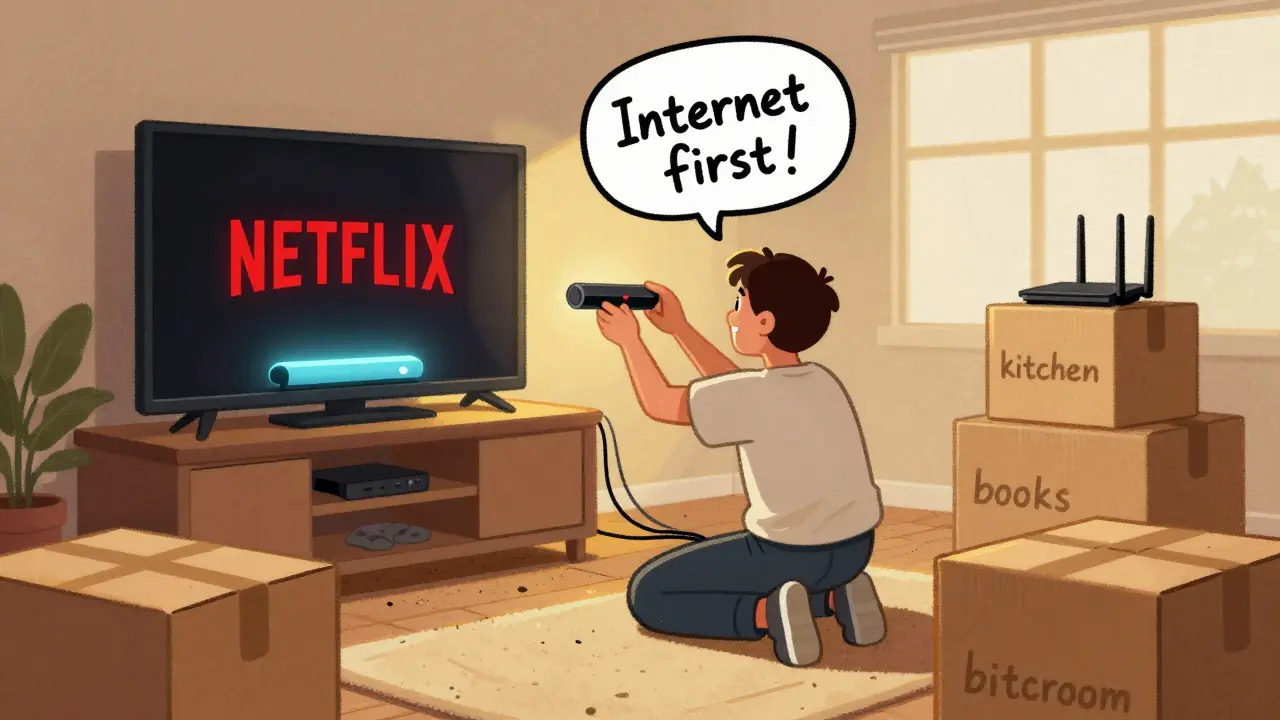
Moving is stressful enough without realizing halfway through unpacking that you can’t watch your favorite show because the internet isn’t working. If you’re cutting the cord-bye, cable TV-your move day plan needs one critical priority: internet and streaming services before anything else. Forget boxes, furniture, or even the coffee maker. Get online first, and everything else falls into place.
Why Internet Comes Before Everything Else
Think about your move. You’ve got boxes labeled ‘kitchen,’ ‘bedroom,’ ‘books.’ But none of them say ‘TV.’ That’s because you don’t need a TV box anymore. You need a router, a streaming stick, and a login. Without internet, your smart TV is just a fancy mirror. Your Roku, Fire Stick, or Apple TV? A paperweight. Your phone? A brick if you can’t stream your shows.
Most people treat internet setup like an afterthought. They assume it’ll just work. It won’t. Internet providers need days-or sometimes weeks-to schedule installation. If you wait until moving day to call, you’ll be stuck watching reruns on your laptop screen while your friends binge their favorite series.
Real talk: I moved last year. I didn’t plan ahead. By noon on moving day, I had three boxes of dishes, a half-assembled bed, and zero signal. I spent three hours on hold with three different providers before finally getting a temporary hotspot. That’s not a move. That’s a tech nightmare.
Step-by-Step: What to Do Before You Even Pack
Here’s what actually works, based on real moves and real failures:
- Find out what internet options exist at your new place. Call the landlord, check the building’s website, or ask the previous tenant. Not all providers are available everywhere. Fiber? Great. DSL? Barely. Fixed wireless? Only if you’re okay with spotty speed during storms.
- Choose your provider and sign up at least 10 days before move-in. Don’t wait for the day you’re moving. Providers need to schedule technicians, ship equipment, and activate service. If you sign up 10 days out, you’ll likely have your modem waiting on the porch. Some even let you schedule installation for the exact time you’re moving in.
- Order your streaming devices now. Roku Express, Amazon Fire Stick, Apple TV-get them delivered to your new address. Don’t wait until you’re unpacking. You’ll need them to set up your accounts, and you can’t do that without Wi-Fi.
- Log into all your streaming accounts ahead of time. Netflix, Disney+, Hulu, Max, YouTube TV. Make sure your login works. Check your subscription status. Cancel anything you don’t need. You don’t want to be surprised by a $15 charge for a service you forgot about.
- Download offline content. If you’re moving into an area with spotty internet, use Netflix’s download feature or Disney+’s offline mode. Load up a few seasons of your favorite shows before you leave. It’s not a substitute, but it’s a lifesaver on day one.
What Happens If You Skip This Step
People think, ‘I’ll just use my phone hotspot.’ That sounds smart until you try to stream a 4K movie on a 5GB data plan. You’ll hit your limit in 45 minutes. Then you’re stuck watching 480p clips on a 10-inch screen while your partner tries to watch a documentary on their tablet. It’s not sustainable.
Another common mistake? Assuming your old provider covers your new area. I had a client who moved from Dublin city to County Wicklow. They kept their Vodafone plan. Two days in, they realized their new house had zero coverage. They had to switch providers, lose their number, and pay early termination fees. All because they didn’t check.
And don’t forget the router. If you’re using your old one, it might not support modern Wi-Fi 6 standards. Your new place might have better wiring, but if your router is from 2018, you’re still stuck with slow speeds and dead zones. A $50 new router can make a bigger difference than a $100 internet upgrade.
Streaming Services You Actually Need
You don’t need 10 streaming services. You need the ones you watch. Here’s a realistic breakdown:
- Netflix - Still the king. Originals, documentaries, international shows.
- Disney+ - For Marvel, Star Wars, Pixar, and family content.
- Max - HBO originals, documentaries, and recent movies.
- YouTube TV or FuboTV - If you want live sports, news, or local channels.
- BritBox or ITVX - If you’re into British dramas, crime shows, or classic series.
That’s it. Five services. You can skip Apple TV+, Peacock, and Paramount+ unless you’re obsessed with one specific show. Most people use 2-3. Stick to what you watch. Cancel the rest before you move.

What About Wi-Fi Extenders and Mesh Systems?
Big homes? Multiple floors? Thick walls? You’re not alone. A single router rarely covers a whole house anymore. If your new place is over 1,500 square feet, consider a mesh system like TP-Link Deco or Google Nest Wifi. These systems use multiple units to blanket your home in strong, consistent signal.
Don’t wait to buy one after you move. Order it with your internet. Some providers even bundle mesh routers for free if you sign up for higher-tier plans. If you’re renting, check with your landlord. Some now include mesh systems as part of the lease.
Final Tip: Test Before You Unpack
When you arrive, don’t rush to open boxes. Plug in the router. Power on the streaming stick. Connect your phone. Open Netflix. Play a 4K video. If it buffers, call the provider immediately. If it works? You’re golden. Now you can unpack in peace.
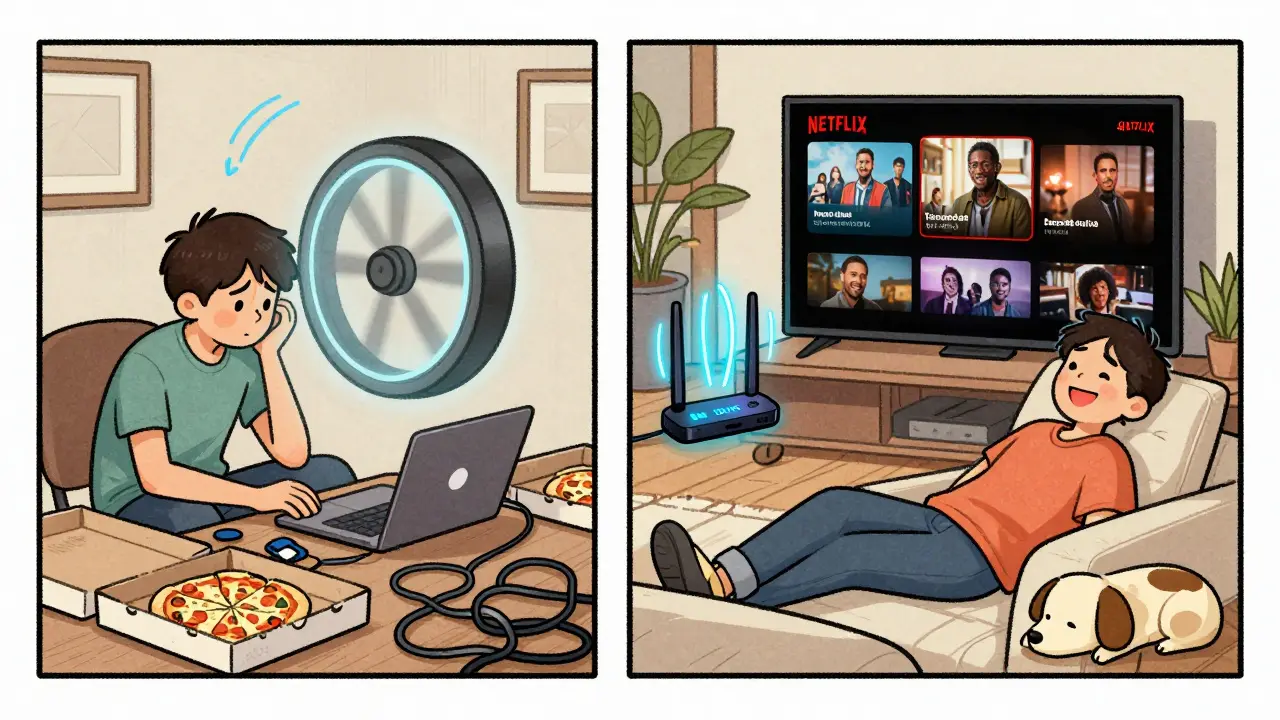
Move day isn’t about boxes. It’s about comfort. And comfort starts with a smooth stream, not a spinning loading wheel. Get internet first. Everything else can wait.
What’s the fastest way to get internet on move-in day?
Sign up for internet at least 10 days before your move. Choose a provider that offers same-day or next-day installation. Some, like Virgin Media in Ireland, let you schedule installation for the exact time you’re moving in. If you’re in a hurry, ask about portable hotspots or temporary Wi-Fi rentals.
Can I use my phone as a hotspot for streaming?
You can, but it’s not practical. Streaming one hour of HD video uses about 3GB of data. Most mobile plans cap at 10-20GB per month. You’ll run out fast. Plus, your phone overheats, drains battery, and slows down other devices. Use it only as a backup until your main internet is active.
Do I need a new router when I move?
Not always, but often. If your router is more than three years old, it might not support modern speeds or Wi-Fi 6. Newer homes often have better wiring, but an old router can bottleneck everything. If your new place is larger than your old one, a new router or mesh system is a smart investment.
How do I know which internet provider to choose?
Check what’s available at your new address. Use tools like ComReg’s broadband checker (Ireland’s regulator) or ask neighbors. Look for fiber if you can-it’s faster and more reliable. Avoid DSL unless it’s your only option. Compare prices, data caps, and contract lengths. Don’t just pick the cheapest-pick the one that actually works in your home.
Should I cancel my old internet before I move?
Wait until your new service is active. Canceling too early leaves you without internet during the transition. Most providers let you schedule a disconnect date. Set it for the day after you’re fully set up at the new place. That way, you avoid gaps.
What if my new place has no internet infrastructure?
You still have options. Fixed wireless (like Eir or Three Ireland) uses a small antenna to connect to nearby towers. Satellite internet is another option, though it’s slower and has data limits. In rural areas, mobile hotspots with unlimited data (if available) are the most common solution. Always check coverage maps before signing a lease.