
Making a movie doesn’t mean you need a six-figure budget to make it look and sound professional. Independent filmmakers have been proving this for decades. You don’t need Hollywood gear, luxury suites, or a team of ten to nail color, sound, and final deliverables. You just need the right approach - smart, intentional, and waste-free.
Color Grading That Doesn’t Break the Bank
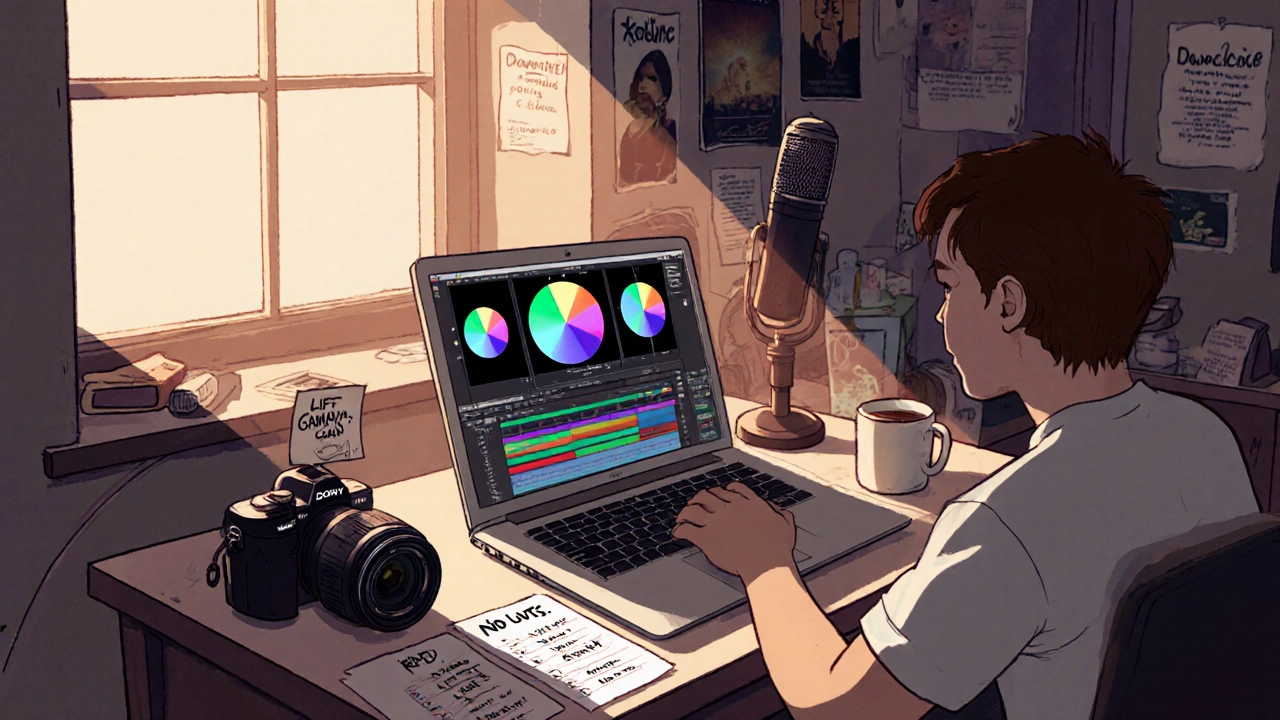
Color grading isn’t about buying the most expensive software. It’s about understanding light, mood, and contrast. Many indie films shot on consumer cameras like the Sony ZV-E10 or Canon EOS R5 C look stunning in post because the color grade tells a story, not because it used a $2,000 plugin.Start with free tools. DaVinci Resolve is the industry standard - and it’s free. You don’t need the Studio version to do professional work. Most indie films released in 2024 used the free version to grade everything from arthouse dramas to horror shorts. The trick? Learn the basics: lift, gamma, gain. Use scopes - waveform, vectorscope, histogram - instead of guessing by eye. A well-balanced image looks polished even if it’s not perfectly saturated.
One filmmaker in Belfast shot a 20-minute short on her iPhone 15 Pro. She used Resolve’s color wheels to lift shadows slightly, then added a cool teal tint to the highlights. It gave the whole film a quiet, melancholic tone that matched the story. No LUTs. No presets. Just three adjustments. That’s the power of restraint.
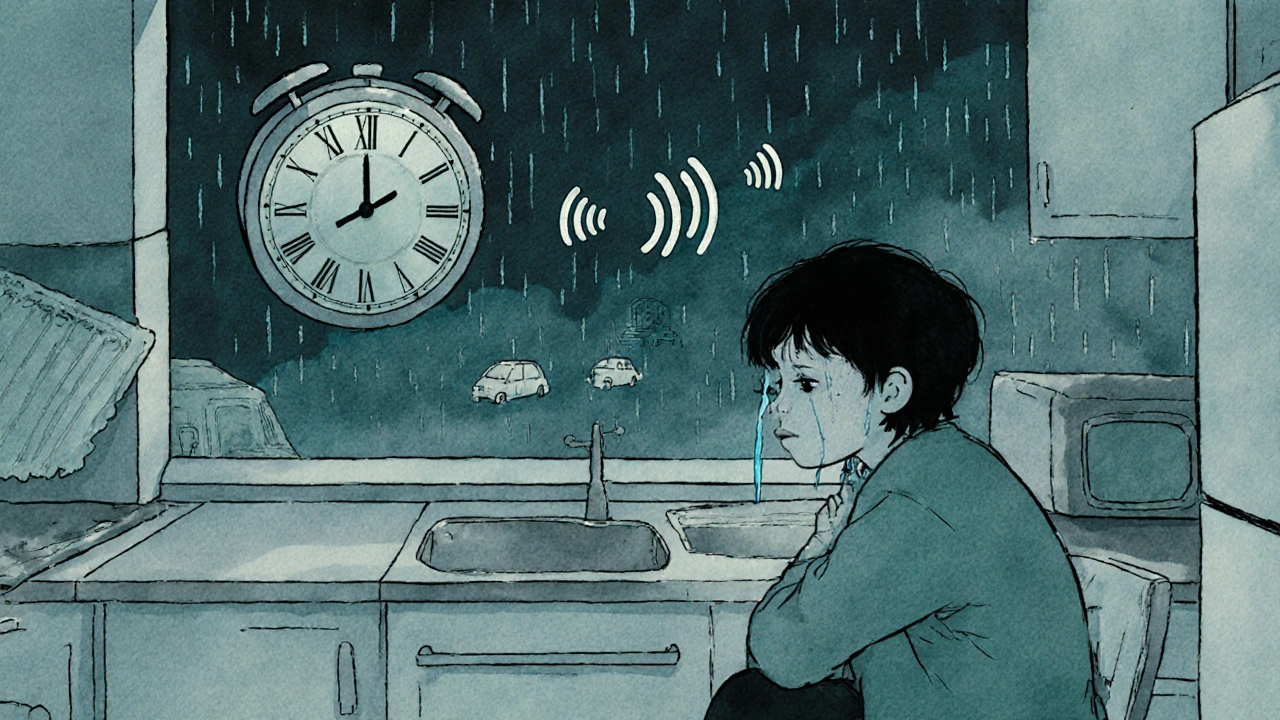
Avoid the trap of over-grading. Too much contrast, too much saturation, too many grain effects - it screams "low budget" because it looks like you’re trying to hide flaws. Instead, match the color to the emotion. A scene where someone cries alone in a kitchen? Keep the tones soft. A chase through a neon alley? Lean into the reds and blues. Let the story drive the palette, not the trend.
Sound Design That Feels Expensive
Bad sound kills good visuals faster than shaky camerawork. But you don’t need a $10,000 microphone or a Foley studio to fix it.Start with clean production audio. Record in quiet spaces. Use a lavalier mic like the Rode Wireless GO II - it’s under $300 and works great for dialogue. If you’re shooting outside, use a windscreen. Even a sock over the mic helps. Most indie films lose viewers in the first five minutes because of muffled or echoey dialogue.
For ambient sound, use free libraries like Freesound.org or BBC Sound Effects. Find real-world sounds: rain on a tin roof, footsteps on gravel, a fridge humming. Layer three or four of them under a scene. Don’t overdo it. A single well-placed door creak can be more powerful than a full orchestral swell.
One director in Cork made a thriller with no budget for music. Instead, he used the sound of a ticking clock from a thrift store - recorded it, slowed it down, and layered it with distant traffic. It became the film’s heartbeat. No composer. No royalty fees. Just one object and a lot of patience.
Normalize your audio. Use Audacity (free) or the built-in tools in Resolve to bring dialogue up to -23 LUFS. That’s the broadcast standard. Don’t compress everything to death. Leave room for silence. Silence is part of sound design.
Deliverables That Actually Work
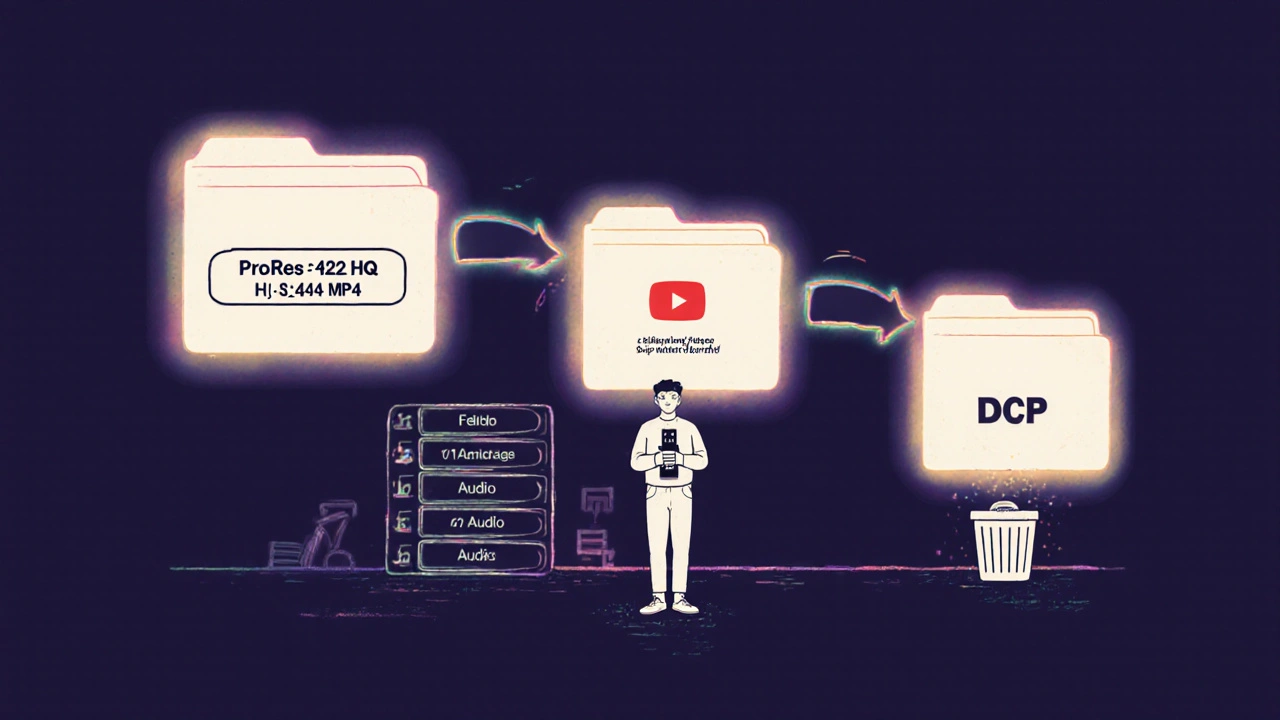
You’ve graded the color. You’ve cleaned the sound. Now you need to export it right. This is where most indie films fail - not because they can’t make a good movie, but because they send out the wrong file.There are three deliverables you absolutely need:
- ProRes 422 HQ (for festivals and broadcasters)
- H.264 MP4 (for YouTube, Vimeo, social media)
- DCP (if you’re screening in a cinema - but only if you’re actually screening)
Don’t waste time making 10 different versions. Most festivals only ask for one or two. Check their submission guidelines. If they say “H.264, 1920x1080, 24fps,” then make that one. Don’t add 4K unless they ask. Don’t use AVI or MOV unless required. File formats are not a status symbol - they’re tools.
For YouTube, export with a bitrate of at least 20 Mbps. Lower than that, and the compression will turn your carefully graded image into a muddy mess. Use constant quality (CRF) mode in HandBrake or Resolve. Set CRF to 18 for high quality. Don’t use “fast” or “ultrafast” presets. Use “medium” or “slow” - it takes longer, but the file looks better.
And here’s the big one: always include a separate audio track. Not mixed into the video. A .WAV file at 48kHz/24-bit. Festivals and distributors will ask for it. If you don’t have it, you’re out.
How to Avoid Waste in Every Step
Waste isn’t just spending too much. It’s doing things that don’t matter.Don’t render every version twice. Don’t try to match every trending TikTok filter. Don’t hire a colorist because your cousin knows someone who uses Premiere. Use what you have. Learn what you need.
Plan your deliverables before you shoot. If you know you’re submitting to a festival that requires ProRes, shoot in Log or RAW. If you’re only posting online, shoot in Rec.709. That saves hours in post.
Keep your project files organized. Name your folders: 01_Raw_Footage, 02_Audio, 03_Grade, 04_Deliverables. One filmmaker in Galway lost three weeks of work because she saved every export as “Final_Cut_v3_FINAL.mov.” Don’t be that person.
Use templates. Create a Resolve project template with your default color settings, audio normalization, and export presets. Save it. Use it for every project. It cuts your post time in half.
Real Examples, Real Results
In 2023, a student film from Limerick won best short at the Galway Film Fleadh. Budget: €1,200. No crew. Two people. Shot on a used Canon EOS M50. Used free sound libraries. Graded in Resolve. Exported one ProRes file and one MP4. No fancy lights. No dolly. No drone. Just clear planning and smart choices.Another film, made by a single person in Dublin, was picked up by a streaming platform. They didn’t spend a cent on music. They used a Creative Commons track from Free Music Archive. They edited the whole thing on an old MacBook Air. They didn’t even have a monitor calibrated. They used their phone’s screen to check color - and it worked. Because they didn’t chase perfection. They chased clarity.
You don’t need a big budget to make a film that matters. You need clarity of vision and discipline in execution. Color, sound, and deliverables aren’t about gear. They’re about choices. And the best choices cost nothing.
Do I need expensive software to grade my film’s color?
No. DaVinci Resolve’s free version is used by professionals worldwide. You can do full color grading, audio editing, and exports without paying a cent. What matters is learning how to use the color wheels, scopes, and curves - not the price tag.
Can I use free sound effects in my film?
Yes, as long as you check the license. Sites like Freesound.org and BBC Sound Effects offer royalty-free sounds under Creative Commons. Always credit the source if required, and avoid sounds labeled "for personal use only." Most indie films use these without issue.
What file format should I export for YouTube?
Export as H.264 MP4 at 1920x1080 resolution, 24 or 30fps, with a bitrate of at least 20 Mbps. Use CRF 18 for best quality. Avoid uploading MOV or AVI - YouTube will re-encode them, and you’ll lose detail.
Do I need a DCP for film festivals?
Only if the festival specifically asks for it. Most festivals accept digital files like ProRes or H.264. A DCP costs $500-$1,500 and takes days to create. Unless you’re screening in a theater, skip it. Save your money for something that moves your film forward.
How do I organize my post-production files?
Create clear folders: Raw_Footage, Audio, Grade, Deliverables. Name your files logically - e.g., "Scene03_Dialogue_Take2.wav" - not "final_final_v4.mov." Use a consistent naming system from day one. It saves hours later.
What Comes Next
If you’ve made it this far, you already know more than most people who think they need a big budget to make a film. Now, pick one thing to improve: color grading, sound cleanup, or export settings. Do it on your next project. Don’t wait for the perfect gear. Start with what you have.Every great indie film started with a single idea, a camera, and someone who refused to wait for permission. You don’t need a studio. You don’t need a team. You just need to finish.