
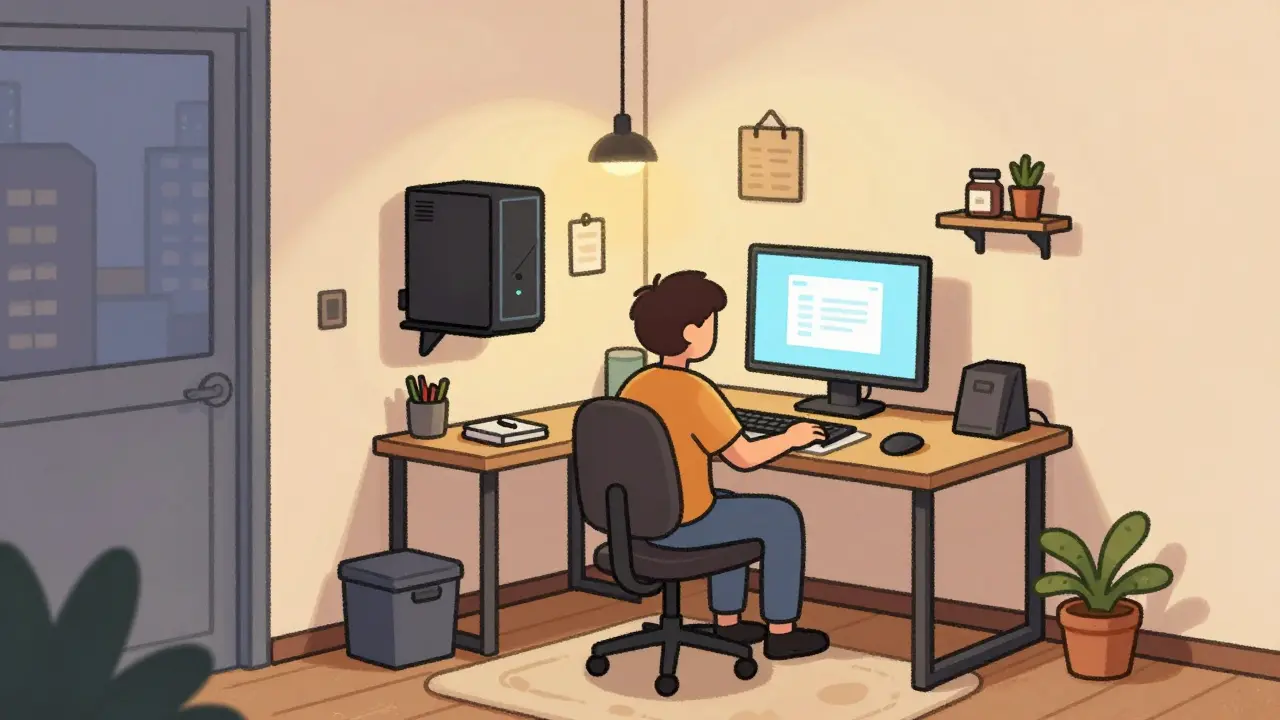
The Challenge of the Tiny Studio
If you live in a city like Dublin, you know real estate is tight. Renting a dedicated studio space just isn't feasible for many creators starting out. The good news is that high-quality content doesn't require a mansion; it requires clever engineering of what you have. You can build a professional streaming setup that maximizes every inch of your floor plan. Many people assume they need a large room for acoustic treatment and lighting grids, but modern technology allows us to shrink the footprint significantly without losing fidelity.
Literally Going Vertical With Gear
When floor space is non-existent, you must look up. Standard desktop PCs are notoriously wide and deep, eating up valuable desk real estate needed for mixing decks or camera controls. Consider using a vertical PC case mount. By suspending your tower on the side of a monitor stand or even a wall, you reclaim the entire depth of the desk surface. This isn't just about aesthetics; it frees up room for essential peripherals like your audio interface.
A vertical computer mount rotates the case so the motherboard runs parallel to the wall rather than sticking out into the room. For smaller builds, Mini-STX or Micro-ATX cases can fit underneath a monitor or sit vertically beside a chair without getting knocked over. Combine this with a monitor arm mounted directly to the back of your desk edge or a heavy-duty desk clamp. This clears the desk surface entirely, creating a clean zone for your streaming essentials.
Lighting Without the Stand Clutter
Traditional ring lights usually come with bulky tripods that take up precious square footage. Instead, invest in lighting fixtures designed for mounting. A continuous panel light or LED ring light with a standard cold shoe mount can attach directly to a camera hotshoe, a desk lamp head, or even a wall bracket.
| Light Type | Footprint Size | Mounting Method | Ideal For |
|---|---|---|---|
| LED Desk Lamp | Negligible | Clamp to Desk Edge | Face illumination |
| Panel Light | Small | Ceiling Track | General Room Fill |
| SMD Ring Light | Medium | Camera Hotshoe | On-Camera Subject |
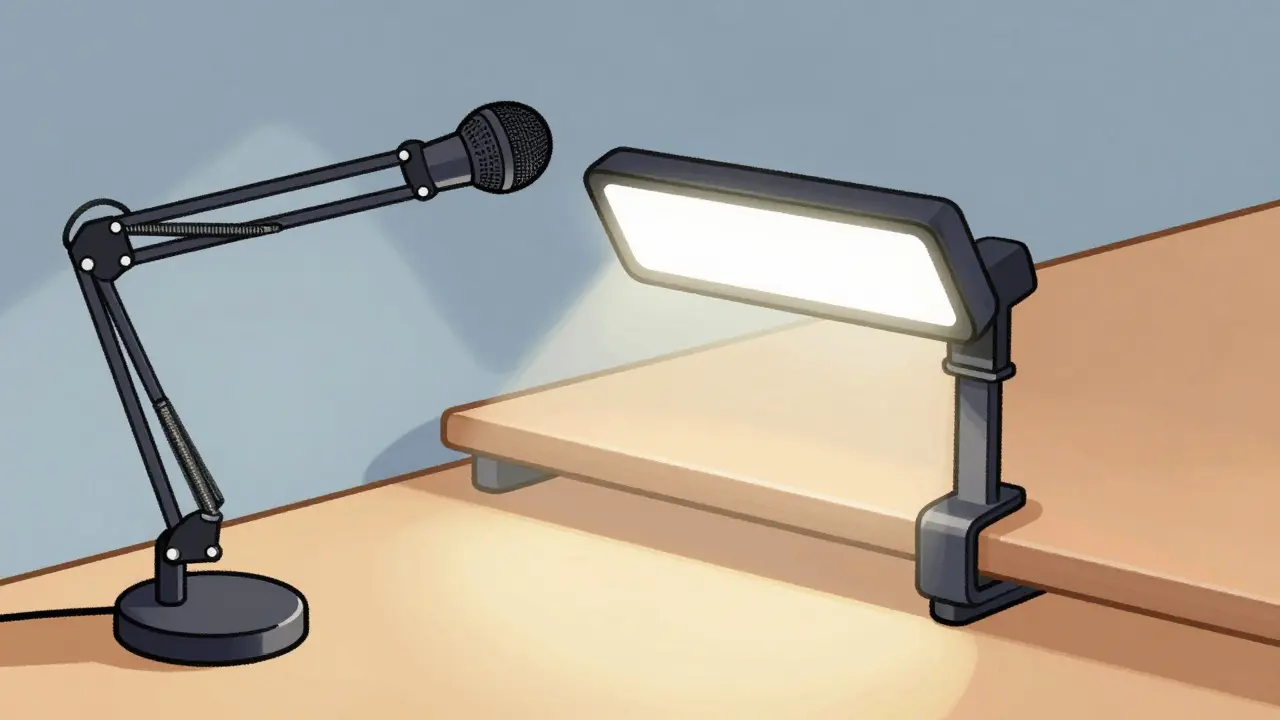
For those with very low ceilings, ceiling-mounted track lighting is a game-changer. It eliminates the legs of light stands entirely. You simply run power cords through cord channels to avoid tripping hazards. If wall mounting isn't an option, clamp-on mini-lighting solutions that attach to the edge of your table offer directional light without consuming surface area. Always choose wireless dimmers so your control buttons don't clutter the cable mess below.
Audio That Doesn't Occupy Floor Space
Microphone stands are another common culprit for tripping hazards in narrow hallways leading to your stream room. Switch to a boom arm microphone mount attached to your desk or the wall. These allow you to pull the mic close for recording and tuck it away flat against the furniture when not in use.
Audio Interface is the bridge between analog mics and digital computers. A compact unit like a 2-channel USB audio mixer can often sit behind the monitor on the same shelf, connected via hidden cables. This prevents the interface from taking up prime typing space on the keyboard tray. Furthermore, utilizing noise-cancelling software reduces the need for expensive acoustic foam panels covering every inch of your wall. You achieve clarity through digital processing rather than massive room treatments.
Cable Management Is Key to Comfort
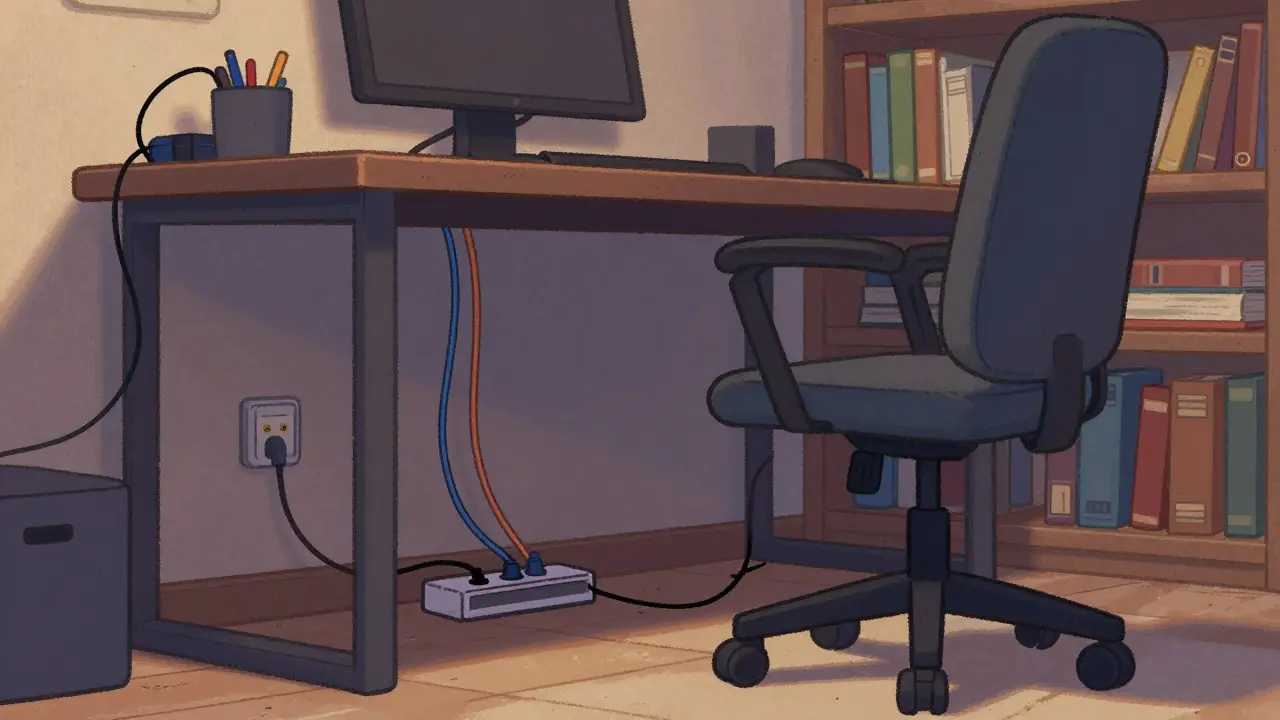
In a confined room, loose wires become obstacles. They tangle feet and get pulled by pets or chairs. Invest in a full-length wire grommet for your desk. Run every HDMI, USB, and power cable through the grommet down to a central power strip mounted underneath the desk frame. This creates a singular "spine" of wiring that stays out of sight.
Velcro ties are superior to zip ties because they are reusable and softer on sensitive device ports. Label your cables near the connection points using heat-shrink markers or simple tape. In a small space where access might be rare once set up, knowing which cable powers your capture card versus your camera saves minutes of troubleshooting panic during a live show.
Virtual Scenarios vs. Physical Backdrops
Dedicated green screen corners require significant wall space for a seamless look and often involve heavy support frames. If you lack this corner, virtual backgrounds offer a solution. Modern webcam AI segmentation handles background removal surprisingly well without chroma key material. However, keep in mind that lighting separation is still required.
Achieve this by placing your ambient room light slightly off-camera and keeping your key light focused on your face. If you do decide on a physical backdrop, consider collapsible fabric frames instead of rigid PVC ones. These roll down into a thin tube that hides inside a wardrobe when not in use. Alternatively, position a bookshelf filled with books and decor directly behind your chair. The depth of a bookcase provides texture and visual interest that a flat wall lacks, all while serving as actual storage.
Software Optimization for Hardware Limits
Your physical gear dictates your limits, but software efficiency extends them. Using OBS Studio or Streamlabs Desktop efficiently means running fewer resource-heavy overlays. Heavy browser sources can spike CPU usage, forcing you to lower video bitrate to prevent stutter. This affects the viewer experience regardless of your room size.
Optimize your workflow by creating pre-built scene collections. Don't leave all windows open on your desktop. Use virtual desktops built into Windows or macOS to separate your gaming environment from your chat monitoring environment. This reduces the load on your RAM and keeps the system responsive. When you are streaming from a single machine that also runs the game, minimizing background processes ensures your encoding thread gets priority bandwidth.
Can I stream professionally from a bedroom?
Yes, many top-tier creators started in bedrooms. The key is isolation. Use curtains to block street noise and light pollution. Position your camera so it faces a neutral wall or a tidy bookshelf rather than a messy bed. High-quality audio often matters more than room size, so prioritize your microphone investment over expensive furniture.
What is the most space-saving camera mount?
A monitor-top clip mount is the most efficient choice. It clamps directly to the LCD bezel, raising the camera to eye level and requiring no floor tripod or desk clamp space. Some models fold completely flat against the screen when not in use.
How do I hide cables in a rental apartment?
Since you likely cannot drill holes for conduit, use adhesive cable raceways. They stick to paint and wood but can be removed carefully later. For floors, rug grippers hold cables tightly under carpets so they don't bunch up. Painted cable sleeves in matching colors also help blend wires into baseboards visually.
Do I really need a capture card for my console?
For high-definition gameplay, yes. Direct USB capture from consoles is often limited in resolution and frame rate. A small USB capture card connects internally to save port space and ensures the highest quality input before it reaches your streaming software.
How do I manage heat in a small room?
Running a PC and multiple lights generates heat. Ensure airflow around your vertical PC mount isn't blocked by walls. Keep your laptop vents clear if acting as the main encoder. A portable cooling fan directed at the hardware, not the person, helps prevent thermal throttling during long sessions.