
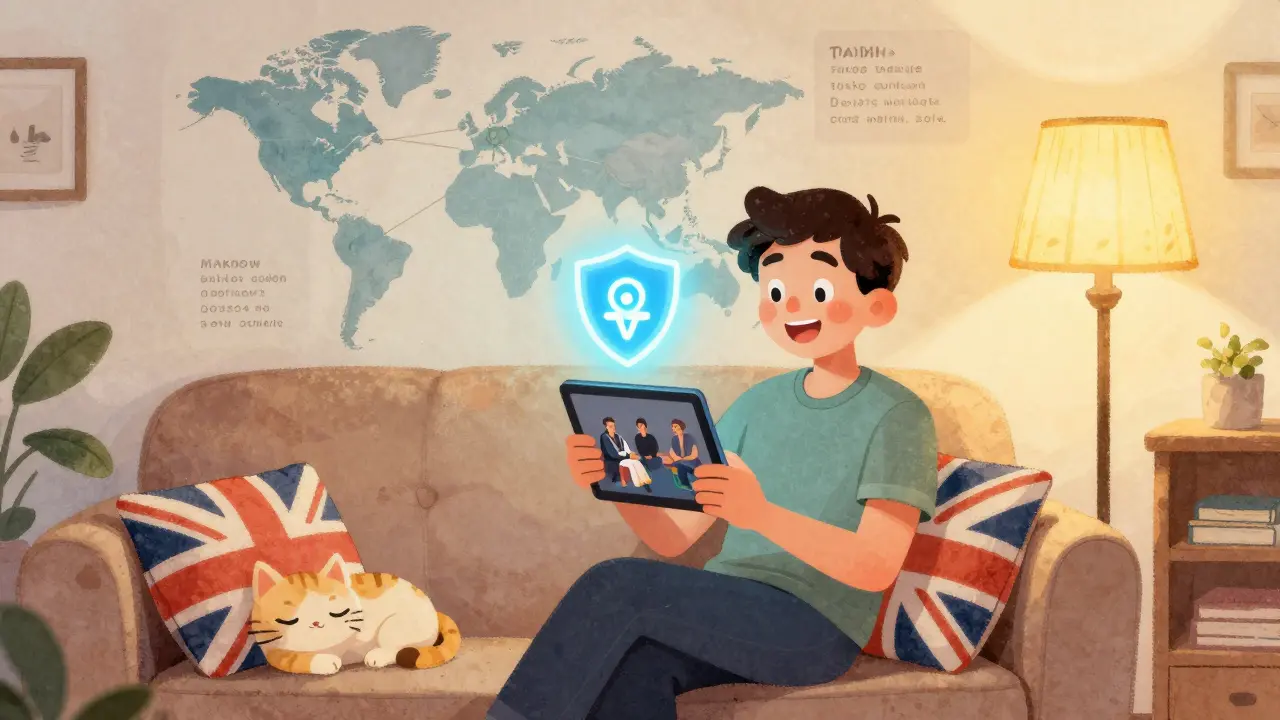
Living abroad doesn’t mean you have to lose touch with the shows, movies, and news that feel like home. Whether you’re in Tokyo, Toronto, or Tbilisi, the same sitcoms, local news broadcasts, and regional sports channels you grew up with are still out there-just blocked by geography. The good news? You can get them back. It’s not magic, and it’s not illegal. It’s just knowing how streaming services work and what tools actually deliver.
Why Your Favorite Shows Disappear When You Travel
When you sign up for Netflix, Hulu, or BBC iPlayer at home, you’re not just paying for content-you’re paying for a license to watch it in a specific country. These licenses are bought by studios and networks based on region. A show that airs on Channel 4 in the UK might be licensed to a different platform in Canada or Australia. So when you travel, the service detects your new location and swaps your library for whatever’s legal there.
This isn’t about blocking you. It’s about copyright law. A British expat in Germany can’t legally stream ITV shows through their UK account because ITV doesn’t own the rights to show those programs in Germany. The system isn’t broken-it’s just designed to protect regional deals. But that doesn’t mean you’re stuck with foreign content you don’t care about.
What Works: Real Solutions That Actually Deliver
There are three reliable ways to get your home content abroad: using a VPN, setting up a home streaming box, or subscribing to international versions of services.
VPN is the most common fix. A Virtual Private Network hides your real location by routing your internet through a server in your home country. When you connect to a UK-based server, Netflix thinks you’re in London. You see the UK library. You can watch BBC iPlayer, All 4, and ITVX like nothing changed. But not all VPNs work. Many streaming services now block known VPN IPs. Look for services like ExpressVPN, NordVPN, or Surfshark-they regularly update their servers to stay ahead of blocks. Test them before you leave. A free VPN won’t cut it. They’re slow, unreliable, and often flagged instantly.
Home streaming boxes like Roku, Apple TV, or Amazon Fire Stick are a quiet alternative. If you leave one plugged in at home, you can control it remotely using apps like TeamViewer or Chrome Remote Desktop. Set up a small, always-on device with your favorite apps logged in. Then, from your laptop or tablet abroad, connect to it and stream through the screen. It’s not perfect-you need a stable internet connection at home, and you can’t pause and resume on your device-but it’s secure, legal, and works even when VPNs fail.
International versions of services are growing. Disney+ offers different libraries in the U.S., Canada, and the UK. Amazon Prime Video has region-specific content too. If you’re in Australia, you might get British dramas through Amazon’s AU catalog. Check what’s available in your new country. Sometimes, you don’t need a workaround-you just need to switch subscriptions. Many expats subscribe to two services: one for local content, one for home content.
Live TV and Sports: The Hardest Part
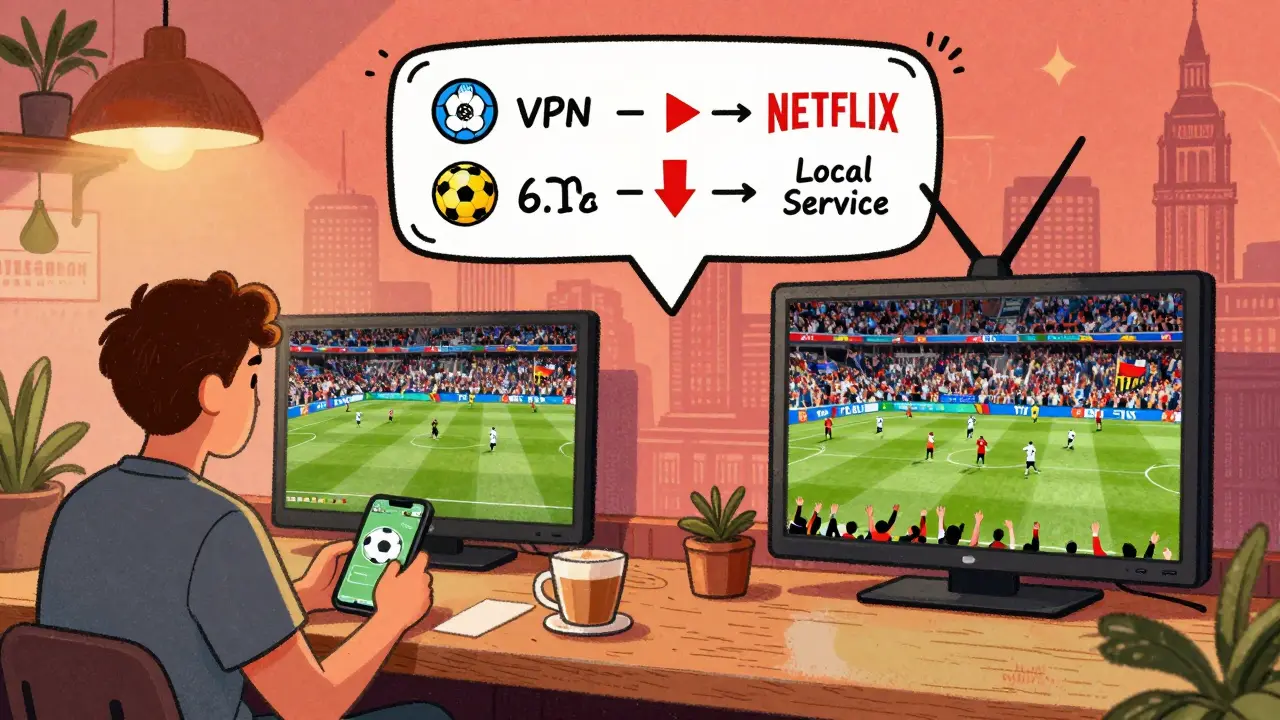
Live events are the toughest. Football matches, local news, and reality TV often come with strict broadcast rights. Sky Sports in the UK, Fox Sports in the U.S., or Channel 7 in Australia won’t let you stream live games abroad without a local subscription.
Here’s what works:
- Use your home provider’s app with a VPN. Sky Go and ESPN+ both allow mobile streaming if you’re logged in with your account credentials.
- Find local broadcasters that have rights to the same events. In many countries, international matches are shown on public channels or paid sports networks.
- Join expat groups on Facebook or Reddit. People often share links to legal live streams or local bars that show games.
For news, try the BBC World Service app or CNN International. They’re designed for global audiences and don’t change based on location. Local radio apps like NPR or ABC Radio also work overseas.

What Doesn’t Work (And Why You Should Avoid It)
Some people try piracy sites, free streaming apps, or hacked accounts. These are risky. They’re often filled with malware. Your personal data can get stolen. Your home account could get suspended. And in some countries, streaming copyrighted content illegally can lead to fines-even for expats.
Also avoid “unblocking” browser extensions. They’re easy to install, but they rarely work anymore. Streaming services now detect them instantly. You’ll get a message like “This content isn’t available in your region,” even if you think you’re connected.
And never share your account with strangers. Many services now limit the number of devices or locations you can stream from. If your account gets flagged, you could lose access entirely.
Setting It Up: A Simple Checklist
Before you leave, do this:
- Choose your main streaming services: Netflix, Hulu, BBC iPlayer, etc.
- Test your VPN with each service. Make sure you can access your home library.
- Download the apps for your home services on your phone, tablet, and smart TV abroad.
- Set up a home streaming box and test remote access. Keep it powered on.
- Find out what local streaming options are available in your new country.
- Write down your login details and keep them in a secure password manager.
Do this two weeks before you move. That gives you time to troubleshoot. Don’t wait until you’re in a new time zone with no Wi-Fi.
Costs and Subscriptions: What You’ll Actually Pay
You don’t need to pay for ten services. Most expats manage with two or three:
- VPN: $7-$12/month (ExpressVPN, NordVPN, Surfshark)
- Home streaming service: $10-$18/month (Netflix, Hulu, etc.)
- Local streaming service: $8-$15/month (for local shows and news)
That’s roughly $25-$45 a month total. Compare that to paying for cable TV abroad-often $80+ a month. And you’re not locked in. You can cancel any service anytime.
Some services offer discounts for students or long-term subscriptions. Check if your home provider has an expat plan. Sky and BT Sport sometimes offer reduced rates for overseas customers.
What to Do When It Breaks
Even the best setup can glitch. Here’s what to try:
- Switch VPN servers. Try a different city in your home country.
- Restart your router and device.
- Clear the cache on your streaming app.
- Log out and back into your account.
- If you’re using a home streaming box, check if your home internet is down.
If nothing works, check forums like Reddit’s r/Expat or r/Streaming. Someone else has probably had the same issue. There’s always a fix.
It’s Not Just About Entertainment-It’s About Feeling at Home
Streaming your home content isn’t just about watching your favorite show. It’s about hearing your accent on the news, seeing the same ads for local bread or buses, catching up with friends who talk about the latest episode. It’s the small things that make a foreign place feel less foreign.
People move abroad for jobs, love, or adventure. But they stay because they find a rhythm. And part of that rhythm is staying connected to the culture that shaped you. With the right tools, you don’t have to choose between a new life and the old one. You can have both.
Can I use a free VPN to stream my home content abroad?
Most free VPNs won’t work. Streaming services like Netflix and BBC iPlayer actively block free VPN IPs because they’re slow, overcrowded, and easily detected. Even if you get connected, the video will buffer constantly or cut out mid-show. For reliable streaming, you need a paid service with dedicated servers-like ExpressVPN or NordVPN-that updates its IP addresses regularly.
Is it legal to use a VPN to access home streaming services abroad?
Using a VPN is legal in most countries, but violating a streaming service’s terms of service isn’t. Most platforms, including Netflix and Hulu, prohibit using VPNs in their user agreements. They can suspend your account if they catch you, but they rarely take legal action against individuals. As long as you’re not downloading or redistributing content, you’re not breaking copyright law-just the platform’s rules.
Why can’t I watch my local news channel overseas?
Local news channels like CNN, BBC, or Channel 4 often restrict live streaming to specific countries due to broadcasting rights. Even if you have a subscription, the app will block access outside your home region. The solution is to use a VPN to appear as if you’re still in your home country, or subscribe to the international version of the channel, like BBC World News or CNN International, which are designed for global audiences.
Do I need a separate device to stream from home?
You don’t need a separate device, but having one helps. A Roku, Apple TV, or Fire Stick left at home lets you stream your content remotely using apps like TeamViewer. It’s more reliable than a VPN because you’re not bypassing region locks-you’re accessing your own device. Just make sure your home internet is stable and the device stays powered on.
Can I use my home account on multiple devices abroad?
Yes, most services allow 2-4 simultaneous streams. But if you’re streaming from multiple countries at once, the platform might flag your account. Stick to using your account from one location at a time. If you’re traveling with family, use a single device connected via VPN rather than logging in from five different phones.
What’s the cheapest way to stay connected to home TV?
The cheapest way is to combine a low-cost VPN (Surfshark starts at $2.49/month) with one home streaming subscription (like Netflix at $6.99/month). Skip expensive cable packages abroad. Use free international news apps like BBC News or NPR. For sports, check if your local broadcaster has rights to the games you want-many do, and they’re often cheaper than international subscriptions.
If you’re planning to move abroad, don’t wait until you’re there to set this up. Test your setup now. Try a free trial of a VPN. Download the apps. Ask other expats what works. The right tools make the world feel smaller-and your home feel closer.