
Grandparent Mode: How to Make Streaming Safe and Simple for Older Users
When your grandparents or older relatives start using smart TVs or streaming devices, they don’t need a maze of menus, pop-up ads, or surprise subscriptions. That’s where grandparent mode, a simplified interface designed to make streaming easy and safe for older users. Also known as senior mode or easy mode, it strips away complexity so someone who’s never touched a remote with more than five buttons can still find their favorite shows. It’s not just about bigger text—it’s about removing fear. No more accidentally buying a movie, stumbling into adult content, or getting stuck on a loading screen because a pop-up won’t disappear.
Many modern streaming platforms and devices now include built-in tools that act like grandparent mode. Fire TV Kids Mode, a feature on Amazon Fire TV that locks apps and blocks purchases with a PIN works just as well for seniors. It doesn’t matter if they’re 8 or 80—if they can’t accidentally spend money or open the wrong app, they’ll feel more confident. Same goes for COPPA, a U.S. law that forces apps to limit data collection from children. While it was made for kids, its rules mean many apps already have simple, ad-free, purchase-free versions that work perfectly for older adults too. You don’t need fancy gadgets. Just turn on the built-in safety features, hide the apps they won’t use, and set a PIN. That’s it.
Some people think grandparent mode is just a gimmick. But if you’ve watched someone struggle to pause a show because the remote has 30 buttons, or seen them get scared by a pop-up that says "Your device is infected," you know it’s a necessity. Streaming companies know this too. That’s why services like Peacock, NBCUniversal’s streaming service with a free tier and easy navigation, and Paramount+, a platform with live sports and news that’s simple to browse don’t bury their best content under layers of menus. They know their users aren’t tech experts. And that’s the point.
What you’ll find in this collection are real, step-by-step guides on how to set up grandparent mode on Fire TV, Roku, Apple TV, and more. You’ll learn how to block ads, disable voice assistants that keep misunderstanding commands, and create a single-home screen with just the apps they actually watch. No jargon. No tech talk. Just clear fixes that work the first time. Whether you’re helping your mom watch Netflix without panic or your dad enjoy classic films without getting lost, these tips make streaming feel like flipping a channel—not solving a puzzle.
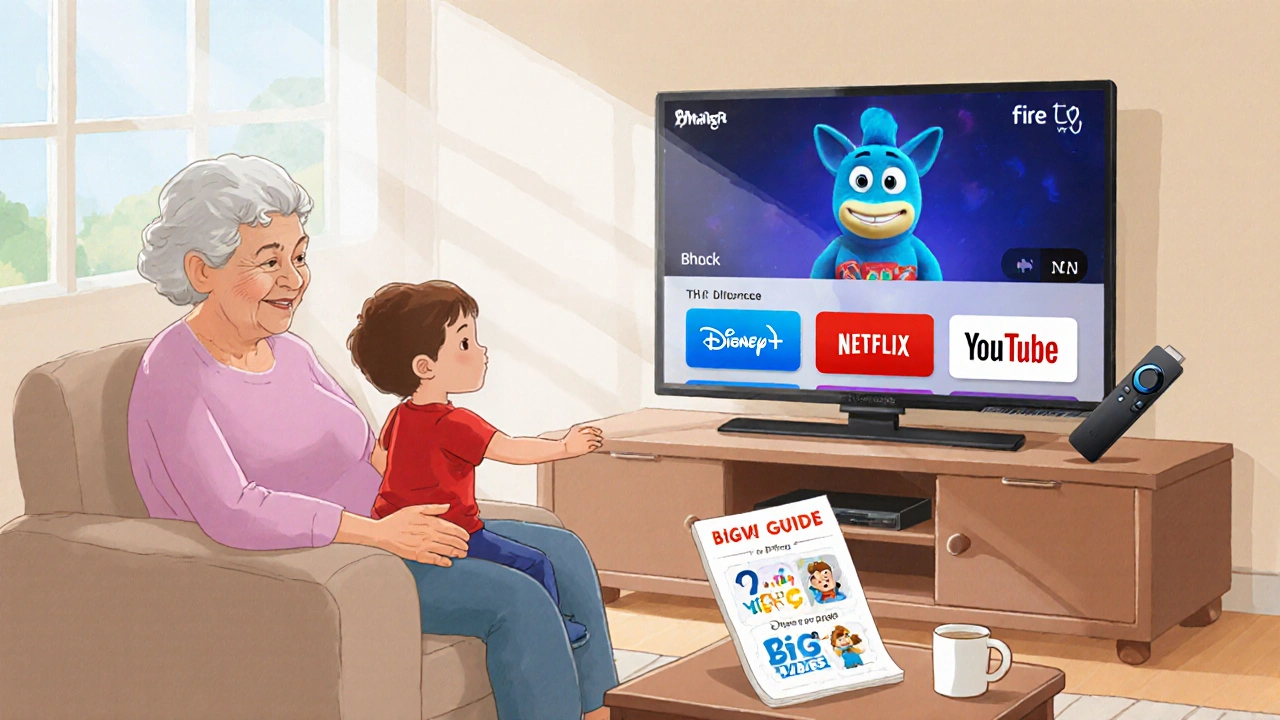
Grandparent Mode: Simple Streaming Setup for Babysitting Visits
Set up a simple, safe streaming experience for grandparents babysitting kids. No apps, no passwords-just one-click cartoon access on Netflix, Disney+, and YouTube.