

If you’re a WWE fan, you know the big moments don’t happen on regular TV. The pay-per-view main events, Royal Rumbles, and SummerSlams? Those are locked behind WWE Premium Live Events - and they’re all on Peacock now. No more buying individual PPVs. No more juggling multiple apps. Just one subscription, one login, and access to every major WWE show live.
What You Get with WWE on Peacock
Since 2021, Peacock has been the exclusive home for WWE’s biggest events in the U.S. That means every Premium Live Event - including WrestleMania, SummerSlam, Survivor Series, and Royal Rumble - streams live on Peacock. You also get the full WWE library: every episode of Raw and SmackDown since 2021, plus classic shows like Monday Night Wars, Attitude Era classics, and ECW archives.
Peacock’s WWE package isn’t just about live events. It includes exclusive behind-the-scenes content, original documentaries like WWE 24, and weekly highlights shows. If you want to relive Stone Cold’s best promos or watch The Rock’s debut in real time, it’s all there.
How to Start Streaming WWE on Peacock
Getting started is simple. You don’t need a cable box or a satellite dish. Just follow these steps:
- Go to peacocktv.com or download the Peacock app on your phone, tablet, smart TV, or streaming device.
- Create a free account or sign in if you already have one.
- Choose a plan. You need Peacock Premium - the $5.99/month ad-supported version or $11.99/month ad-free. The free tier doesn’t include WWE content.
- Once you’re subscribed, search for "WWE" in the app or click the WWE hub on the homepage.
- Find the next live event - it’ll show up with a "LIVE" badge and countdown timer.
Pro tip: Set a reminder in your calendar. WWE events usually start at 7 p.m. ET on pay-per-view nights. Peacock sends push notifications if you enable them in the app settings.
Devices That Work With WWE on Peacock
Peacock runs on almost every modern device. You can watch WWE live on:
- Smart TVs (Samsung, LG, Sony, Vizio)
- Streaming sticks (Fire TV, Roku, Apple TV, Chromecast)
- Game consoles (PlayStation 5, Xbox Series X|S)
- Mobile devices (iPhone, Android phones and tablets)
- Computers (Windows, Mac, Chromebook)
Most devices support 4K HDR streaming if your internet speed is 25 Mbps or higher. For HD, 10 Mbps is enough. You can stream on up to three devices at once with one account.
How to Find Live Events on Peacock
It’s easy to miss the next big show if you don’t know where to look. Here’s how to find live WWE events fast:
- Open the Peacock app and tap the "WWE" tab on the bottom menu.
- Scroll to the "Live Events" section - it’s always pinned at the top.
- Click on the event to see start time, card details, and past results.
- Use the search bar and type "WrestleMania" or "Royal Rumble" to jump straight to the event page.
Peacock also sends email and app notifications 24 hours before each event. If you’re worried about forgetting, turn on notifications in your account settings under "Alerts."

What’s Not Included
Not everything WWE-related is on Peacock. Here’s what you won’t find:
- WWE NXT (aired on The CW network and streaming on WWE Network internationally)
- WWE 24/7 (a linear channel available on cable TV)
- WWE’s international PPVs (like WWE Super ShowDown in Saudi Arabia - these are handled by local partners)
- Older PPVs before 2021 (those are still on the WWE Network app outside the U.S.)
If you’re outside the U.S., Peacock isn’t available. You’ll need to use the WWE Network app or your local broadcaster. In Canada, for example, it’s on Sportsnet+.
Cost Comparison: Peacock vs. Traditional PPV
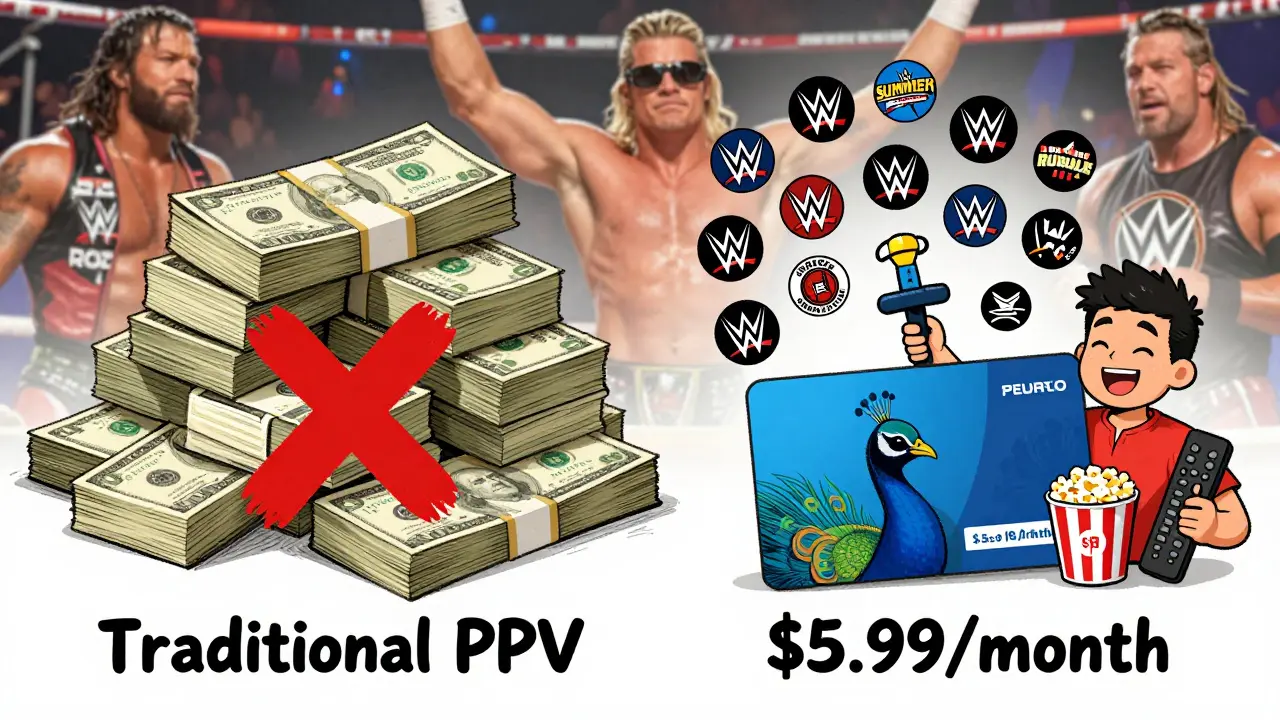
Before Peacock, buying a single WWE PPV cost $74.99. That’s more than most monthly streaming subscriptions.
Here’s how the math breaks down:
| Option | Cost per Month | Events per Year | Total Annual Cost |
|---|---|---|---|
| Peacock Premium (ad-supported) | $5.99 | 12+ (including Raw, SmackDown, and 6 PPVs) | $71.88 |
| Peacock Premium (ad-free) | $11.99 | 12+ (including Raw, SmackDown, and 6 PPVs) | $143.88 |
| Traditional PPV (6 events) | N/A | 6 | $449.94 |
Even the ad-free Peacock plan saves you over $300 a year compared to buying each PPV separately. And you get 52 weeks of weekly shows, not just six big events.
Common Problems and Fixes
Most people get WWE on Peacock working without issues. But here are the top three problems and how to fix them:
- "I can’t find the live event" - Make sure you’re on the correct date and time. Events start at 7 p.m. ET. Use the countdown timer on the event page. If it’s not live yet, it’s not available.
- "The stream is buffering" - Check your internet speed. Use a wired connection if possible. Restart your router. Close other apps using bandwidth.
- "I’m being asked to pay again" - You’re likely not signed into the right account. Log out and back in. Make sure you’re on Peacock Premium. Free accounts can’t access live events.
If you’re still stuck, Peacock’s help page has live chat support. It’s available 24/7 during major events.
Alternatives to Peacock
Peacock is the only legal way to stream WWE Premium Live Events in the U.S. But if you’re looking for other options:
- YouTube TV, Hulu + Live TV, FuboTV - These carry WWE Raw and SmackDown live, but not the Premium Live Events. They’re good if you only want weekly shows.
- WWE Network (outside U.S.) - Still available in Canada, the UK, Australia, and most other countries. It’s a separate app and costs $9.99/month.
- Illegal streams - Avoid them. They’re unreliable, often full of malware, and can get your IP flagged. Plus, you’re not supporting the wrestlers or the show.
Stick with Peacock. It’s the official, safe, and cheapest way to get every WWE event in high quality.
When to Subscribe
Peacock often runs promotions. Right now, new subscribers can get the first month for $1.99. That’s a great deal if you’re planning to watch WrestleMania in April. You can cancel anytime, so there’s no risk.
Keep an eye out for Black Friday, Cyber Monday, and WWE’s own anniversary sales. They sometimes bundle Peacock with other NBCUniversal services like USA Network or E!.
If you’re a casual fan, you can wait until a big event is coming up, sign up just for that month, and cancel after. Most people do it that way.
Is WWE on Peacock free?
No. WWE Premium Live Events and the full WWE library require a Peacock Premium subscription. The free tier of Peacock does not include any WWE content.
Can I watch WWE on Peacock outside the U.S.?
No. Peacock is only available in the United States. If you’re outside the U.S., you’ll need to use the WWE Network app or your local broadcaster. In Canada, it’s Sportsnet+. In the UK, it’s TNT Sports.
Do I need to pay extra for each WWE event on Peacock?
No. Once you have a Peacock Premium subscription, all WWE Premium Live Events - including WrestleMania, SummerSlam, and Royal Rumble - are included at no extra cost.
Can I download WWE events to watch offline?
Yes. The Peacock app lets you download most WWE shows and past events for offline viewing. Live events cannot be downloaded - you need to stream them as they happen.
What’s the difference between Peacock Premium and Peacock Premium Plus?
Peacock Premium costs $5.99/month and includes ads. Peacock Premium Plus costs $11.99/month and is ad-free. Both include full access to WWE content. The only difference is whether you see commercials during shows.
Final Thoughts
WWE on Peacock isn’t just a streaming option - it’s the best way to follow the sport today. You get every live event, every classic match, and every backstage moment in one place. For less than the price of one old-school pay-per-view, you get a year’s worth of wrestling. If you care about WWE, this is the only subscription you need.