
Dual-Band Wi-Fi: Faster Speeds, Less Interference, Better Streaming
When you connect to dual-band Wi-Fi, a wireless network that transmits data on two separate frequencies: 2.4 GHz and 5 GHz. Also known as dual-band router, it lets your devices pick the best signal for what they’re doing—whether it’s loading a movie or checking email. Most modern routers offer this, but not everyone knows how to use it right. And if you’re buffering mid-season finale, you’re probably not using it at all.
The 2.4 GHz band, the older, slower frequency that travels farther and passes through walls better. Also known as long-range Wi-Fi, it’s perfect for smart lights, thermostats, or your tablet in the backyard. But it’s crowded—microwaves, baby monitors, and neighbors’ Wi-Fi all fight for space here. That’s why your video keeps pausing, even when you’re just two rooms away from the router. Then there’s the 5 GHz band, the faster, cleaner frequency with more channels and less interference. Also known as high-speed Wi-Fi, it’s the go-to for 4K streaming, gaming, or video calls. But it doesn’t reach as far. If your living room is fine but the basement drops to zero, that’s normal. Dual-band Wi-Fi doesn’t mean you get both at once—it means you choose the right one for the job. Most devices switch automatically, but you can manually connect to each band in your settings. Try naming them differently: "Home-2.4" and "Home-5"—it makes it easier to pick the right one.
People think more bars means better speed. It doesn’t. It just means the signal is stronger, not cleaner. A strong 2.4 GHz signal can still buffer. A weak 5 GHz signal? Still faster and smoother than a crowded 2.4 GHz one. If you’ve got a new router, check your settings. Turn off "auto-select" and manually assign your Fire TV, Apple TV, or gaming console to the 5 GHz band. Leave your smart fridge and garage sensor on 2.4 GHz. That’s it. No extra cost. No new gear. Just smarter choices.
You’ll see this in the posts below: how to fix buffering on Peacock, why your Netflix cuts out during live sports, how to set up a streaming setup that doesn’t drop mid-episode. It’s not always about your subscription—it’s about your network. And if you’re using dual-band Wi-Fi the right way, you’re already ahead of most people who still think "Wi-Fi is Wi-Fi."
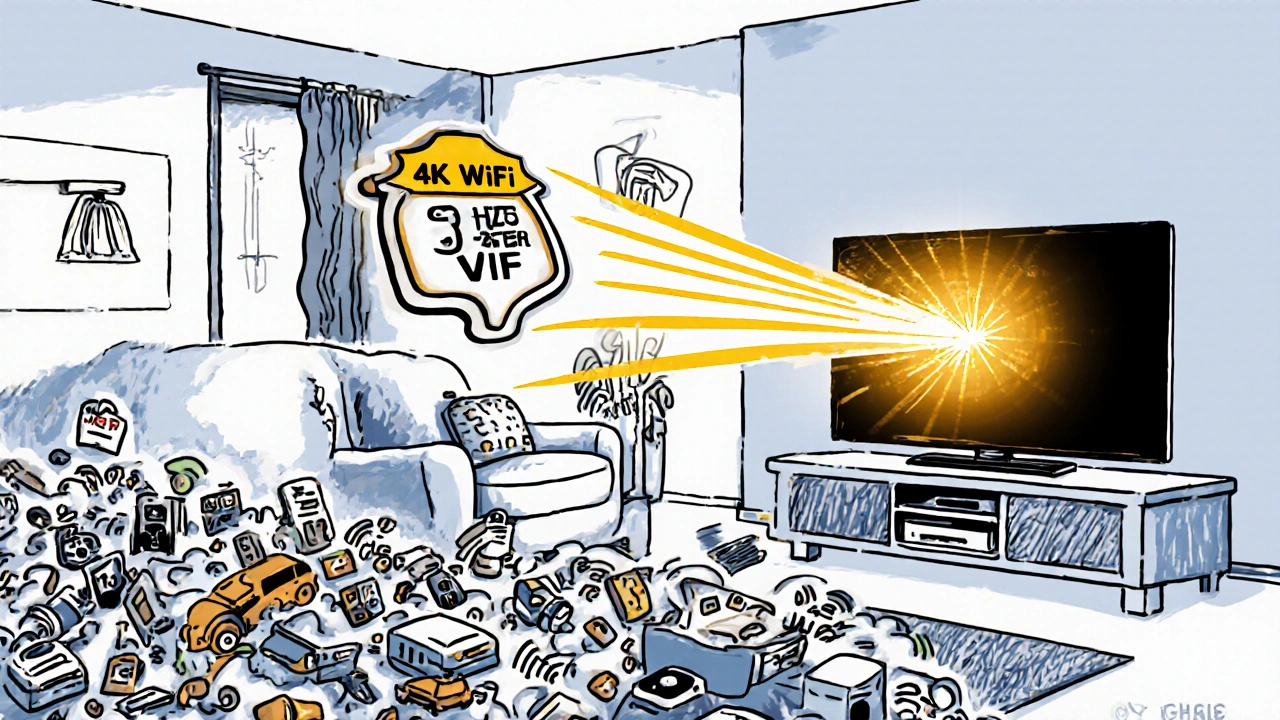
Separate SSIDs for Streaming: Create a Dedicated Network for Your TV
Create a dedicated Wi-Fi network for your TV using separate SSIDs to eliminate buffering and improve streaming quality. No new equipment needed - just smarter network settings.