
Low Budget Color Grading: How to Get Professional Looks Without the Price Tag
When you hear low budget color grading, the process of adjusting color and tone in video footage to create mood, consistency, and visual style with limited financial resources. Also known as DIY color correction, it’s how many indie filmmakers turn shaky phone footage into something that feels cinematic—without renting a grading suite or hiring a colorist. You don’t need a $10,000 DaVinci Resolve rig or a team of specialists. What you need is understanding—how light behaves, how contrast shapes emotion, and how a few simple tweaks can make your video feel expensive, even if your camera cost less than a good pair of headphones.
Color grading, the artistic adjustment of color and tone in post-production to enhance storytelling. Also known as color correction, it’s not just about making things look pretty. It’s about guiding the viewer’s eye, setting the tone, and reinforcing the story’s emotional weight. Think of natural light cinematography, using sunlight and ambient light to create cinematic images without artificial lighting. Also known as available light shooting, it’s often the foundation for low budget color grading. If you shoot during golden hour, you’re already halfway there. The warm tones, soft shadows, and rich contrast give you a head start. A quick tweak in free software like DaVinci Resolve (which has a free version) or even CapCut can turn those natural hues into something that feels like a Netflix original.
People think you need expensive LUTs, calibrated monitors, and color charts. But most of the time, you just need to know what to look for. Watch how Roma used muted blues and earth tones to ground its story in memory and quiet emotion. Or how City of God used high contrast and saturated reds to make chaos feel alive. Neither film had a big budget, but both had clear visual intent. That’s the real secret: low budget color grading isn’t about tools—it’s about intention. What feeling do you want to create? Cold and distant? Warm and nostalgic? Gritty and urgent? Pick one, then use basic tools to push your colors toward that feeling.
You can start today with your phone footage. Open any free editing app. Slide the shadows up, pull back the highlights, nudge the temperature a little warmer. Add a slight vignette. That’s it. No plugins. No presets. Just you, your eyes, and a story you care about. The best color grading isn’t the most complex—it’s the most honest. And that’s something no expensive software can buy you.
Below, you’ll find real examples from indie creators and filmmakers who made their visuals pop without a studio budget. From using free LUTs to fixing bad lighting with bounce cards, these guides show you exactly what works—no fluff, no jargon, just results.
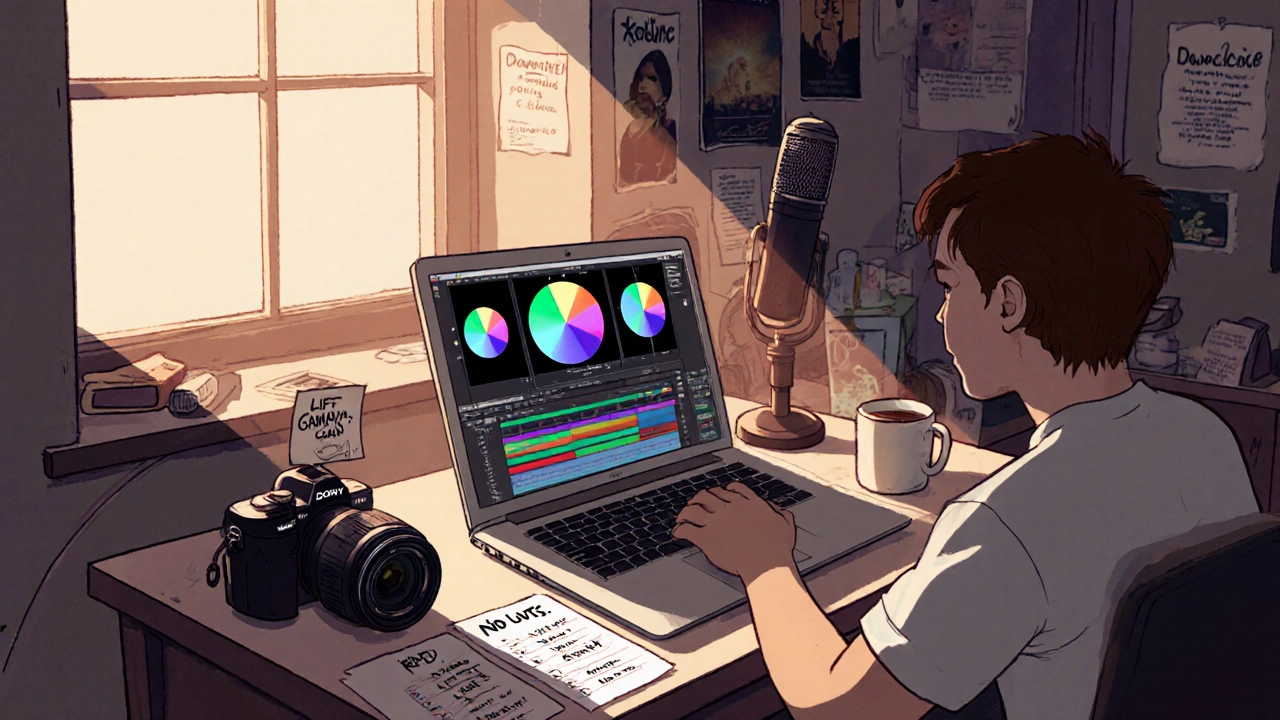
Post on a Budget: Color, Sound, and Deliverables Without Waste
Learn how to achieve professional color grading, sound design, and deliverables for your indie film without overspending. No waste. No fluff. Just smart, practical steps that work on any budget.